
How does technology transform the classroom experience?
The Clevertouch Ecosystem enables today's teaching professionals to focus their valuable time on creating life-changing learning experiences, with seamless technology that is as simple to operate as it is dynamic. Transform a lesson into an extraordinary event, empower students to interact, and discover the impact of immersive learning with the Clevertouch digital classroom.
Make ordinary lessons extraordinary with an interactive display.
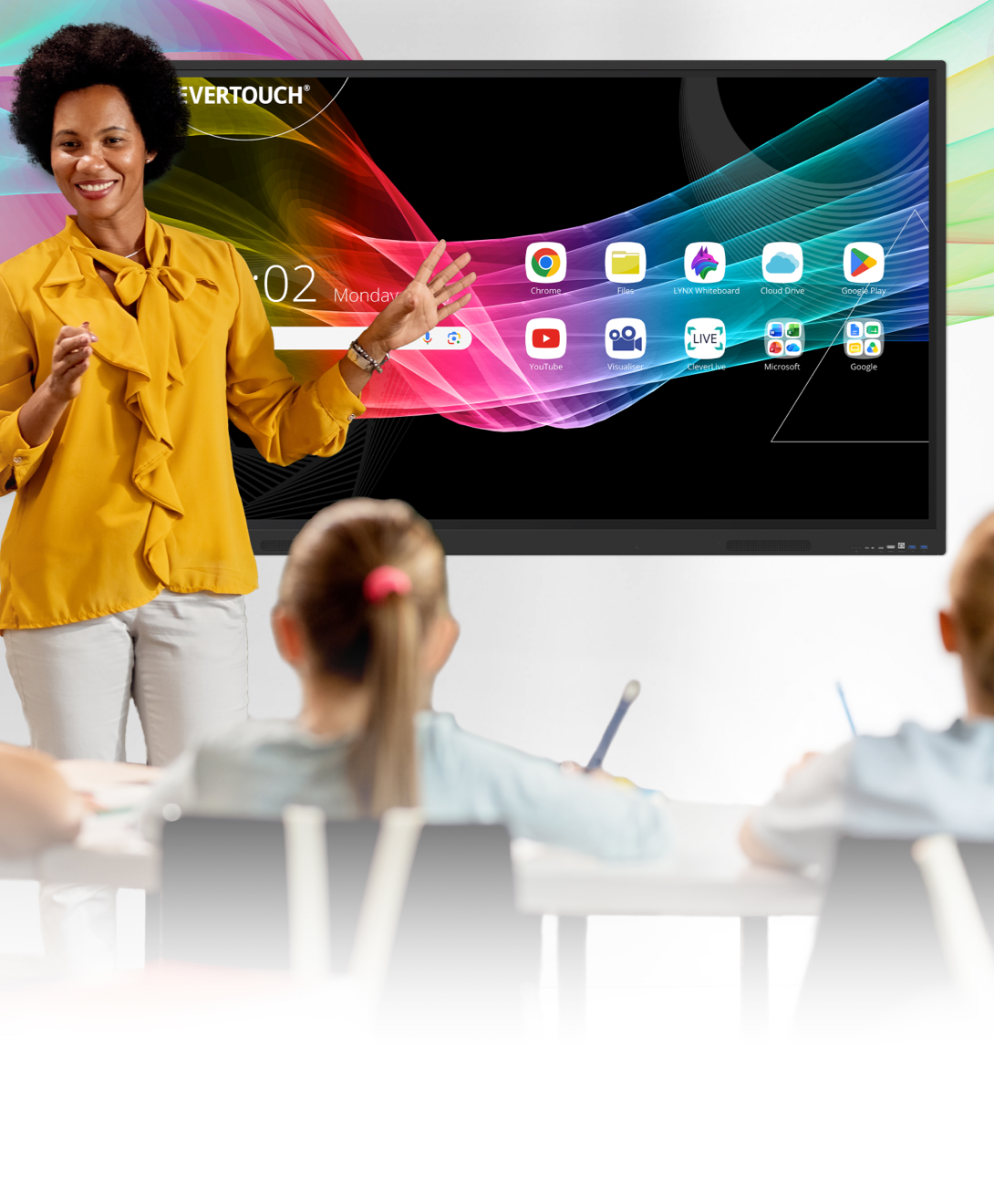
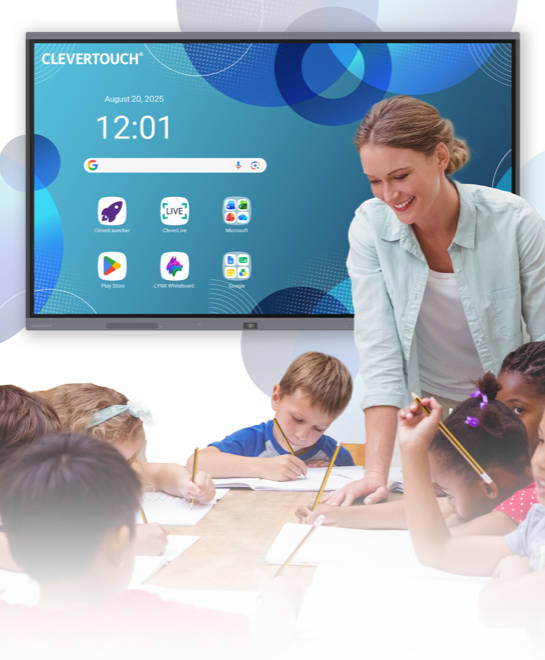
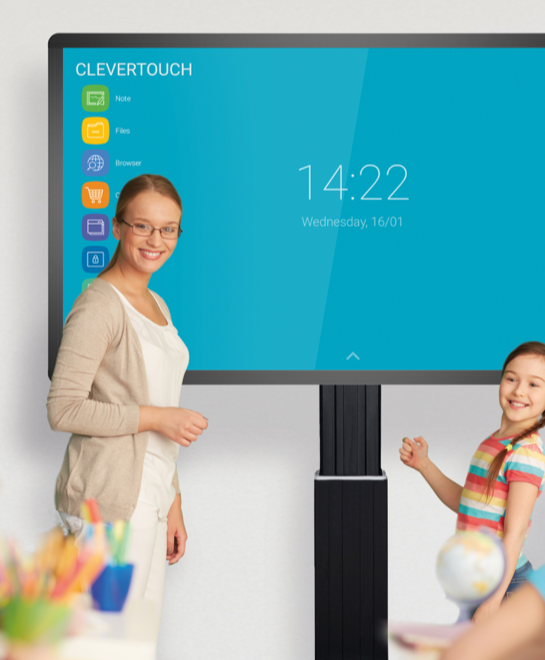
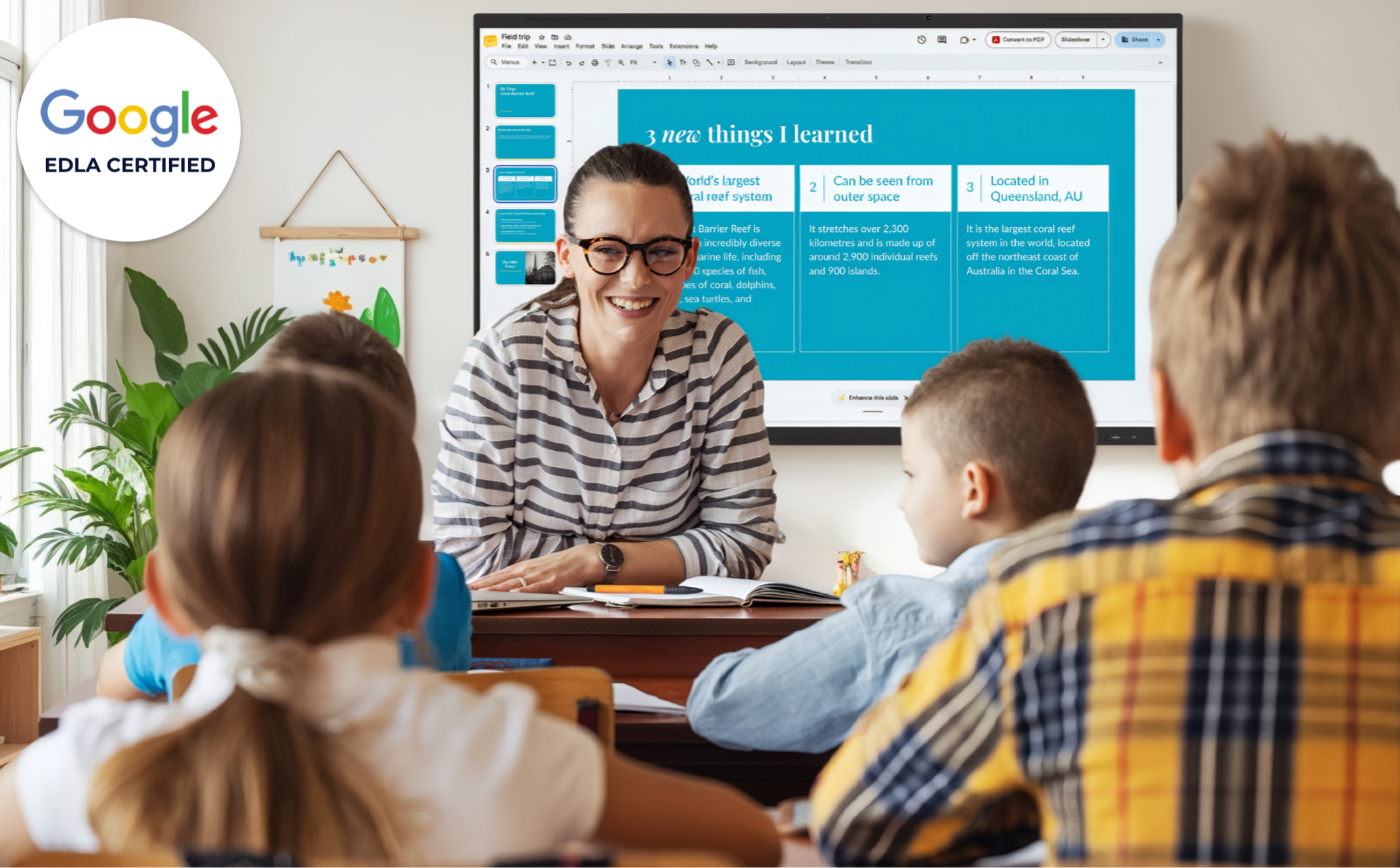
Google EDLA classroom display. Are you looking to boost classroom collaboration, engagement, and efficiency? With a Google EDLA interactive classroom display, teachers can access Google Workspace and Microsoft 365 apps directly from the screen. Open lesson materials instantly, work with students in real-time collaboration, and save your work to access later from any device. EDLA displays make lessons more interactive, inclusive, and easy to manage, all from one secure, high-performance display.
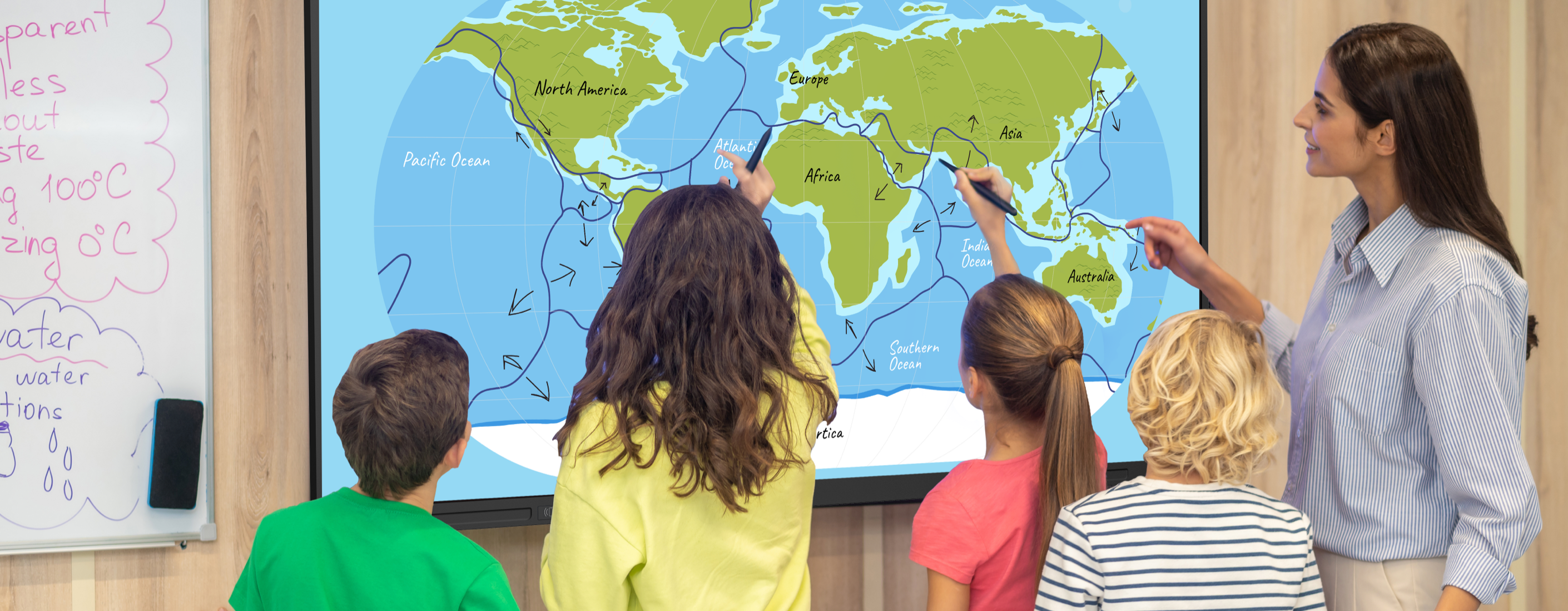
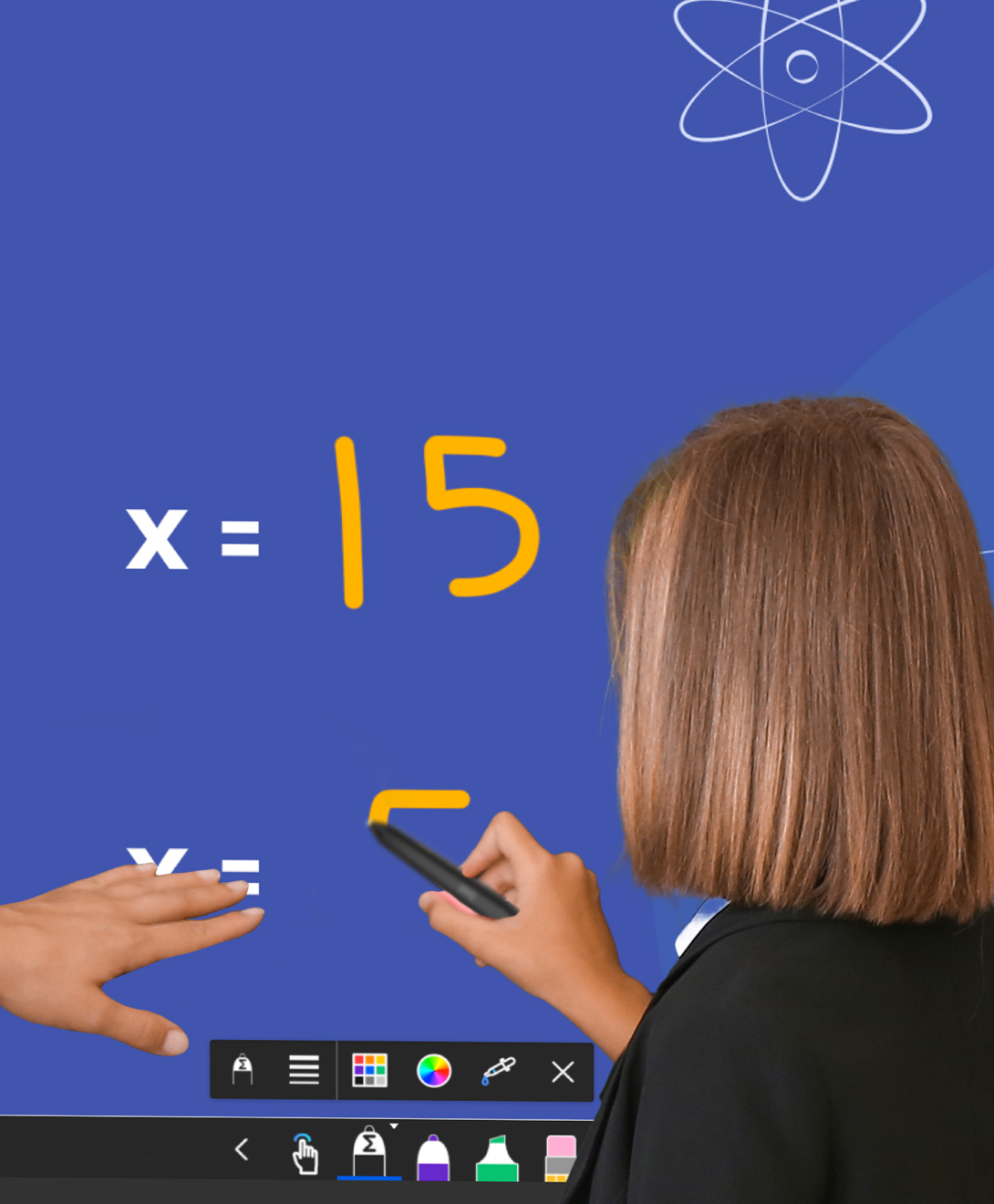
Real-time collaboration. Generate ideas and collaborate in real time on a large-format display. Annotate over any document, brainstorm securely, and save your work to return to another day. Our interactive displays offer the ultimate flexibility for group input and real-time collaboration and feature super glide touch technology and palm rejection for a pen-to-paper-style writing experience.
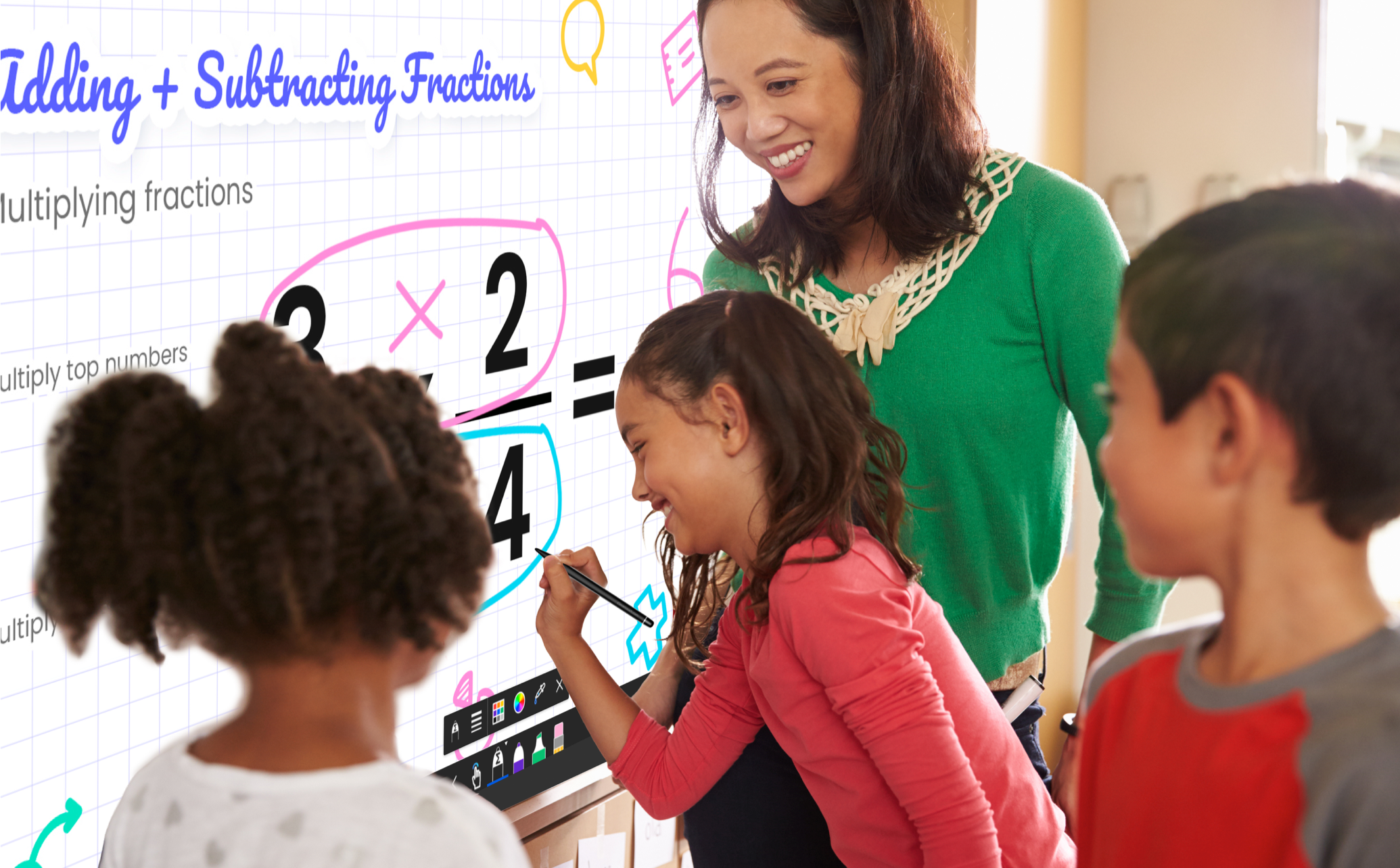
What can you do?
Write, draw, and annotate with pixel-perfect accuracy.
Display lessons, videos, and student work with Ultra HD 4K resolution.
Multiple touch points allow several students to interact with the display simultaneously.
Annotate over PDFs, slides, and documents in real-time for dynamic lessons.
Save collaborative work safely to the cloud and return to continue lessons.
Annotate over PDFs, slides, and documents in real-time, making lessons dynamic and interactive.
High-Precision Touch Technology enables you to write, draw, and annotate with pixel-perfect accuracy.
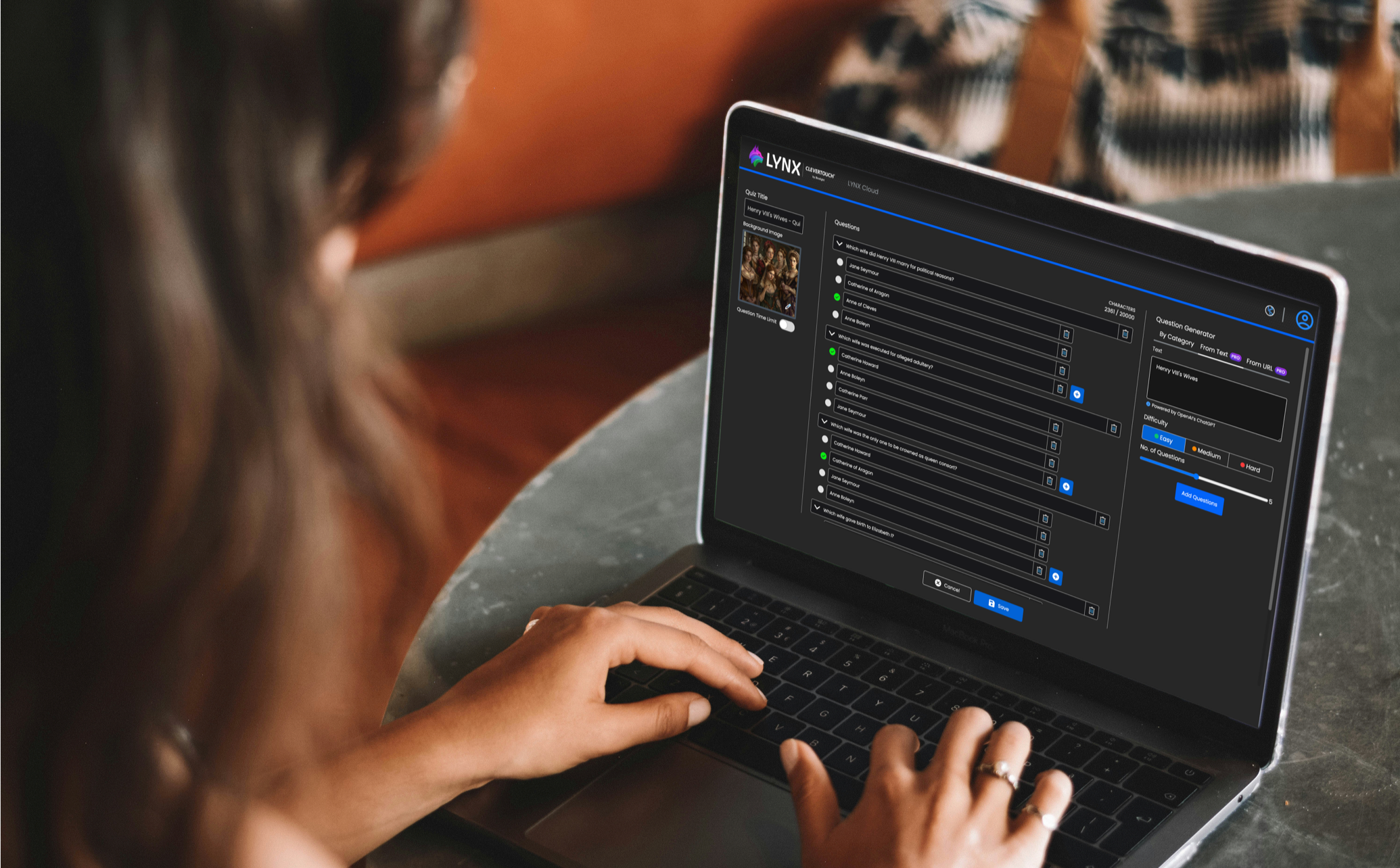
What can you do?
Log in to any Clevertouch display and access your custom lessons, resources, and settings, making every screen your personal teaching hub.
Work from anywhere with Google Workspace & Microsoft 365 integrations.
All classroom apps are stored securely in the cloud, allowing teachers to prepare, update, and deliver lessons from anywhere.
Start a lesson in one classroom and pick up right where you left off in another, supporting flexible schedules and shared teaching spaces.
Share lesson materials and resources in real-time with colleagues and students.
Accessibility for every learner.

Accessibility for every learner.
Did you know a Clevertouch interactive display supports accessible learning for students of all abilities? Our flat panel displays offer intuitive touch technology, height-adjustable display mounts, and are compatible with assistive devices and accessibility tools to help every learner participate in classroom activities.
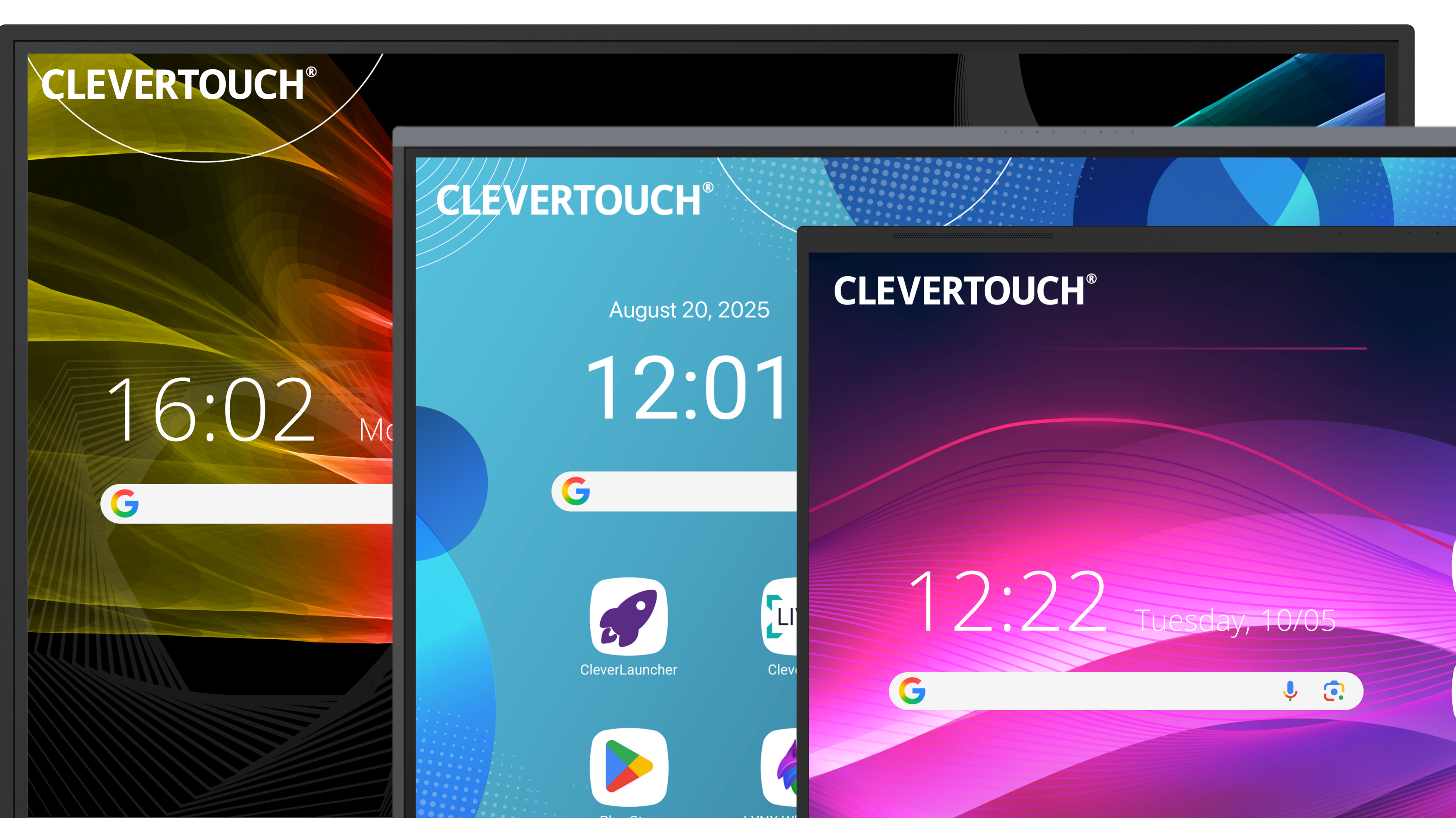
Compare Clevertouch interactive displays.
Choosing an interactive display is more than screen size and specs; it’s finding the right fit for your school’s teaching needs, IT capabilities, and long-term value. This comprehensive comparison guide from Clevertouch is designed for education leaders and IT decision-makers who want to make an informed, confident choice when selecting interactive classroom technology.
Loved by educators worldwide.
“What we really loved was the interactivity of the Clevertouch. Particularly the way that a teacher could annotate the teaching material during a lesson and have those notes saved straight into the Google shared drive for students to access.”
- Pleerna Borg, STEM coordinator, Horsley Park, Sydney, Australia
“Clevertouch was simply the best performing system, with great visibility in any light conditions and no time lag in operation. Because we’ve made sustainability a theme here at the school, the product’s central management system was a big thing too. Where traditional projectors were using up energy even on stand-by, we can make sure all the Clevertouch products are switched off at 4pm, saving us money and reducing our environmental impact.”
- Jack Garratt, Head of IT, Benton Park School
Captivating classroom lessons with LYNX Whiteboard.
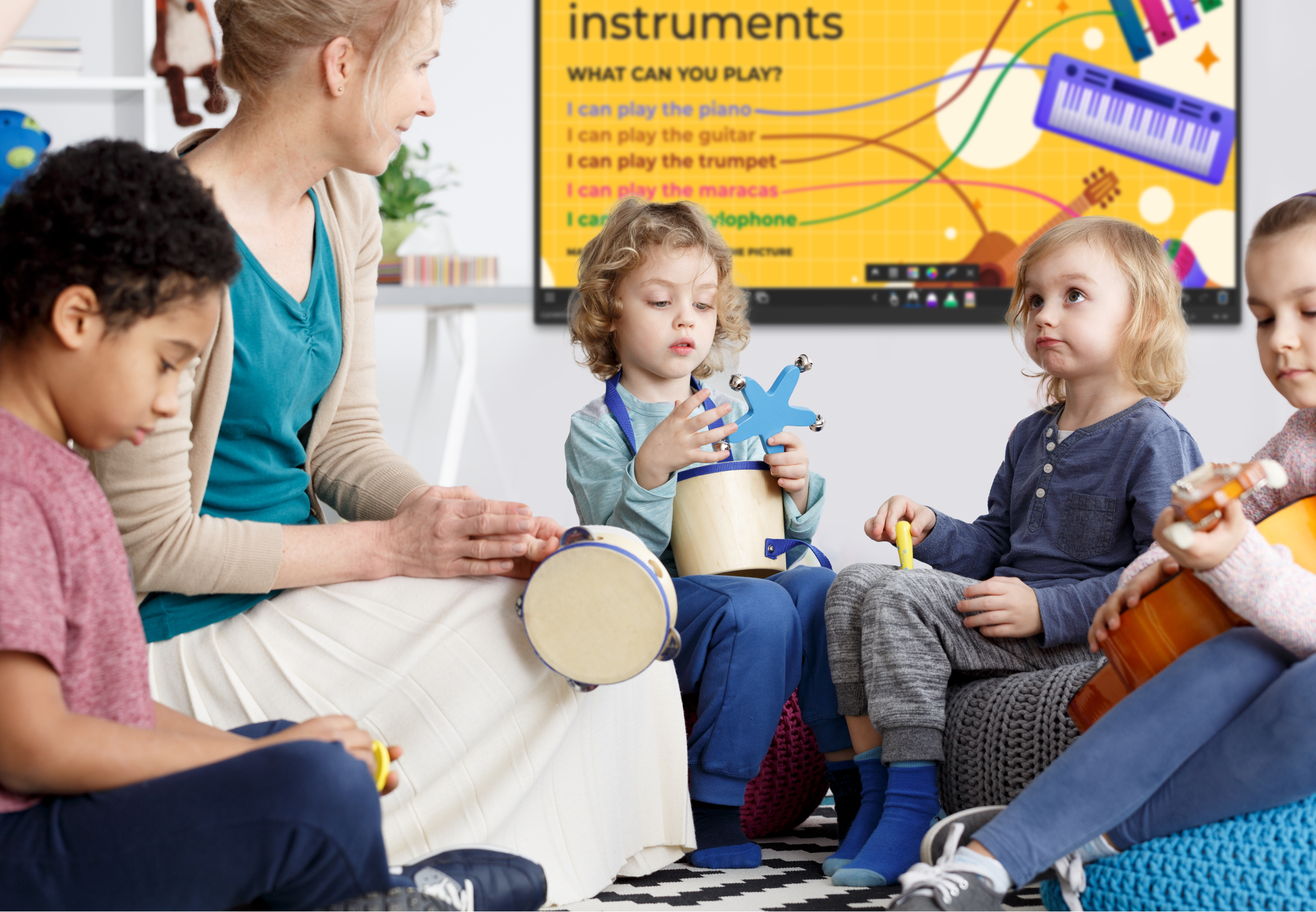
Captivating classroom lessons with LYNX Whiteboard.
LYNX Interactive Whiteboard encourages student collaboration with engaging content and seamless interaction. Designed for the classroom, kids love to get up and use the big screen. With handwriting recognition, math formula recognition, dice, maths tools, science tools, and more, there are always new reasons to get students up and actively learning.
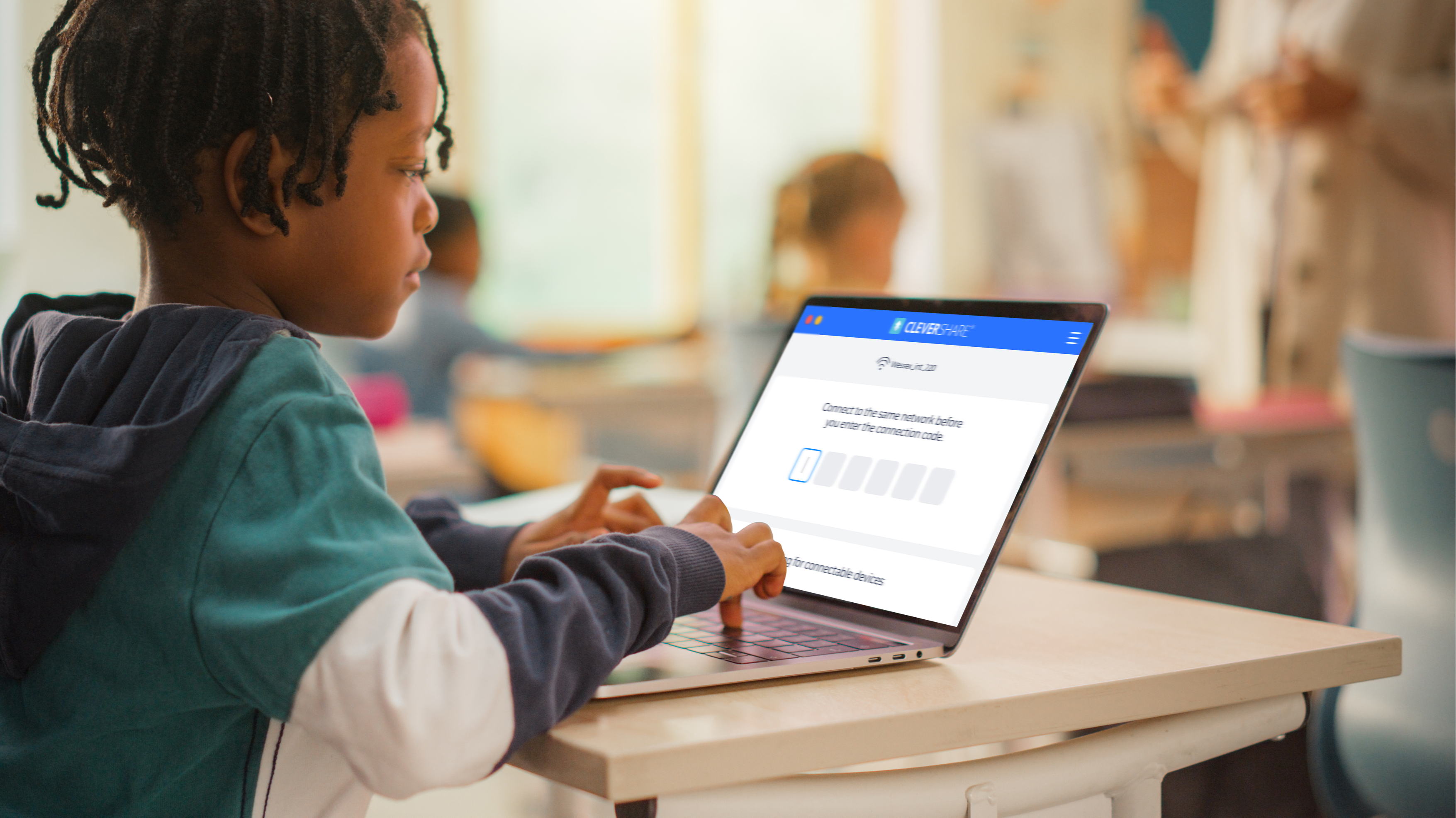
CleverShare – Seamless classroom collaboration.

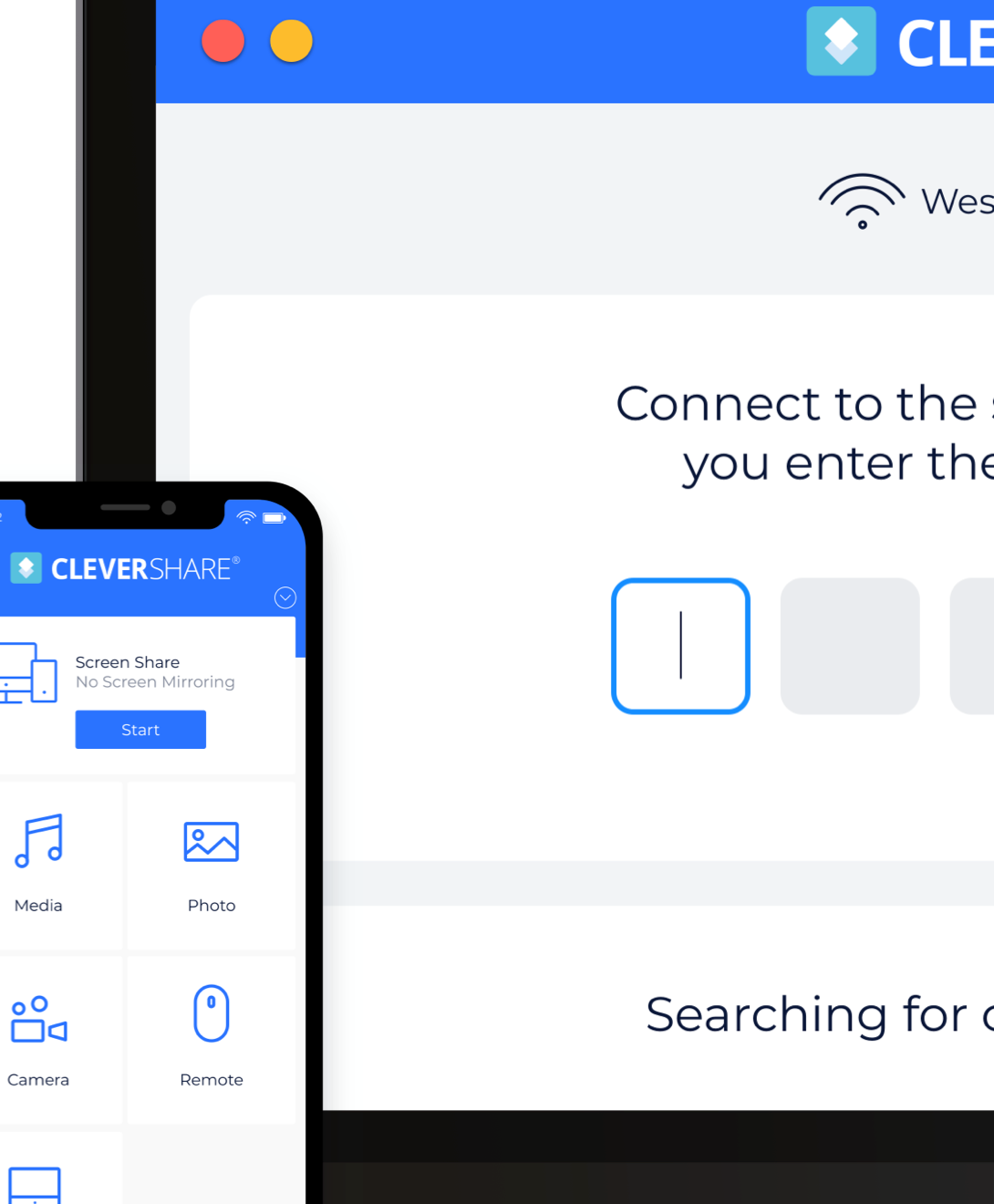
Teachers and students can directly share content from any device to the interactive display. The CleverShare app enables up to 50 devices to connect and nine devices to share content on-screen simultaneously, ideal for group activities and teacher-led discussions. Whether it's a presentation, video, or live demonstration, Clevershare makes collaboration effortless.
Digital signage and emergency messaging for classrooms.
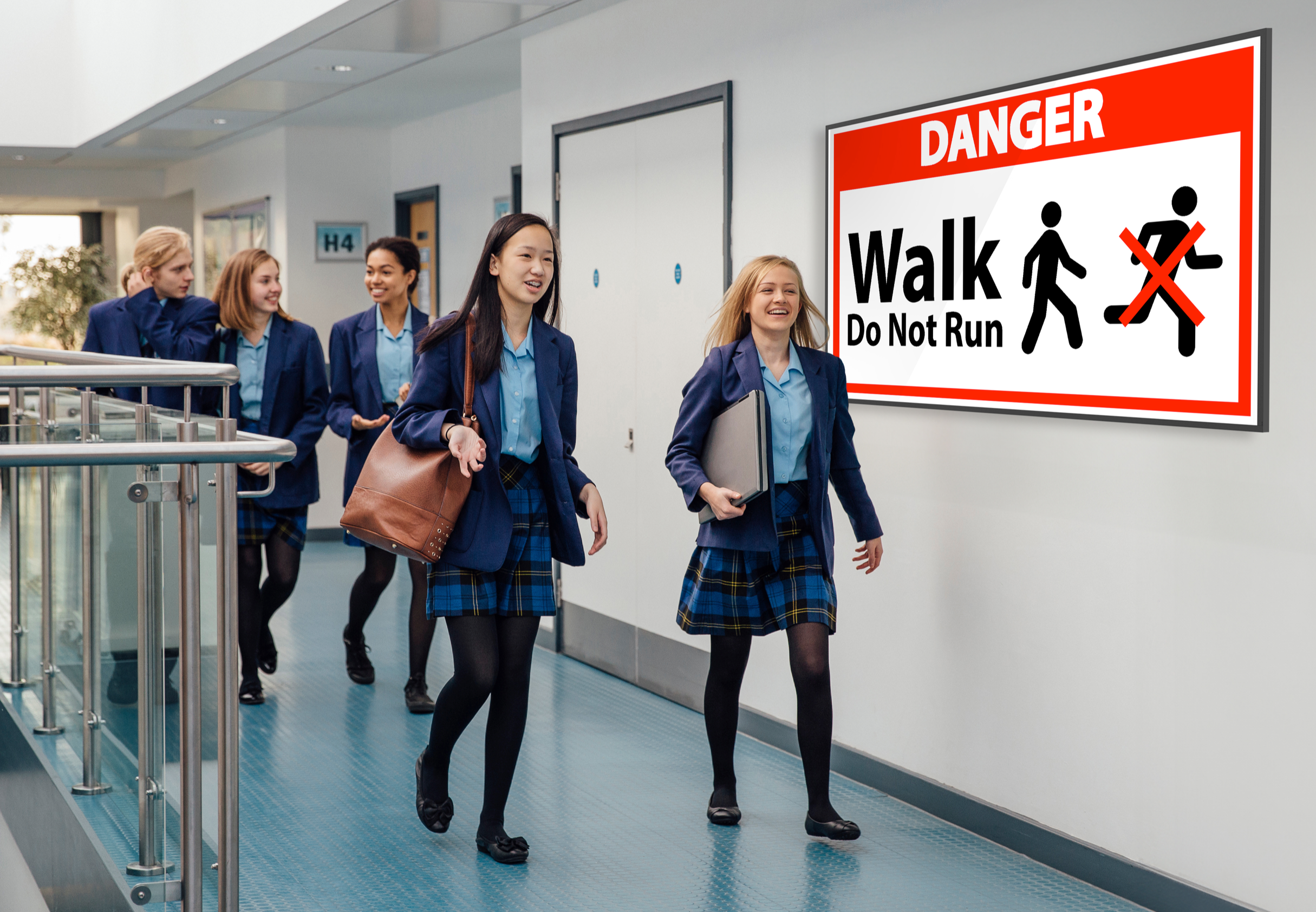
Digital signage and emergency messaging for classrooms.
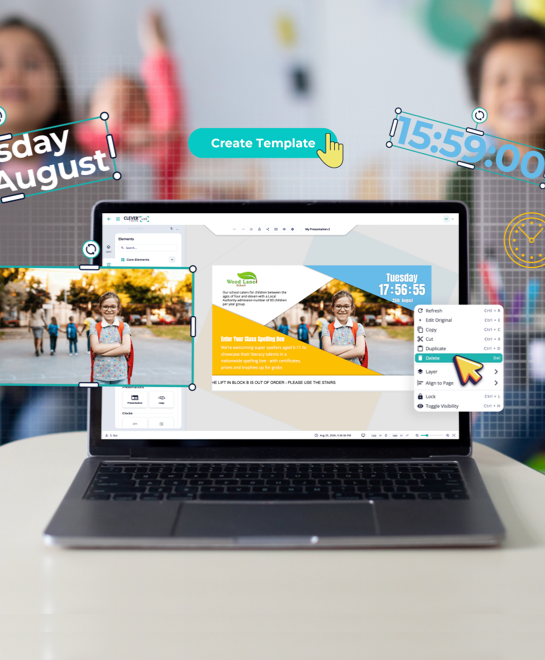
When not in lesson mode, Clevertouch interactive displays double as digital signage and emergency alert systems. With CleverLive, schools can broadcast announcements, schedules, safety updates, and real-time emergency notifications directly to classroom screens. This turns every display into a communication tool that keeps students and teachers informed, connected, and safe throughout the school day.
Got questions? We’ve got answers.
How does Clevertouch support classroom collaboration?
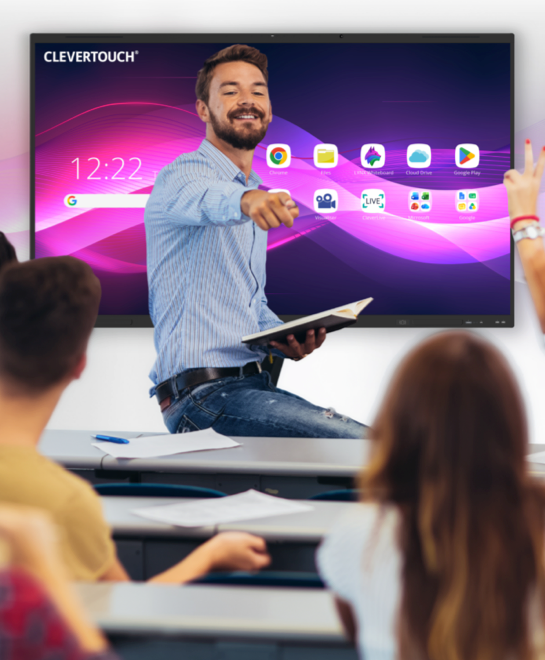
Clevertouch displays enable real-time collaboration by allowing multiple students to interact simultaneously, annotate documents, brainstorm ideas, and share content from their devices directly to the screen.
Can I use Google and Microsoft apps on Clevertouch displays?
Yes. Clevertouch EDLA interactive displays provide direct access to Google Workspace and Microsoft 365 apps, allowing teachers to open lesson materials, share documents, and collaborate without switching devices.
Are Clevertouch displays suitable for all classroom levels?
Absolutely. Clevertouch displays are designed for primary, secondary, and higher education and support a wide range of subjects, lesson types, and collaborative activities.
How can Clevertouch displays improve lesson engagement?
By combining touchscreen interactivity, multimedia integration, and real-time collaboration, Clevertouch displays make lessons more dynamic, visual, and engaging for students of all learning abilities.
Can Clevertouch displays be used for emergency messaging?
Yes. Clevertouch displays can broadcast emergency alerts, safety instructions, and important announcements, keeping students and staff informed and safe when not in use for teaching.


