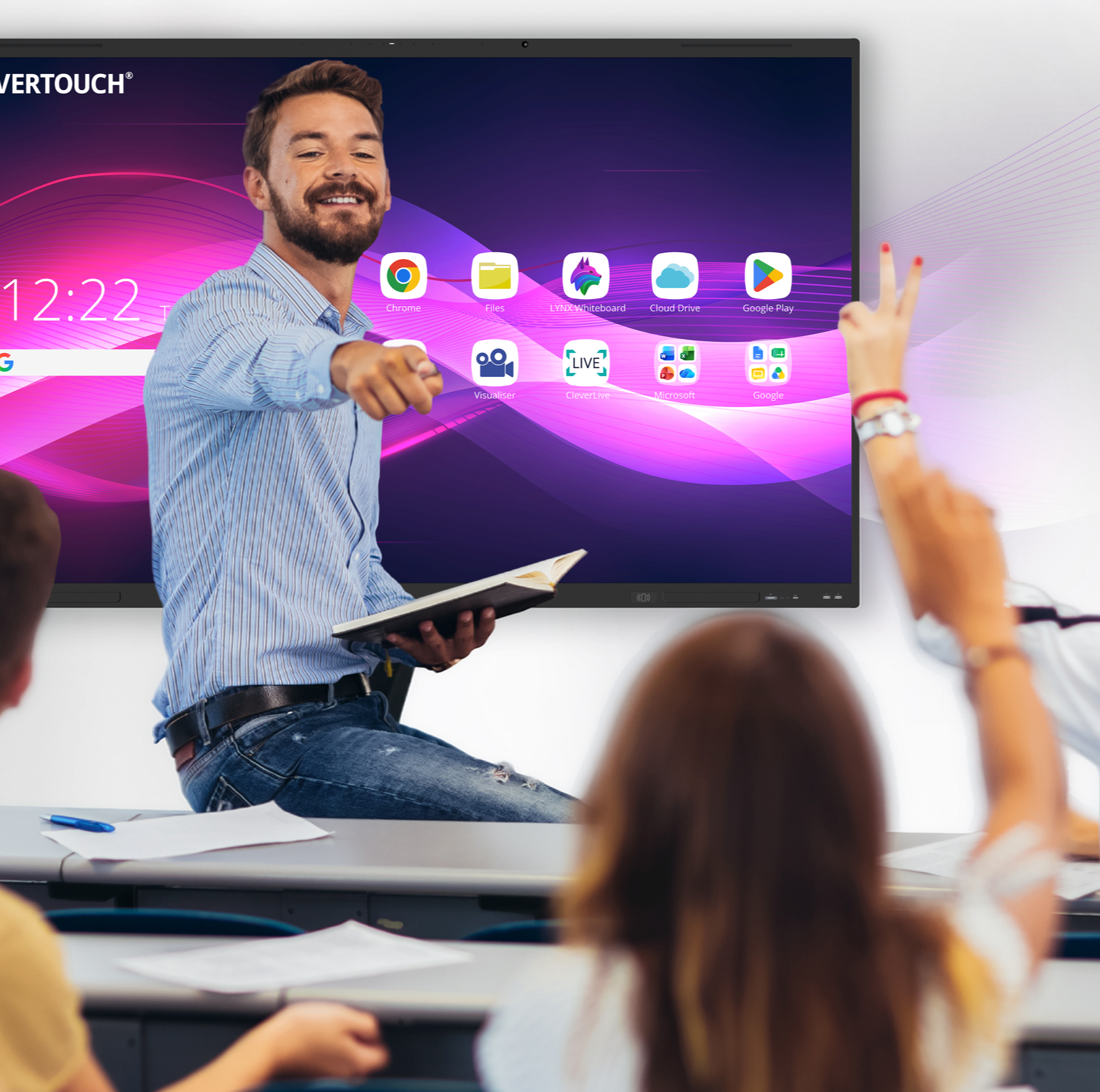
Google EDLA for Classrooms
What is EDLA Google Certification?
Being Google certified means that the display offers seamless integration with the Google ecosystem, including Google Workspace (formerly G Suite for Education) and the entire Microsoft 365 suite. Teachers can easily access their Google accounts, files, and collaborative tools directly from the IMPACT Lux display.
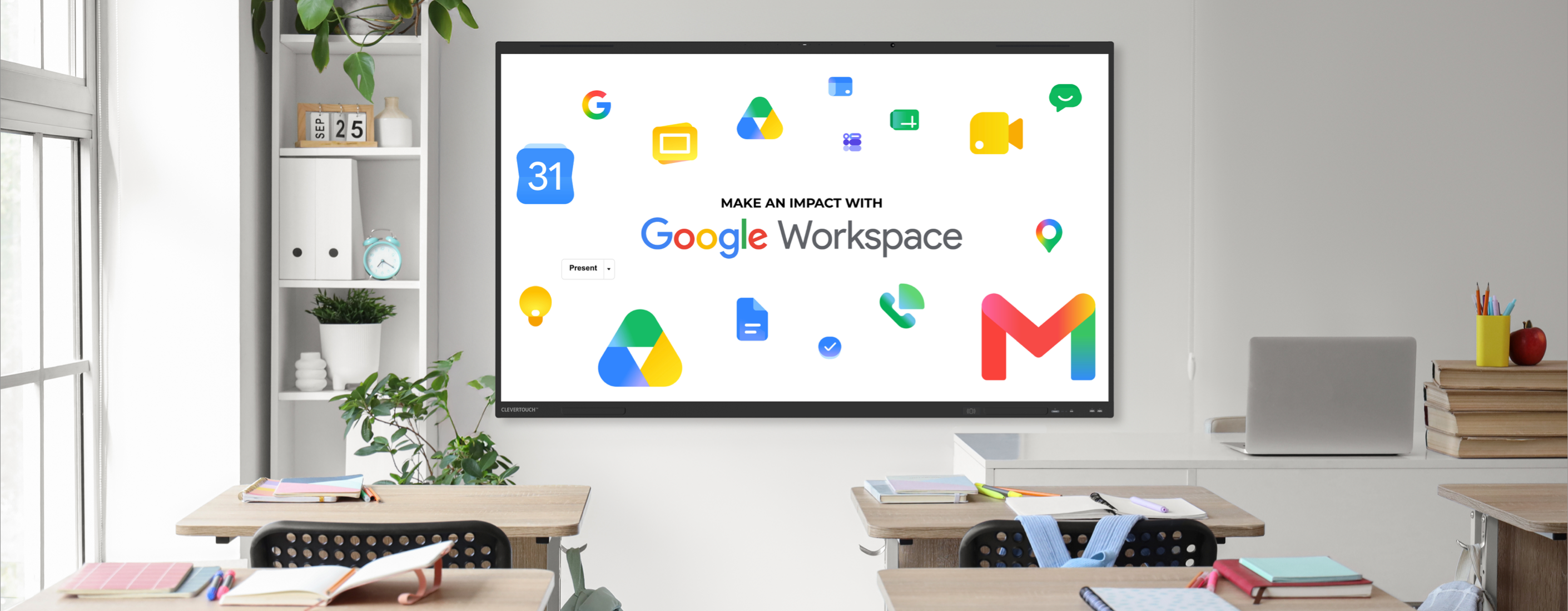
All your favourite Google apps.

All your favourite Google apps.
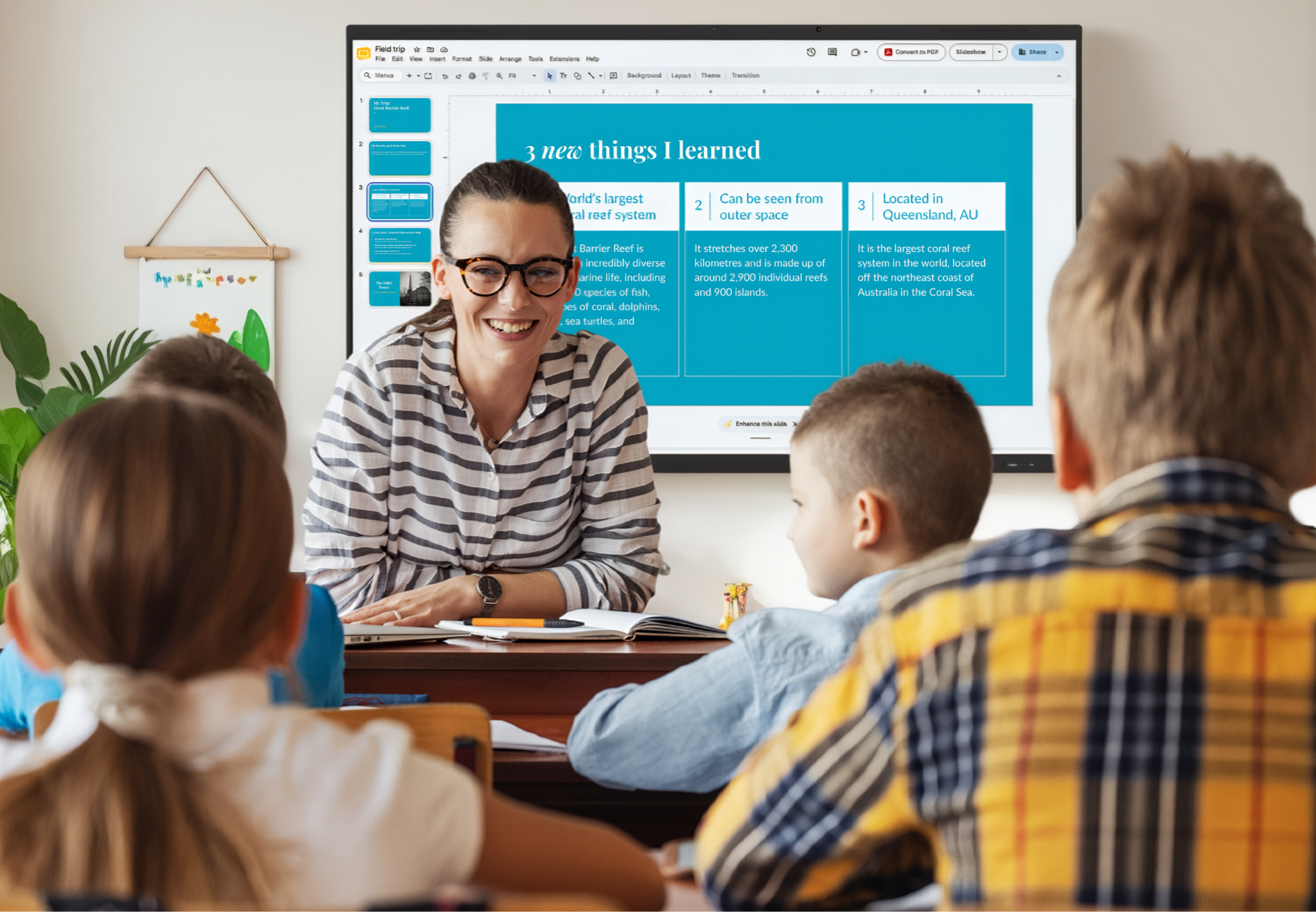
With the full Google EDLA (Education License) experience, teachers can leverage the power of Google Drive to store and share files, Google Docs for collaborative document editing, Google Sheets for spreadsheets, Google Slides for presentations, and other Google apps. This integration enables teachers to seamlessly incorporate digital resources and tools into their lessons, making it easier to access, edit, and share files and collaborate with students.
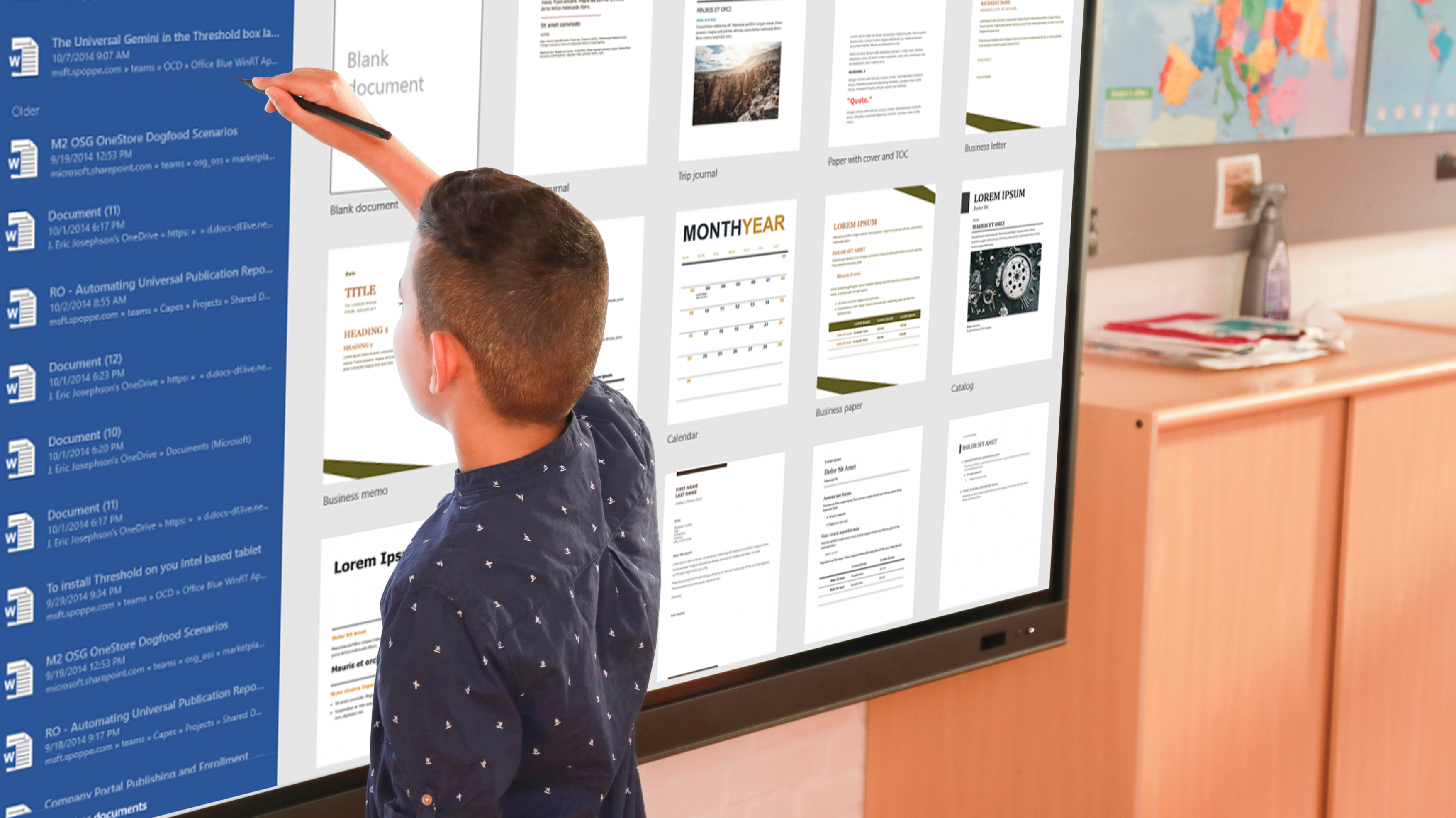
Access Microsoft 365 in an instant.
EDLA offers access to the full Microsoft 365 suite via the Google PlayStore. This includes popular applications such as Word, PowerPoint, Teams, and other Microsoft productivity tools. Teachers and students can create, edit, and present documents, slideshows, and spreadsheets directly from the display, enhancing productivity and collaboration within the classroom.
The latest updates and features.
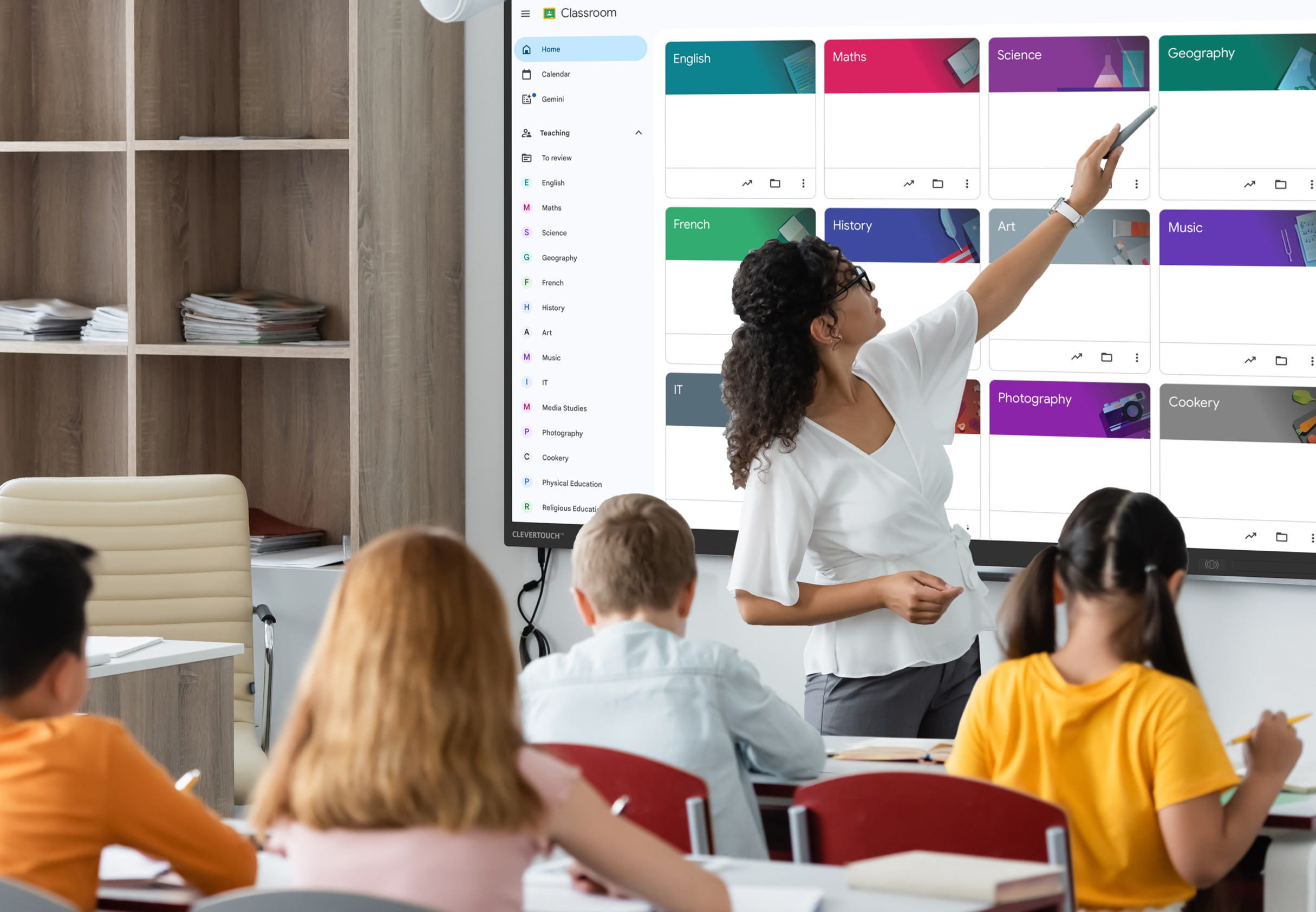
The latest updates and features.
Google’s EDLA certification ensures compatibility with the latest Google updates and features. Teachers can take advantage of the ever-evolving Google educational tools and innovations to enhance their teaching methodologies and engage students more effectively.


Explore IMPACT Lux's cutting-edge features.
Ashley Helm introduces the new IMPACT Lux. Featuring EDLA Google Certification, as well as CleverLive, Cleverstore, and LYNX Whiteboard
Ryan Stapleton, a former teacher, introduces the new Google Certified interactive display for schools; IMPACT Lux.
Nick Barker introduces the specs of the new IMPACT Lux interactive display.
Nick Barker introduces the features of the new IMPACT Lux interactive display.
The all-in-one solution.
The all-in-one solution.
By having access to their Google accounts and files directly from the display, teachers can save valuable time that would otherwise be spent switching between different devices or platforms. They can conveniently open, edit, and present their files on the large interactive screen, eliminating the need for additional devices.

Enhance productivity and collaboration in the classroom.
EDLA significantly simplifies the workflow for teachers, enabling them to seamlessly access and utilise their Google or Microsoft files and tools, ultimately enhancing productivity and collaboration in the classroom.