
Bring Your Own Meetings - Zoom
Zoom has become the go-to platform for hybrid and remote meetings, connecting teams across offices, homes and mobile environments. But real hybrid collaboration requires more than video calls. It demands seamless access to in-room technology, instant content sharing, and intuitive interaction. Clevertouch Enterprise Interactive Displays transform any meeting room into a Zoom-ready collaboration hub, making Bring Your Own Meeting (BYOM) fast, simple and consistent.

Empower Colleagues with BYOM
Hybrid meetings should be effortless. Walk into any meeting room with your own device and start your Zoom call instantly. No repeated logins, no complex setup, and no IT support required. Your device automatically connects to the room's AV and interactive display.
This approach creates a consistent, reliable user experience in every meeting, whether ad hoc or scheduled. Colleagues gain flexibility and confidence to start meetings quickly, share content effortlessly, and collaborate naturally with in-room and remote participants, giving your team more time to focus on ideas and outcomes rather than technology.
What does it mean for your business if your organisation prefers to use Zoom for virtual meetings?
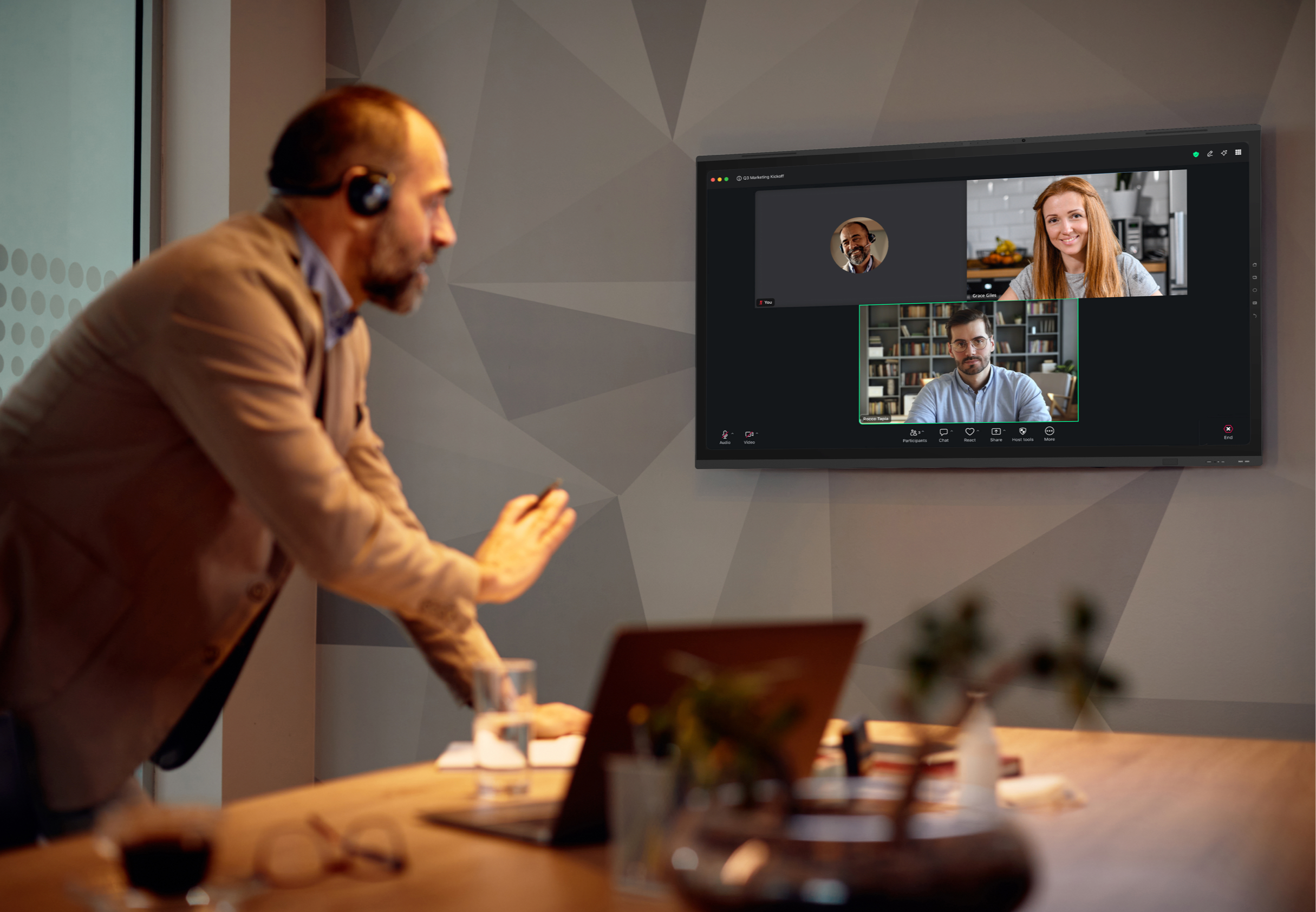
What does it mean for your business if your organisation prefers to use Zoom for virtual meetings?
In simple terms, nothing has to change. Clevertouch Edge is agnostic, so it works in conjunction with the Zoom apps that your colleagues are familiar with.
It fits seamlessly into your meeting rooms.
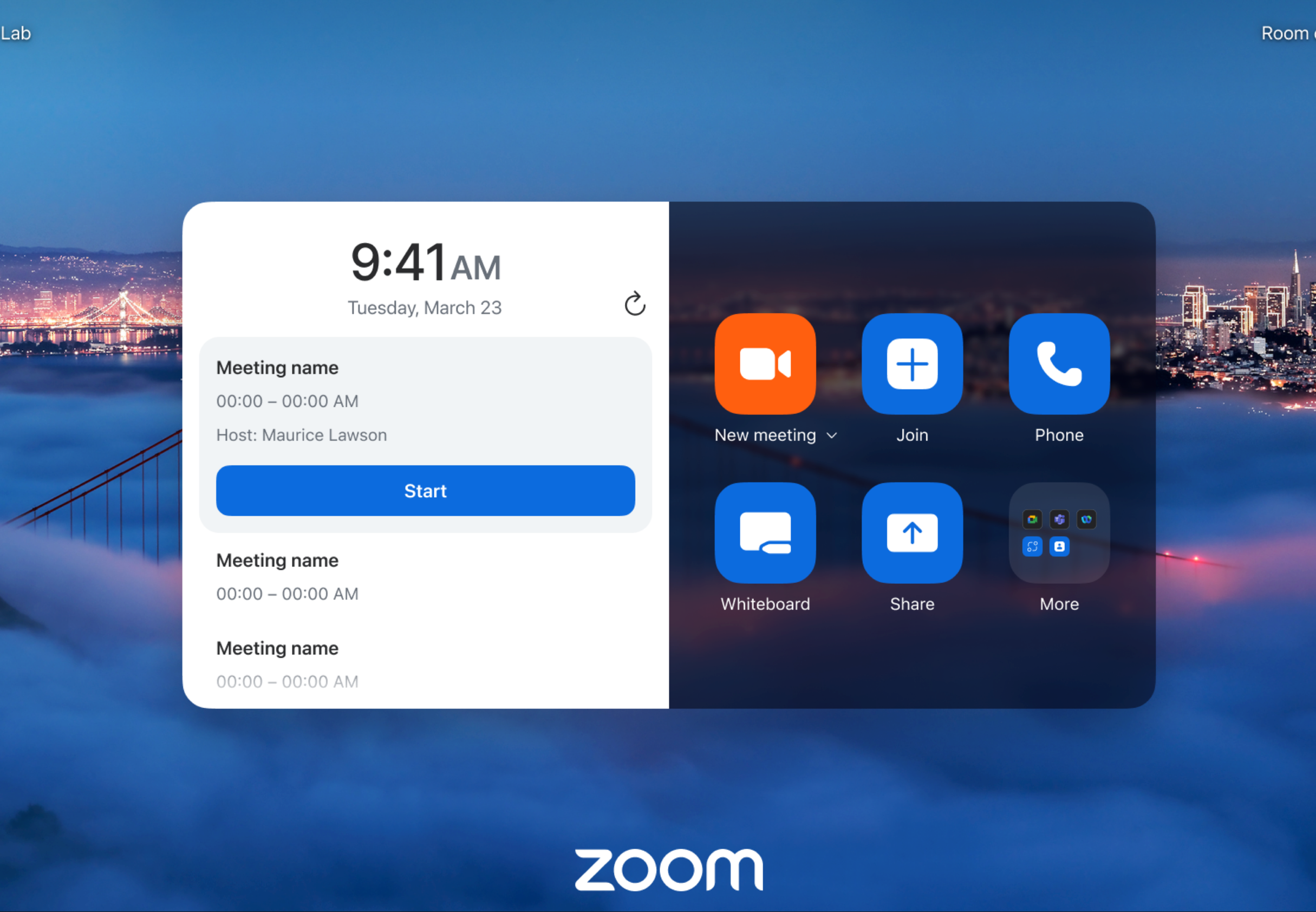
It fits seamlessly into your meeting rooms.
Clevertouch Edge works as a standalone screen or in multi-screen setups via connected hubs. Employees open their Zoom account on the display using an Intel OPS PC or personal device, then connect through the DisplayNote Launcher App. The meeting launches immediately, with no training or admin access needed, ensuring a familiar, intuitive experience in every room.
Effortless Collaboration with Zoom
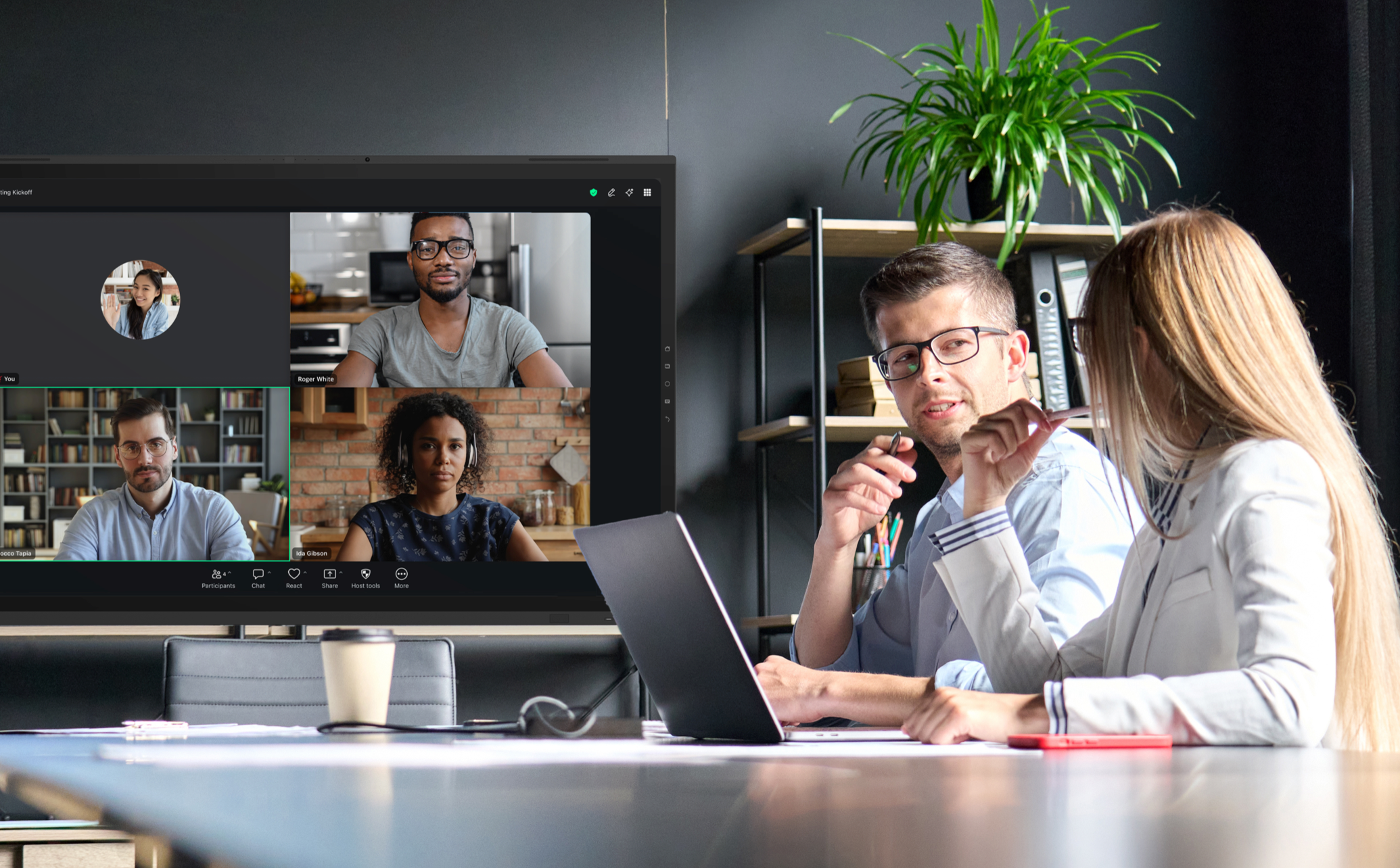
Create a conference in any room. Switch to the in-room AV to improve sound quality and camera coverage in seconds, or use the audio and camera from your laptop or personal device. Using the in-room AV equipment will enhance your Zoom experience.
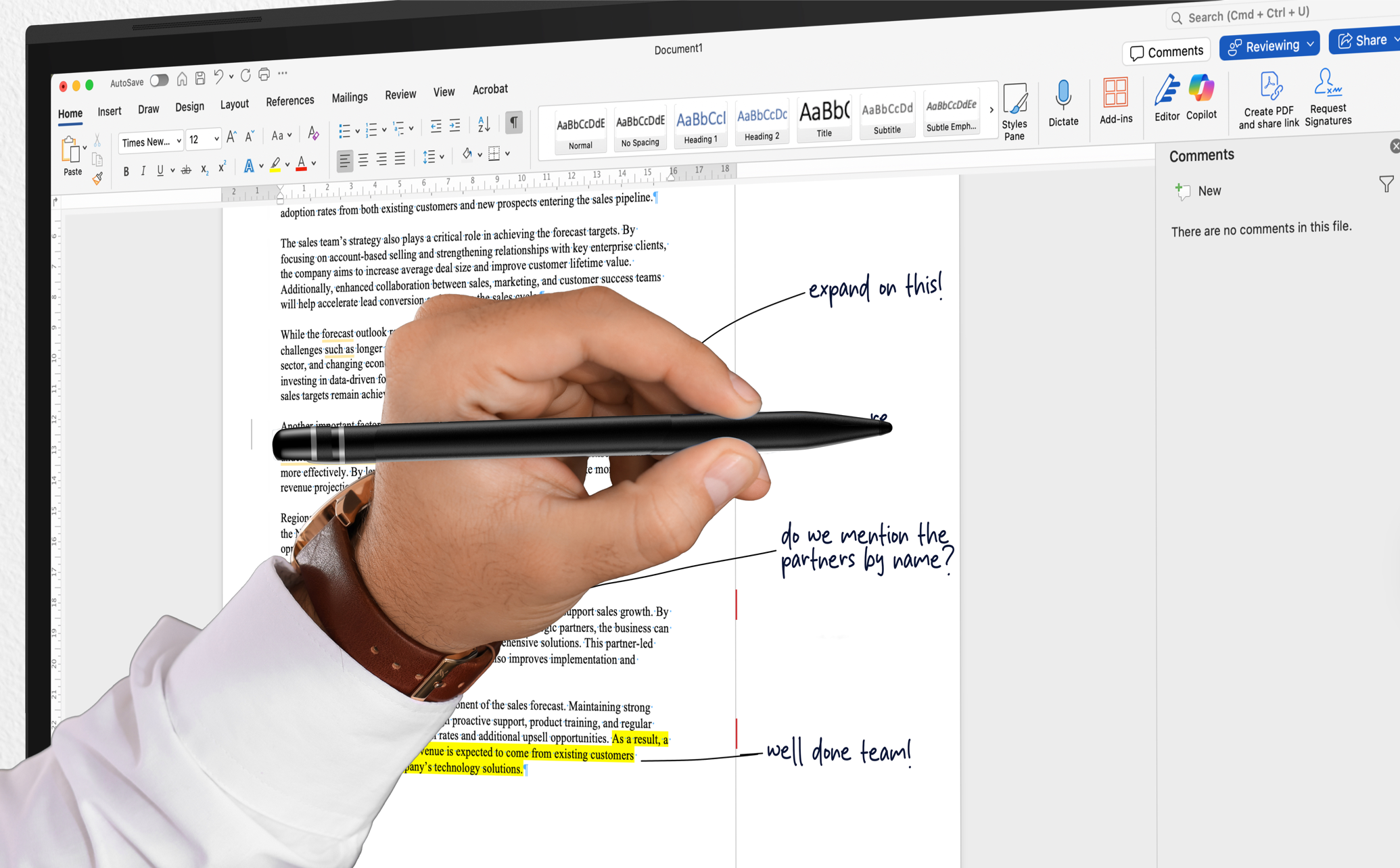
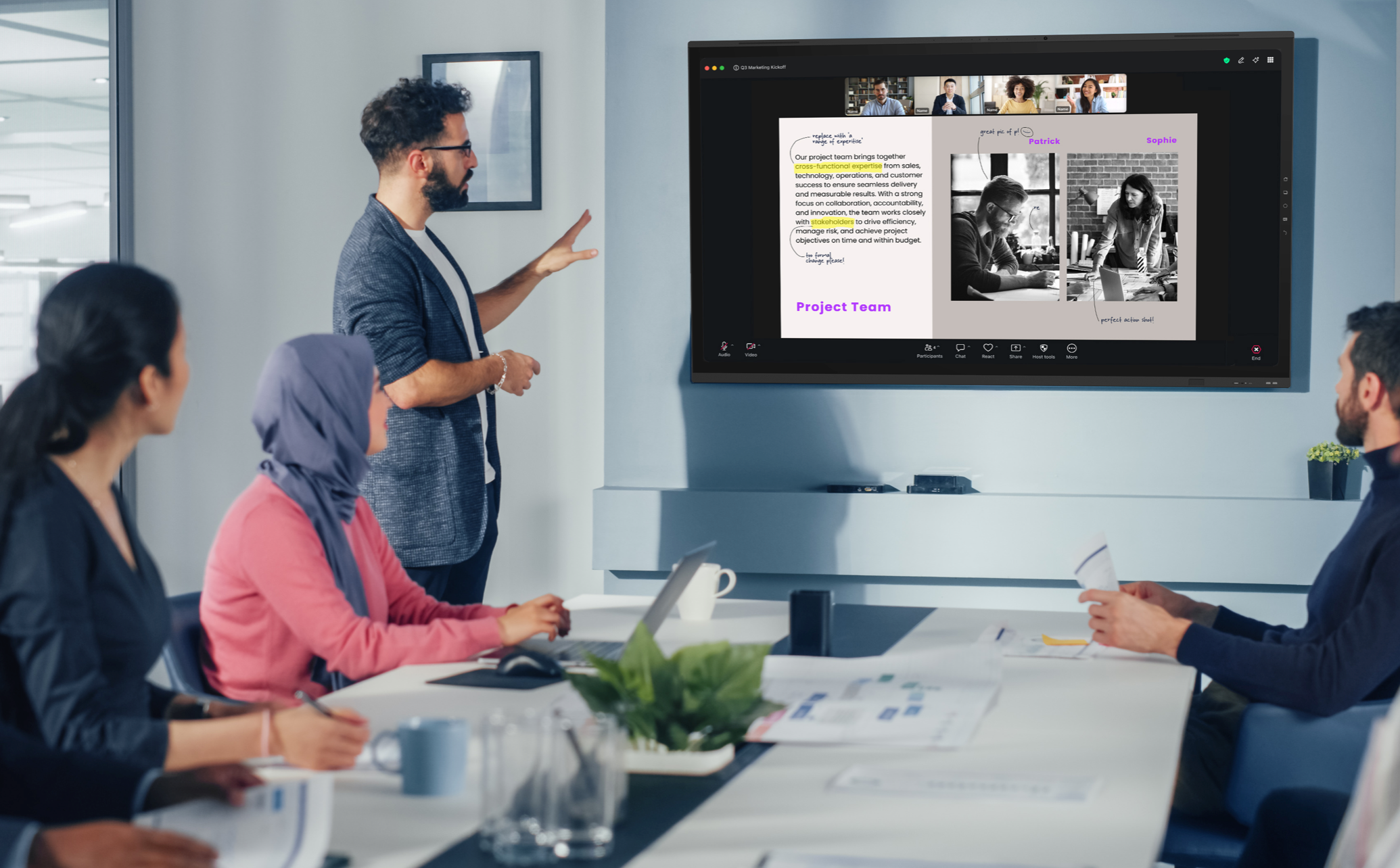
Annotate over any source. When working with a shared screen, notes can be made directly onto the document, webpage or video that you are collaborating on. Those notes can be saved directly to the device and shared with your team via QR code, email or via your cloud accounts.

Got questions? We’ve got answers.
What is BYOM for Zoom meeting rooms?
BYOM, or Bring Your Own Meeting, allows employees to start a Zoom meeting from their personal laptop or device while instantly connecting to the meeting room's interactive display, camera, microphone, and audio system. This approach removes complex logins and setup delays, allowing teams to launch Zoom meetings quickly while benefiting from professional in-room AV.
How does BYOM improve Zoom hybrid meetings?
BYOM improves hybrid Zoom meetings by allowing users to start calls from their own device while leveraging the room's larger interactive display, audio system, and collaboration tools. This ensures better visibility, clearer sound, and easier content sharing for both in-room and remote participants.
Can Clevertouch interactive displays work with Zoom?
Yes. Clevertouch enterprise interactive displays integrate seamlessly with Zoom, allowing users to launch meetings, share screens, annotate documents, and collaborate in real time. This creates a consistent meeting experience across every room while allowing employees to continue using the Zoom platform they already know.
What are the benefits of using Zoom with interactive displays in meeting rooms?
Using Zoom with enterprise interactive displays improves collaboration by providing a large shared screen for presentations, video conferencing, and digital whiteboarding. Teams can share content instantly, annotate over documents, and collaborate visually during meetings, creating more engaging hybrid interactions.
How do interactive displays enhance Zoom collaboration?
Interactive displays enhance Zoom collaboration by combining video conferencing, touch-based whiteboarding, and wireless screen sharing in one device. When used with BYOM, they allow employees to start meetings from their own device while benefiting from the room's collaboration tools and AV technology.


