
Wireless Conferencing
Your meeting, your way.
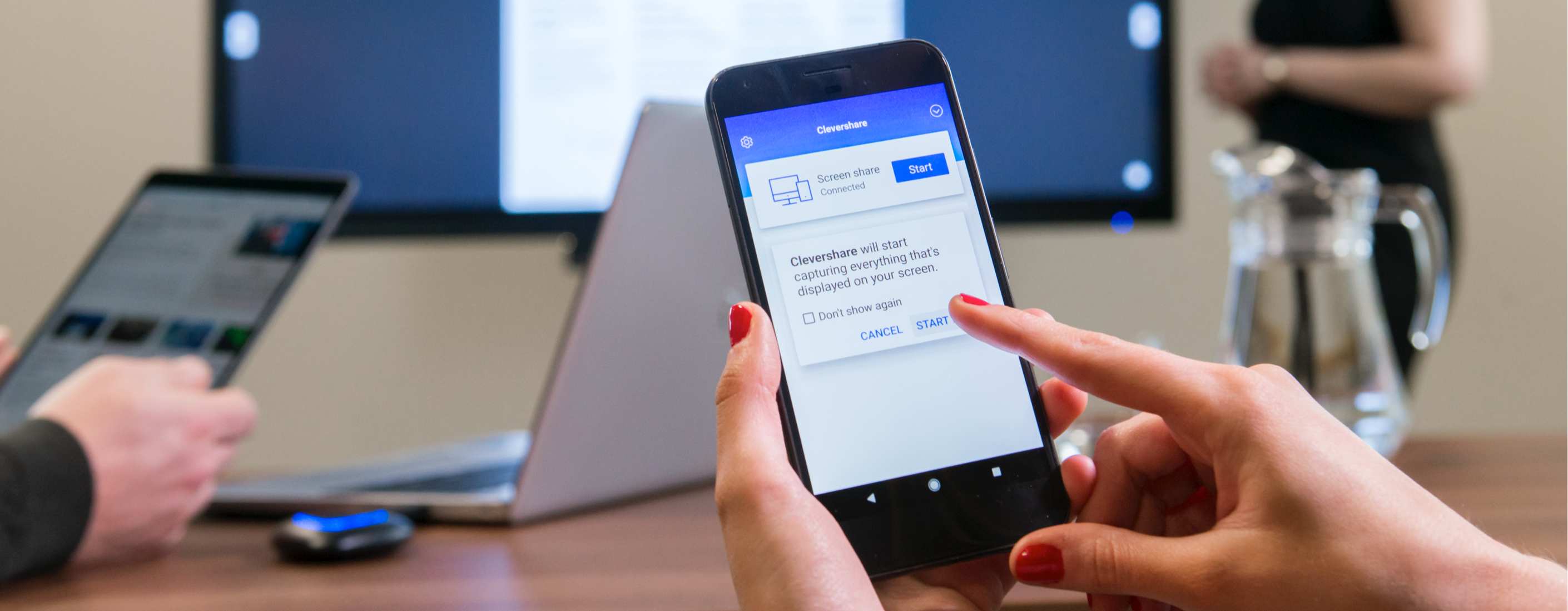
Flexibility is key in meetings.
In-person, remote or hybrid - Clevershare gives you the freedom to host your meeting, your way. 62% of Enterprise users have more than 3 Unified Communication platforms. You need to be able to enter the meeting room and have the tools available to simply start a meeting on any of those UC platforms, whilst connecting to the display, audio and visual equipment in the room.
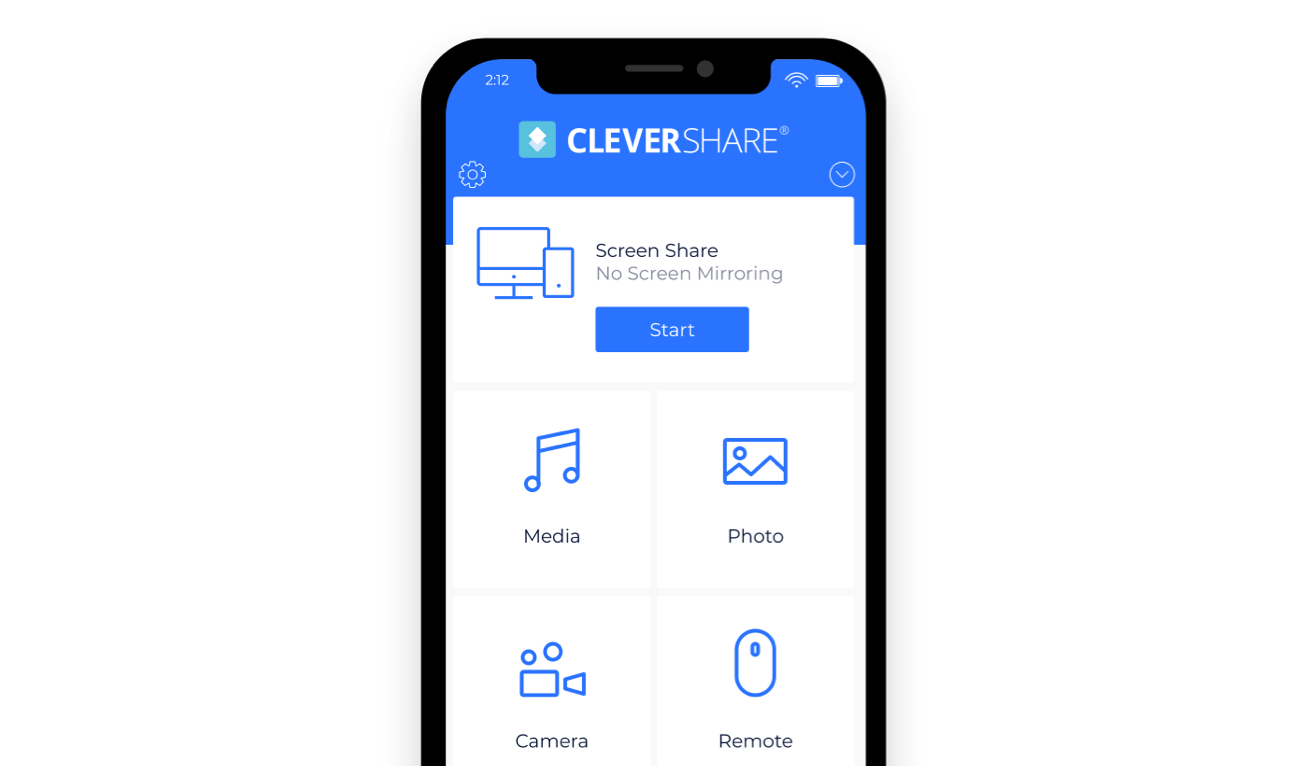
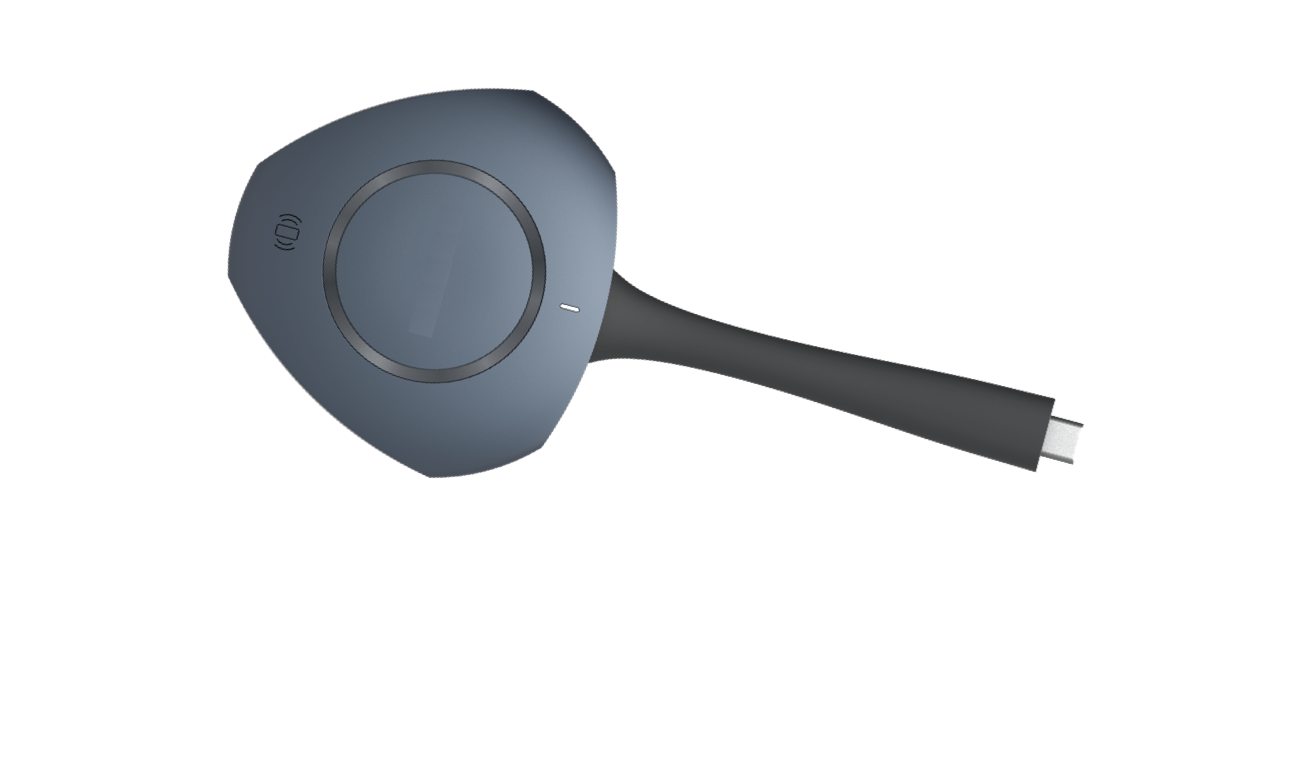
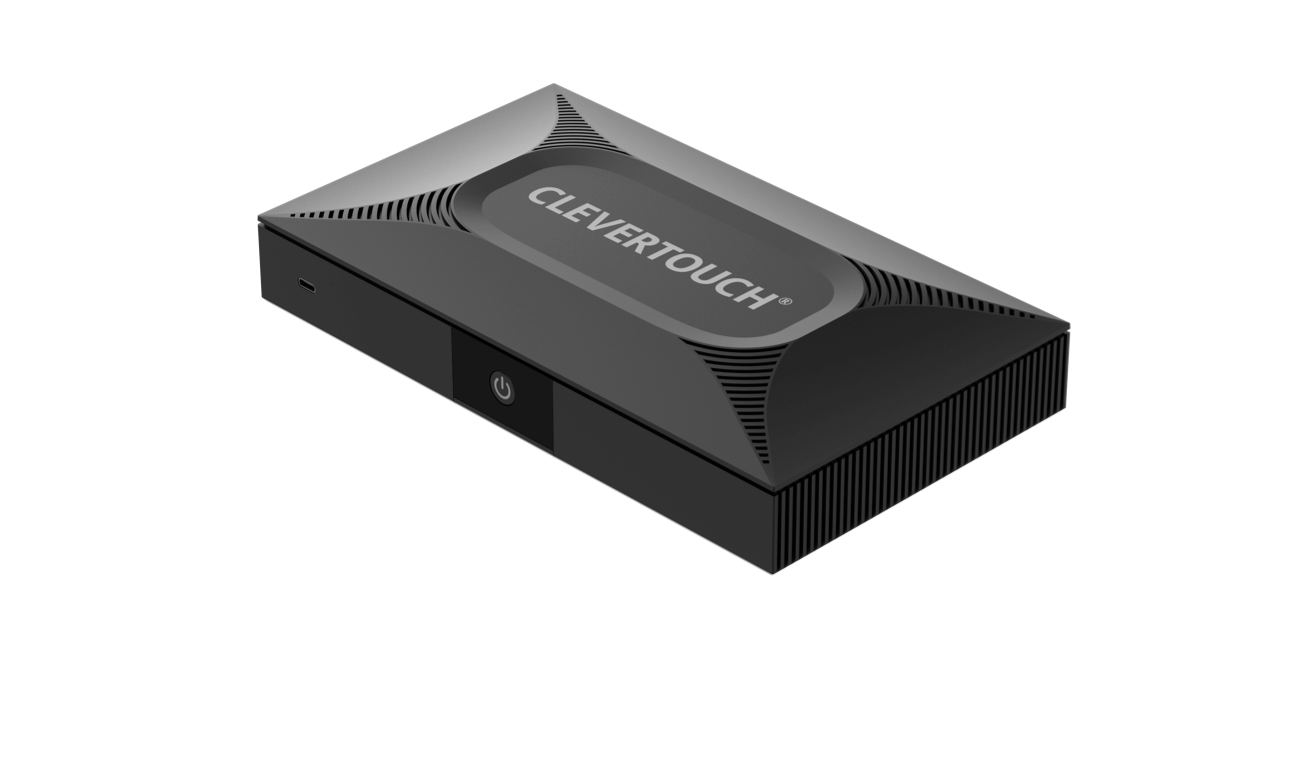
One-tap to connect. With the App, Hub or Dongle, it’s just one-tap to connect. No wires, no drivers, no passwords. Colleagues and visitors alike will share the same easy-to-use experience.

Hardware virtualisation. CleverShare instantly recognises peripherals connected to the main display, such as soundbars or cameras. Start the meeting from your laptop, but use the room’s soundbar and camera, without needing to connect wires or change settings.
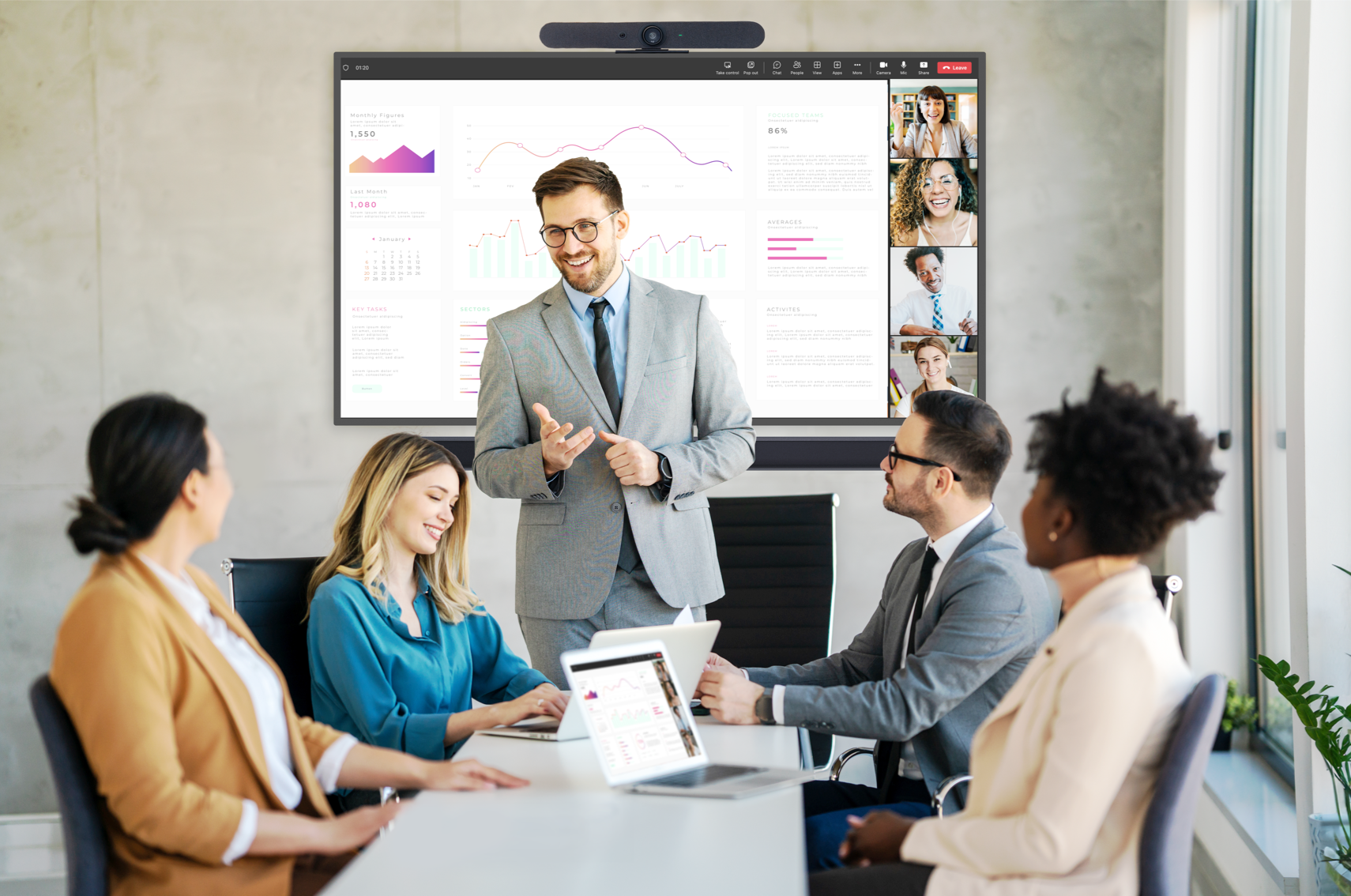
Equalise the meeting experience. Wherever you are based, and whatever screen you are using, you’ll experience the same CleverShare interface and simple-to-connect collaboration. No wires needed - Make any room a hybrid meeting room. All you need is your laptop and CleverShare.
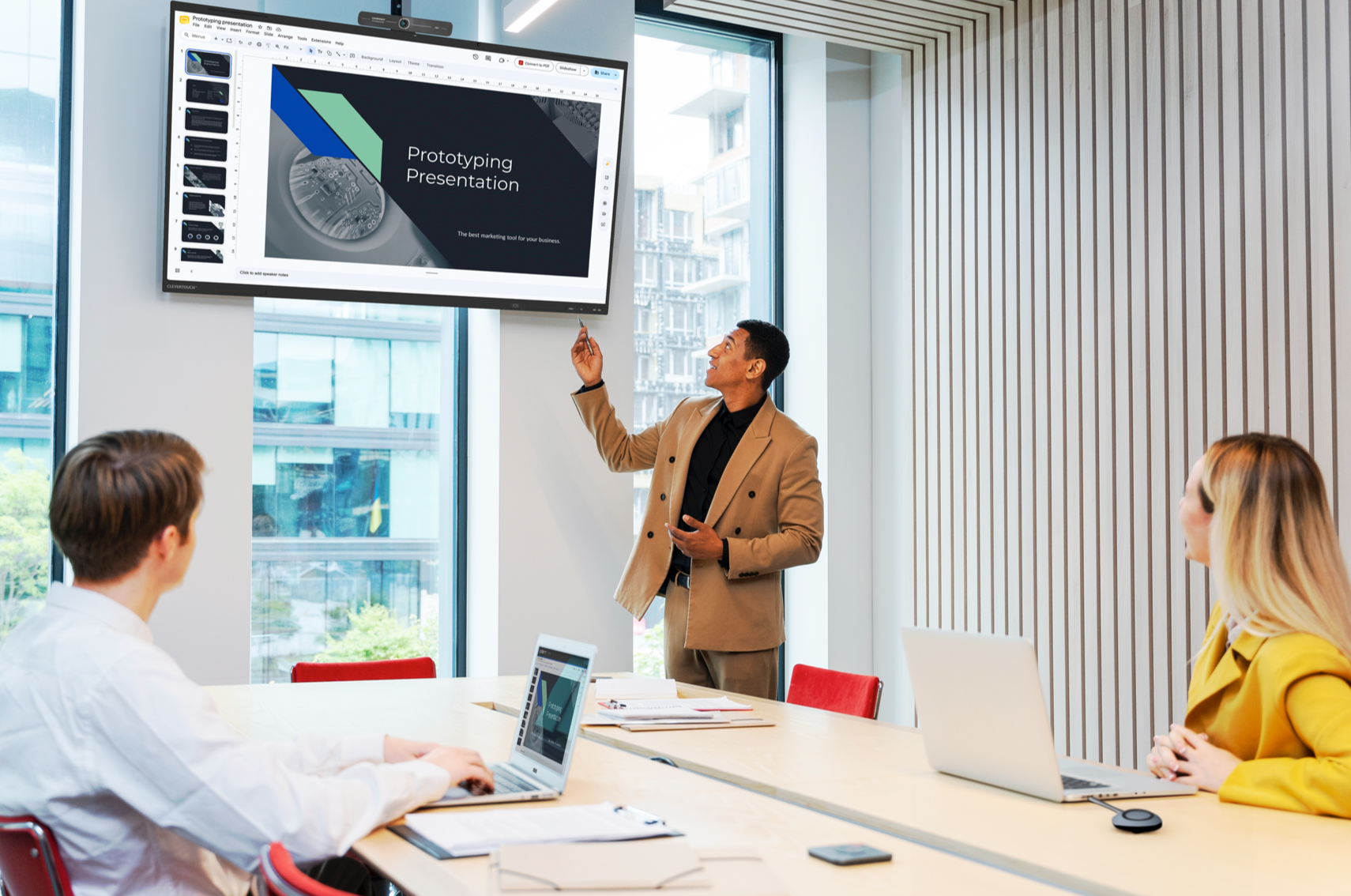
Laptop, app or tablet. Any device, on any platform, can screen share with ease whilst using the Clevershare software.

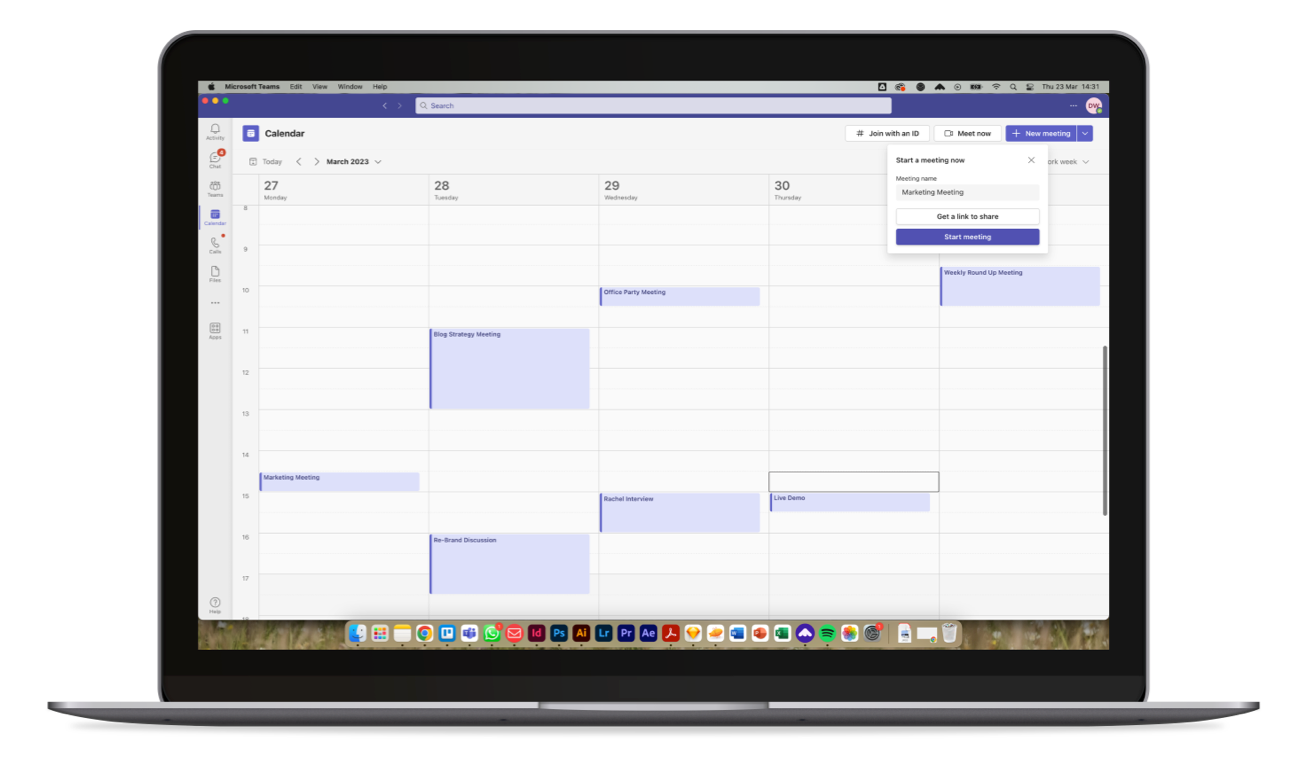
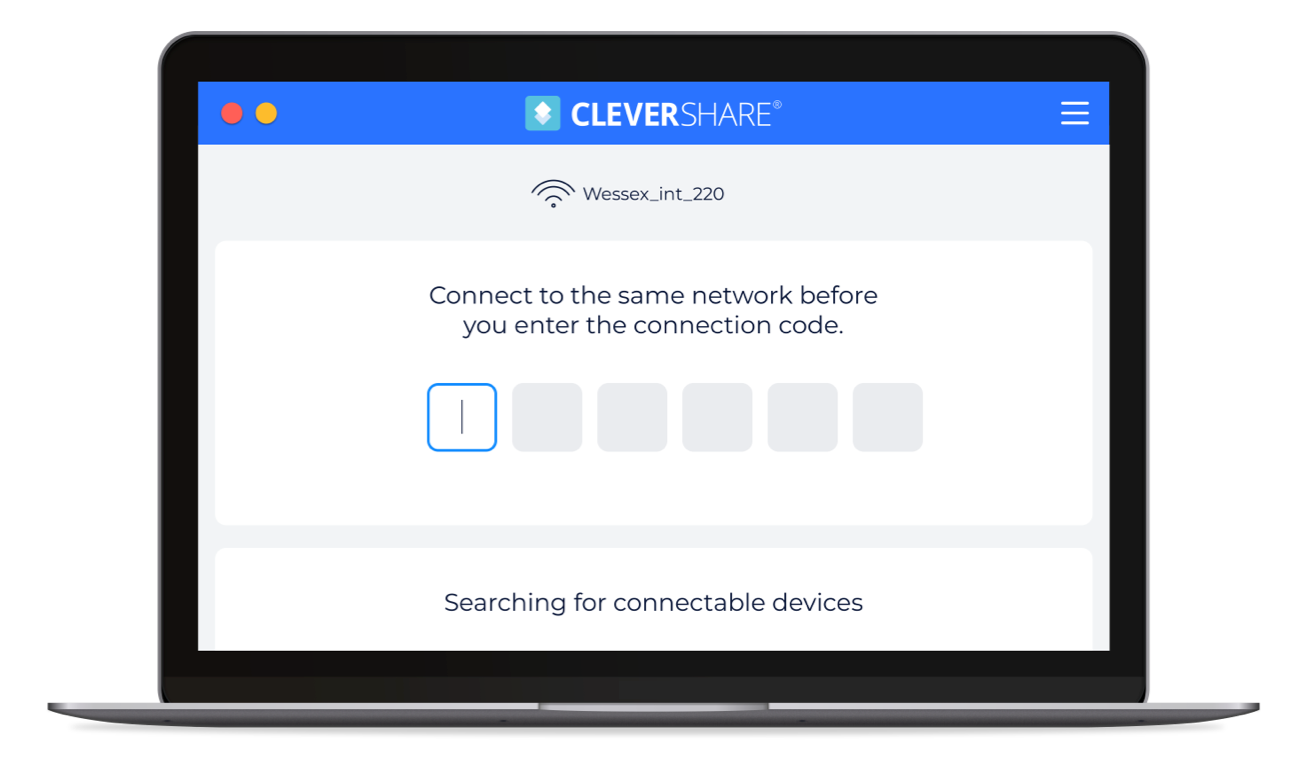
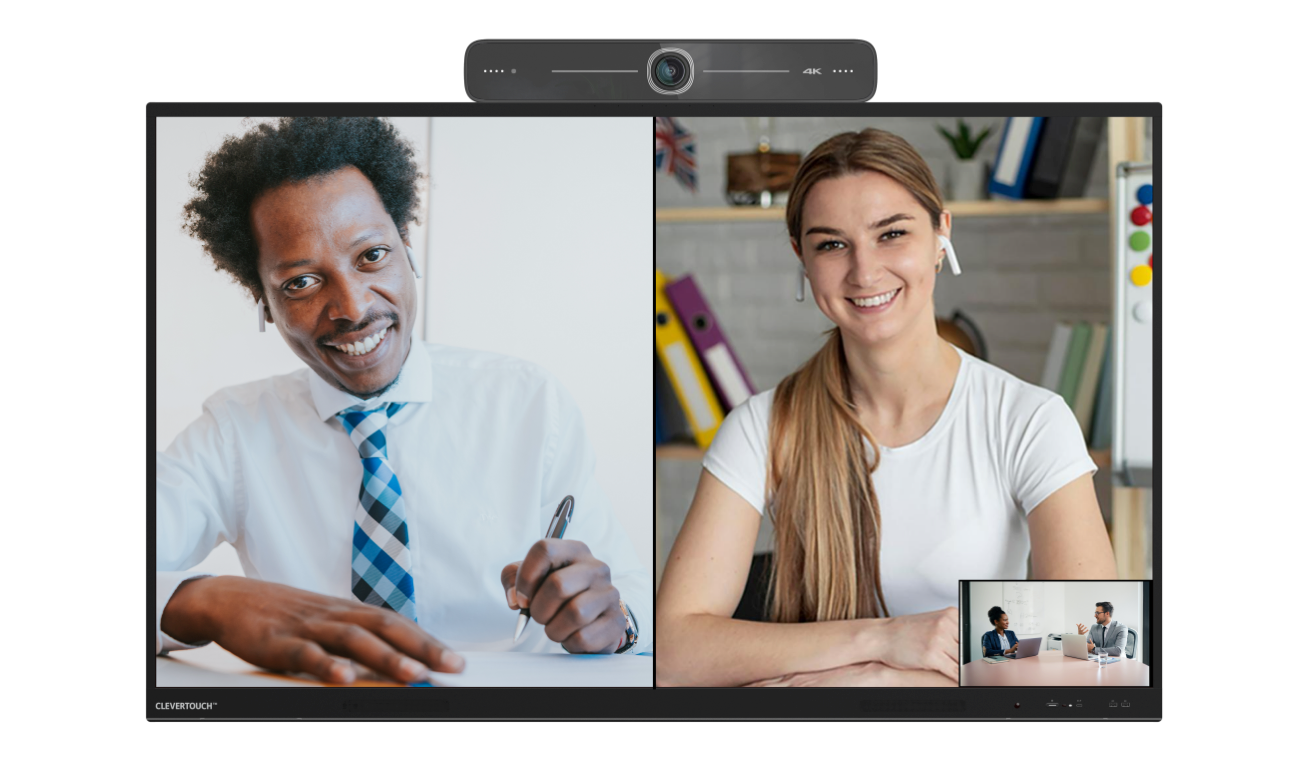





Your meeting, your way.
Whatever your meetings need, Clevershare has three ways to get there. Take a look at the features below.
Share content with any device. Up to 50 devices can connect with the Clevertouch screen and share content – images, video, and audio. Now with touch-back for two-way control. The presenter has full control over what is shared and can show up to 9 device screens simultaneously, increasing collaboration and participation within every session.

Mastering Mode. This optional mode will allow you to manually accept or reject from the Clevertouch screen when someone attempts to connect via Clevershare.

Chromecast and Airplay. There is an optional button you can swipe in the settings that will allow you to natively connect your device this way.

Go cable-free with enterprise wireless conferencing.

Go cable-free with enterprise wireless conferencing.
Experience enterprise wireless conferencing solutions designed for flexible, cable-free collaboration.
Book a personalised demo to see how secure wireless screen sharing, BYOD connectivity, and seamless integration with Microsoft Teams, Zoom and Webex enable faster meeting start times and improved hybrid collaboration across your organisation.
Got questions? We’ve got answers.
What are enterprise wireless conferencing solutions?
Enterprise wireless conferencing solutions enable secure, cable-free meetings by connecting laptops, tablets and smartphones directly to meeting room displays, cameras and audio systems. They are designed to support scalable hybrid collaboration across corporate offices without adding IT complexity.
How do enterprise wireless conferencing solutions improve hybrid meetings?
Enterprise wireless conferencing allows users to start meetings instantly from their own device while automatically connecting to the room’s professional AV equipment. This reduces setup time, eliminates compatibility issues and ensures a consistent hybrid meeting experience across locations.
Are Clevershare wireless conferencing solutions secure for corporate environments?
Yes. Clevershare enterprise wireless conferencing solutions include secure device pairing, optional approval controls, network protection features and centralised management capabilities, giving IT teams full visibility and control.
Is Clevershare compatible with Microsoft Teams, Zoom and multiple UC platforms?
Clevershare is platform-agnostic and integrates with Microsoft Teams, Zoom, Cisco Webex and other unified communications platforms. This makes it ideal for enterprises using multiple UC systems across different departments or regions.
Why choose enterprise wireless conferencing over traditional wired systems?
Traditional wired meeting room setups create delays, compatibility problems and user frustration. Enterprise wireless conferencing solutions eliminate cables, improve user adoption, standardise meeting room technology and reduce long-term support costs.


