
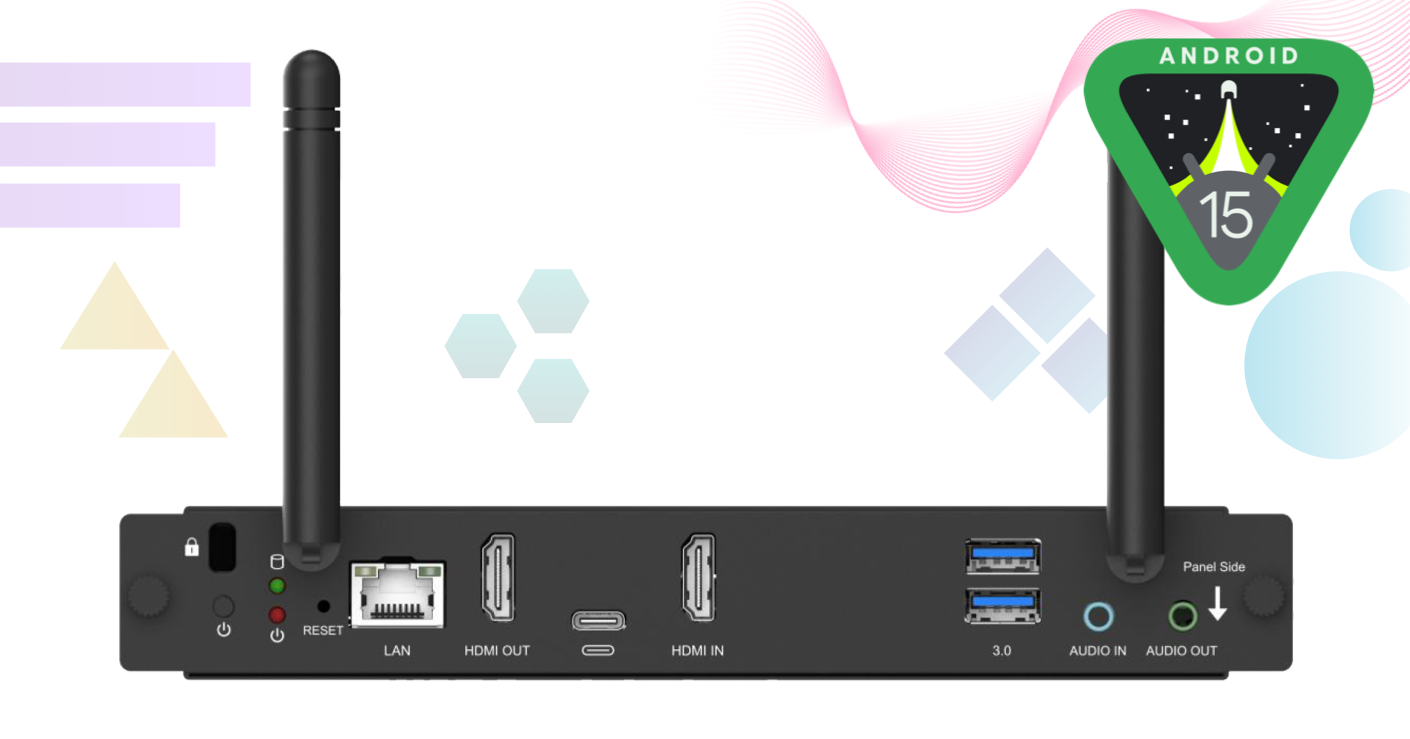
What's included
Android 15 and interface changes
- Operating system upgraded to Android 15.
- Settings interface overhauled.
- Multiple user-interface and on-screen text changes.
After installing the update, some menus, labels and settings may look or behave differently.
HDMI OUT improvements
- Resolved an issue where HDMI OUT was not working correctly.
- Resolved an issue affecting HDMI OUT when using extended mode.
Security and device controls
- Resolved an issue where the Settings lock could be bypassed.
- Added an option to remove the power-off countdown message.
Login and application updates
- Added QR code login.
- Updated LYNX Whiteboard.
- Updated CleverLive.
- Updated Clevertouch MDM.
How to update
The update is available through the Lux Mini OTA update service. When the update is offered on your device, follow the on-screen instructions to download and install it.
- Ensure the Lux Mini has a stable internet connection.
- Allow sufficient time for the update to download and install.
- Do not disconnect the device from power while the firmware update is in progress.
Important: Interrupting a firmware update may prevent the device from starting correctly.
After updating
The first start-up after installation may take longer than usual. Once the device has restarted, review any relevant device, network and display settings before returning the Lux Mini to normal use.
If you need support
If you experience unexpected behaviour after updating, contact Clevertouch Support and provide:
- The Lux Mini serial number.
- The installed firmware or software version.
- A clear description of the issue and the steps needed to reproduce it.
- Relevant photographs, screenshots or a short video, where appropriate.
Release summary
Operating system - Upgraded to Android 15
Settings - Redesigned Settings interface
User interface - Multiple UI and text changes
HDMI OUT - Fixes for standard and extended-mode operation
Settings lock - Bypass issue resolved
Power controls - Option to remove the power-off countdown message
Login - QR code login added
Applications - LYNX Whiteboard, CleverLive and Clevertouch MDM updated


