
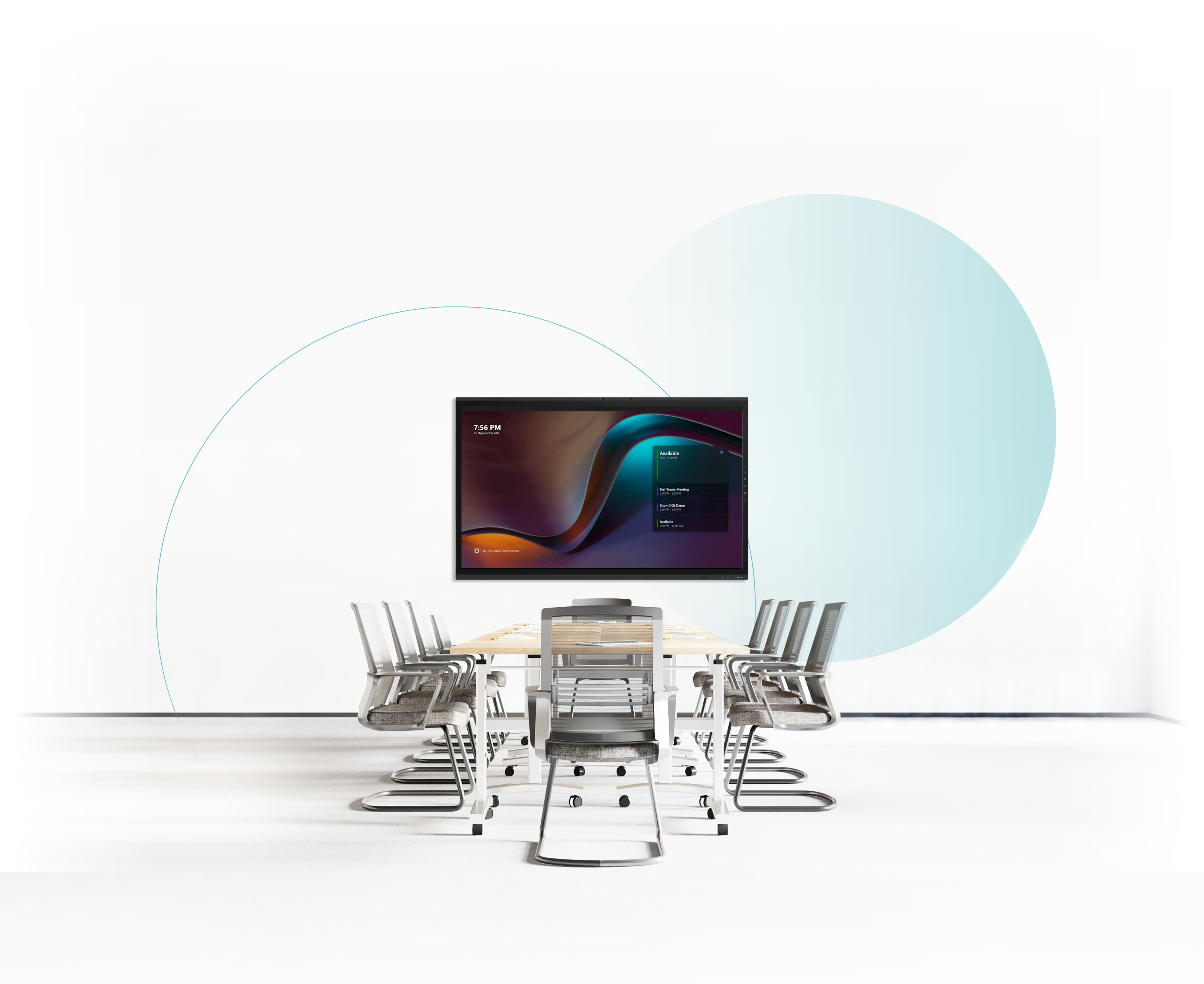
The Clevertouch Guide to Microsoft Teams Rooms
Discover how Clevertouch displays and Microsoft Teams Rooms can work together to create connected, collaborative meeting spaces.
Make more of your meeting space
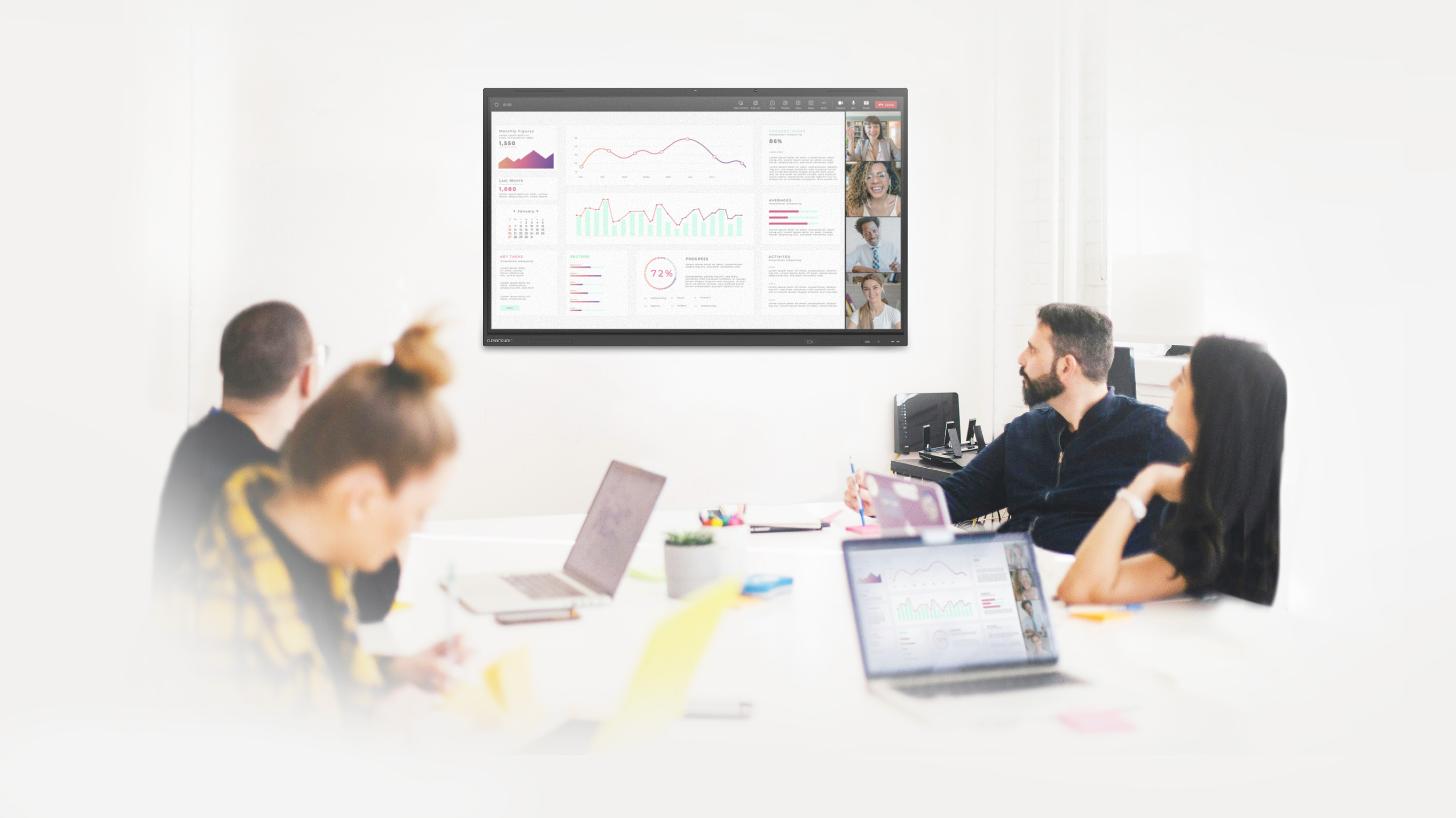
The right technology should make meetings simpler, not more complicated.
Discover how Clevertouch and Microsoft Teams Rooms can come together to make connecting, sharing and collaborating easier, wherever your teams are working.
What will you discover?
Connect.
Explore different ways to integrate Clevertouch with Microsoft Teams Rooms.
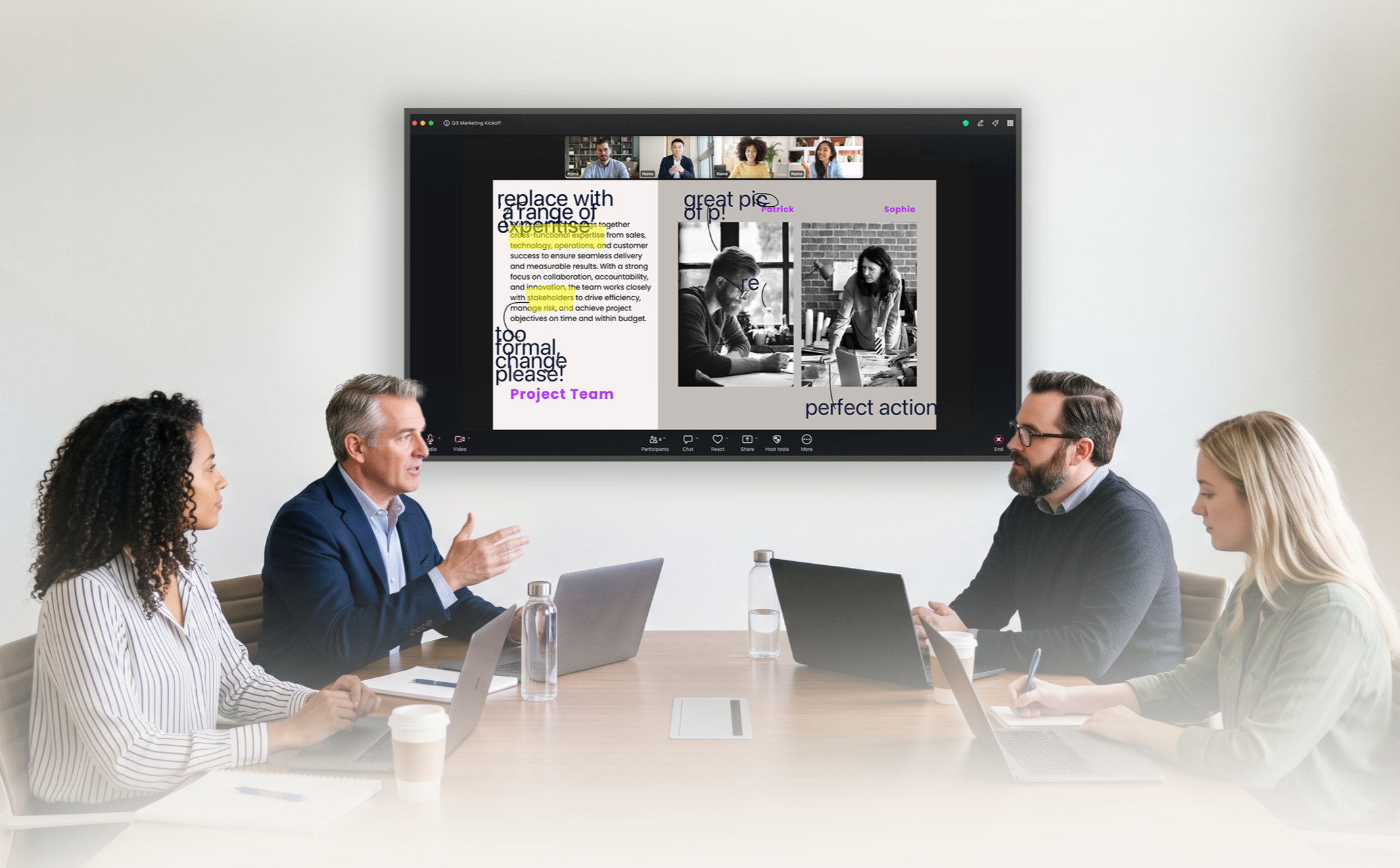
Collaborate.
Discover how interactive touch can bring more collaboration into your meetings.
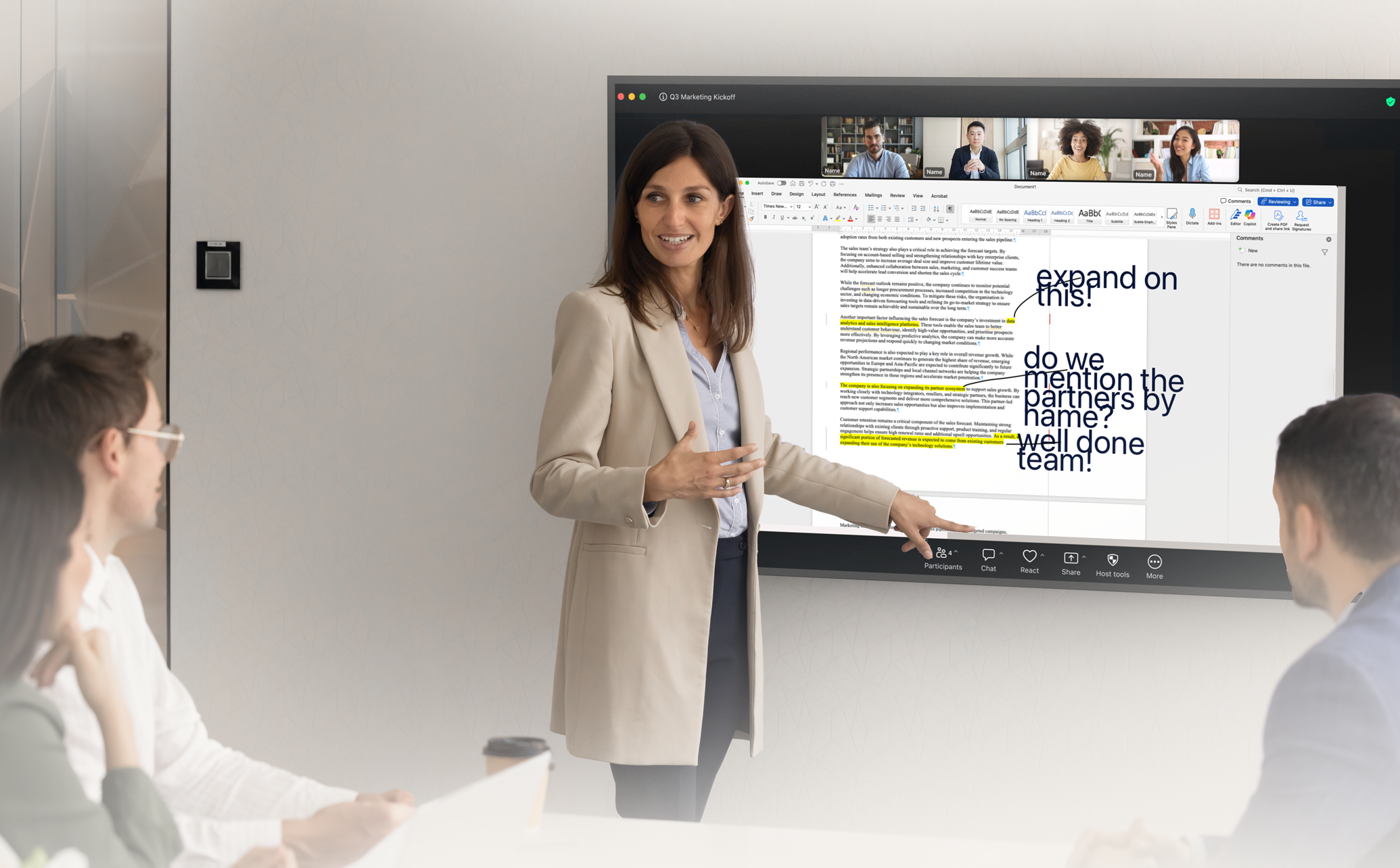
Share.
See how content can move between devices, displays and participants.
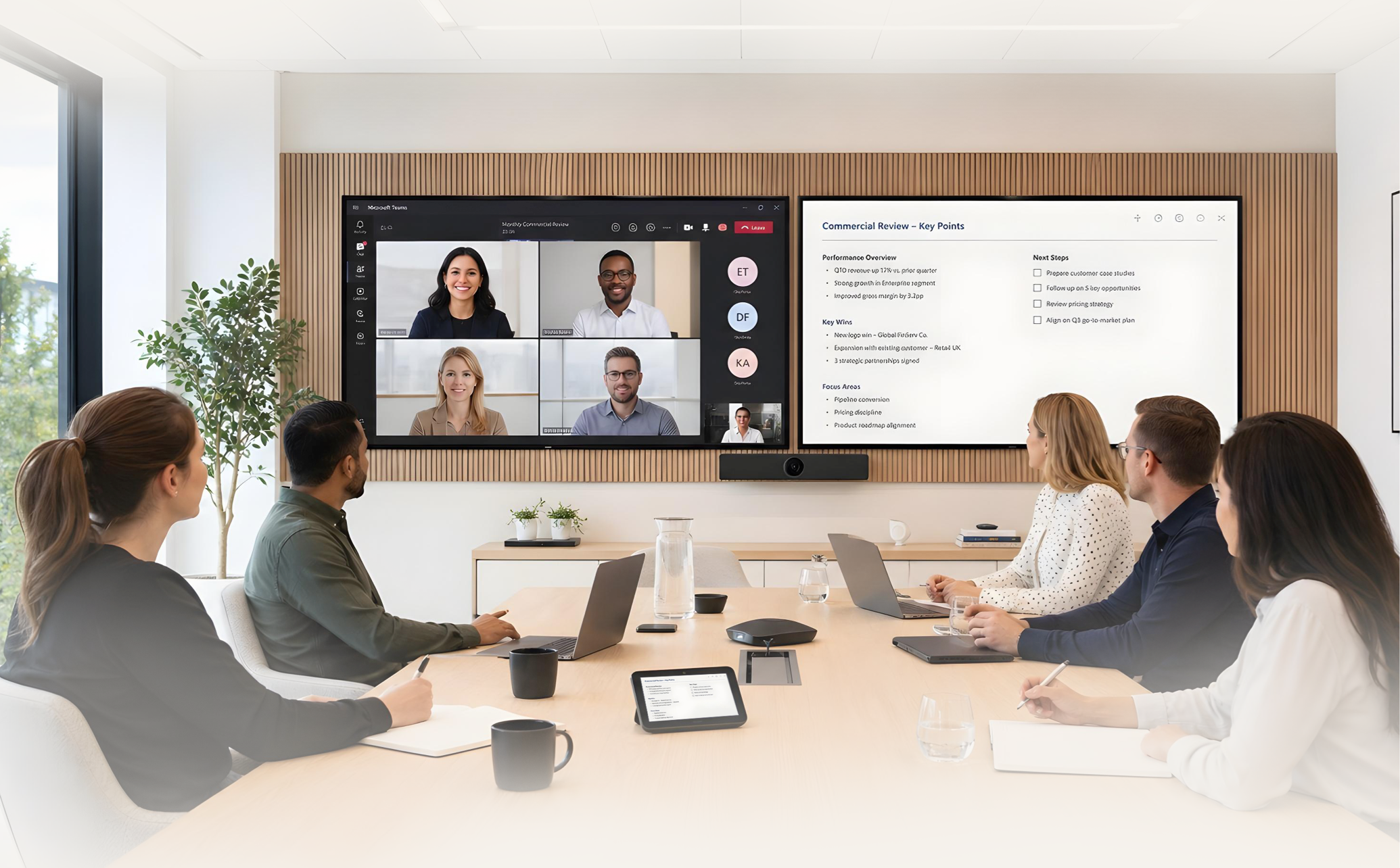
Adapt.
Explore flexible configurations for different rooms and ways of working.
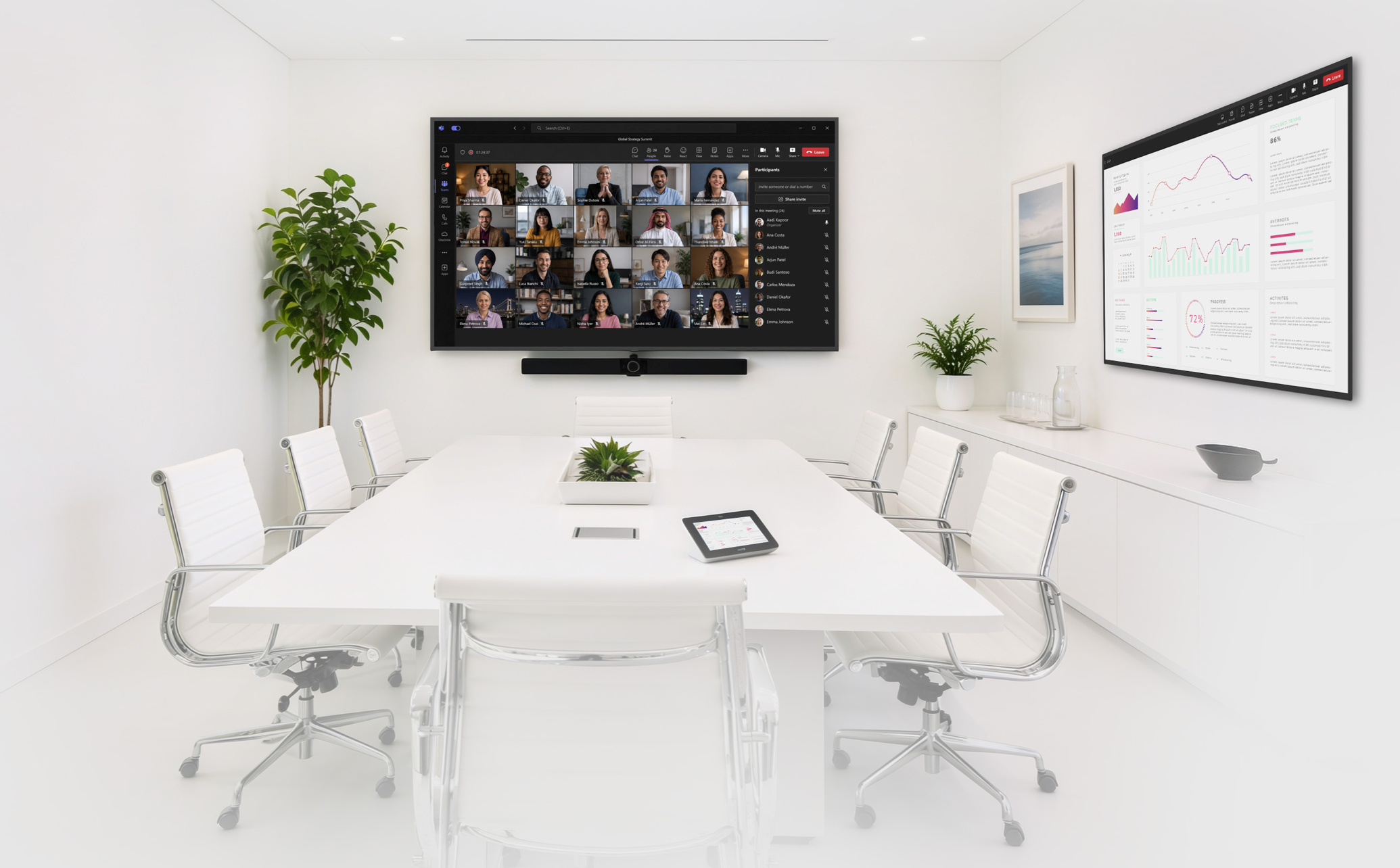
Take a look inside
Your guide to a more connected meeting room.
Get a closer look at the different ways Clevertouch can enhance your Microsoft Teams Rooms experience.
Inside, you'll explore:
 Interactive displays MTR configurations Content sharing
Collaboration Single and dual-screen setups
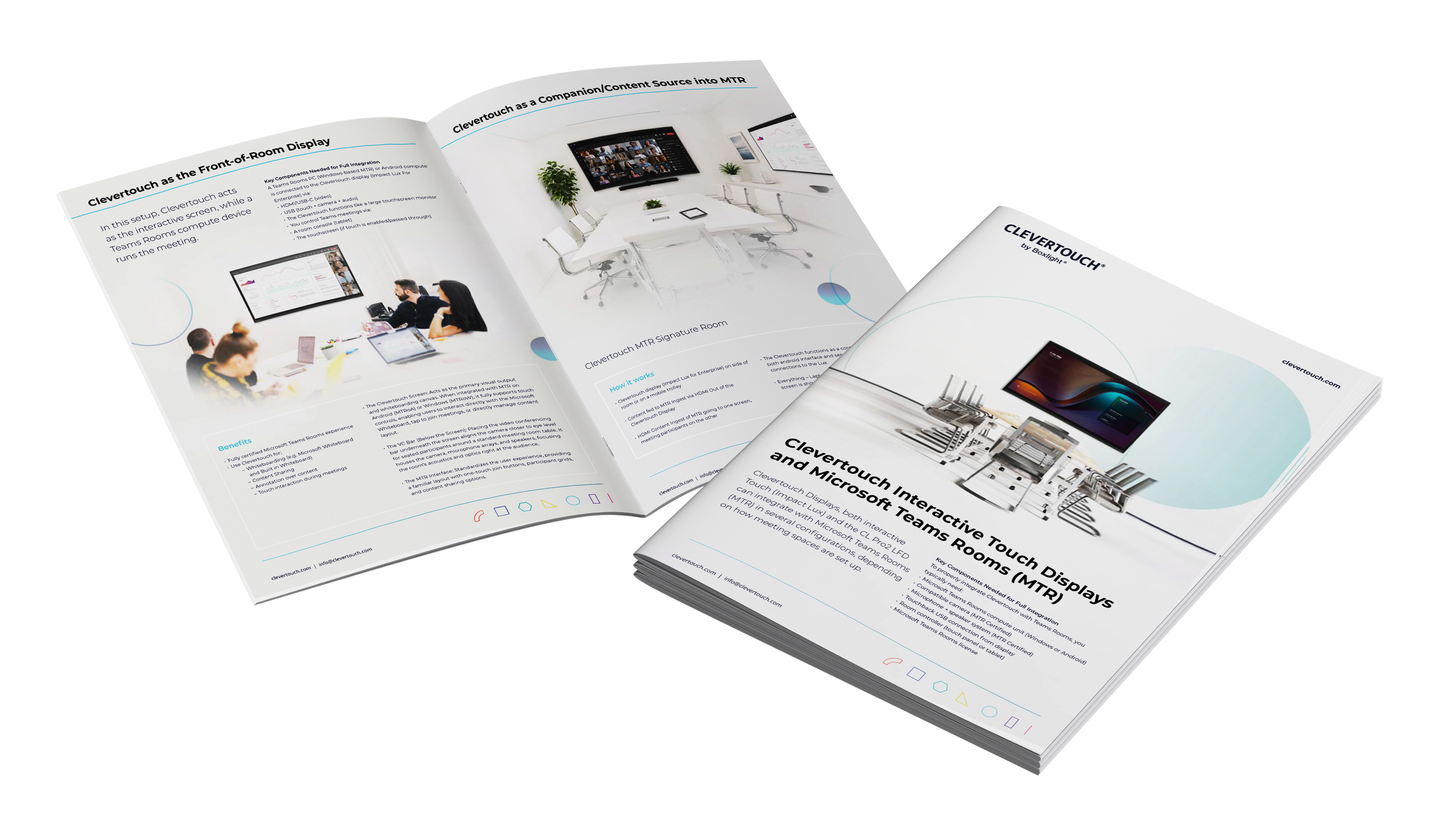
One room. More possibilities.
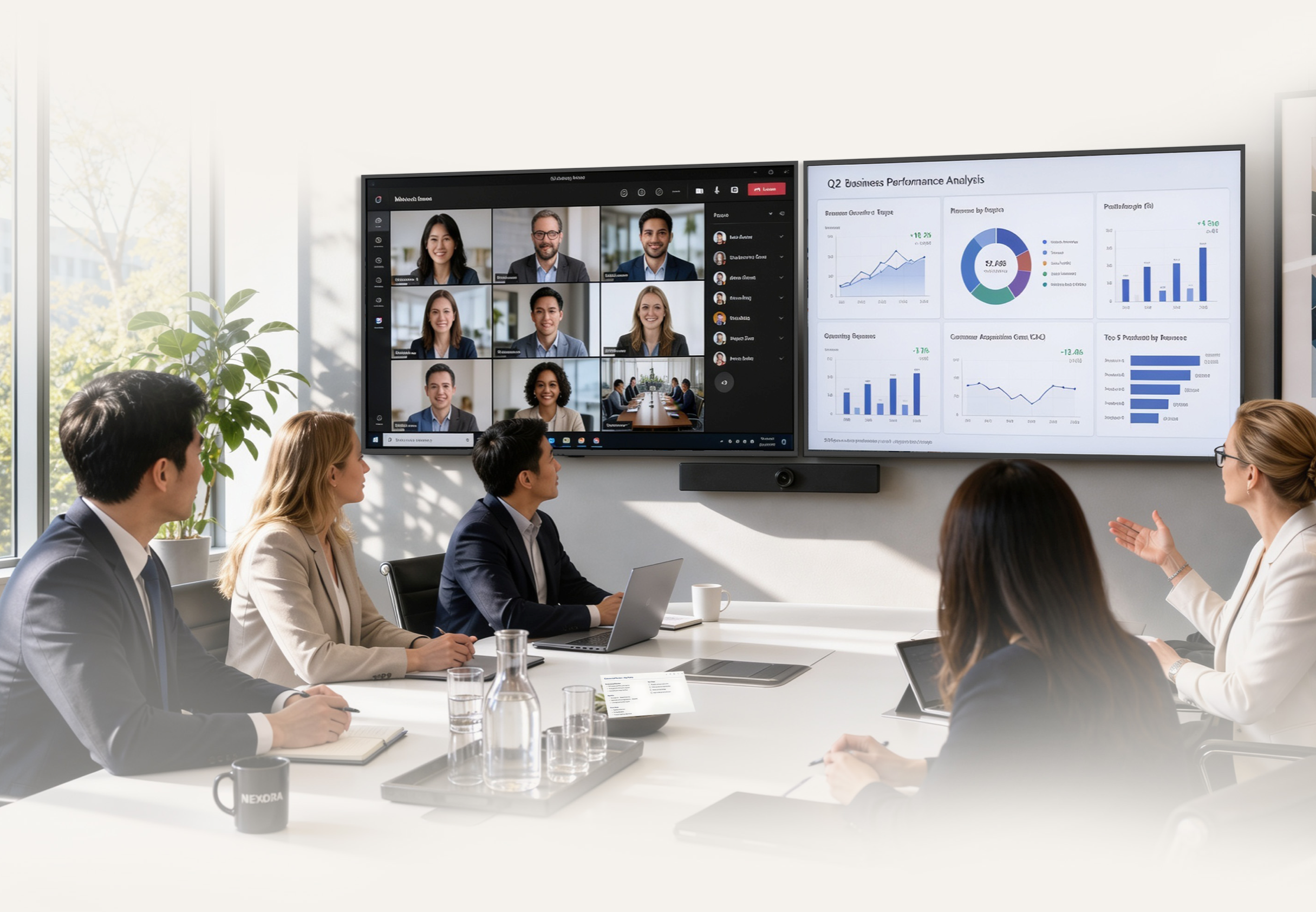
One room. More possibilities.
From simple content sharing to fully integrated Microsoft Teams Rooms, there’s more than one way to create a better meeting experience.
Find the setup that works for your space, your technology and your teams.
Ready to rethink your meeting room?
Get your free Meeting Room Guide
Discover how Clevertouch and Microsoft Teams Rooms can come together to create a simpler, more connected meeting experience.
Complete the form to download your free copy.


