CleverInk
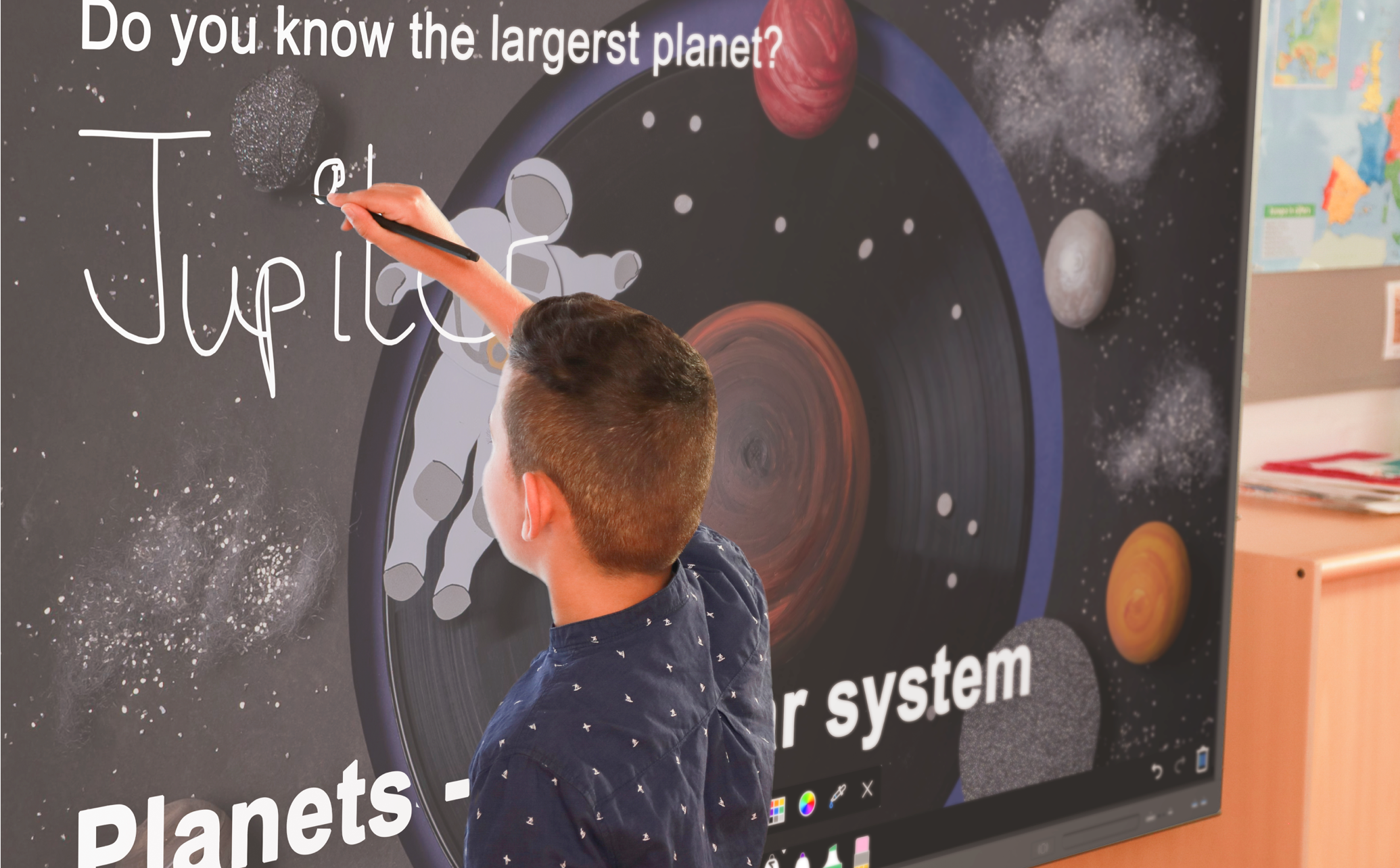
Experience realistic writing with CleverInk technology on IMPACT Lux.


Realistic writing.
Experience realistic writing with CleverInk technology on IMPACT Lux. Write, erase, scroll, and comment seamlessly without switching modes. This intuitive solution for interactive displays boosts productivity, creativity, and collaboration.



Take a closer look.
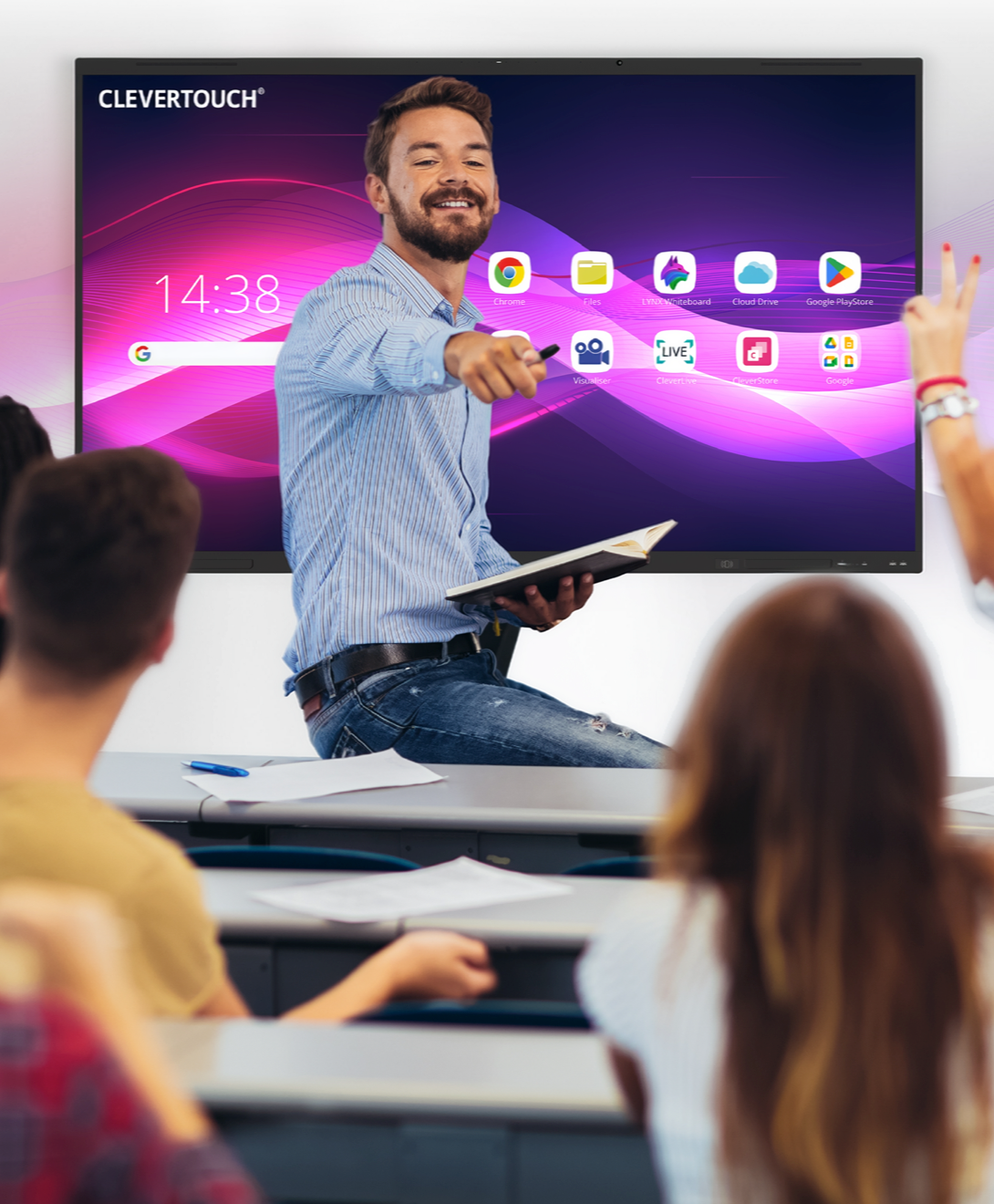
Increased productivity and engagement. The seamless and intuitive nature of CleverInk technology boosts productivity in the classroom. Teachers can easily switch between writing, erasing, scrolling, and commenting, enabling them to deliver content more efficiently and effectively. Students can also engage in collaborative activities without interruption, leading to increased productivity and engagement.

Enhanced creativity. The realistic writing experience provided by CleverInk stimulates creativity in the classroom. Teachers and students can express their ideas, thoughts, and concepts with precision and fluidity. The natural writing experience encourages brainstorming, problem-solving, and creative thinking, fostering a more dynamic and innovative learning environment.
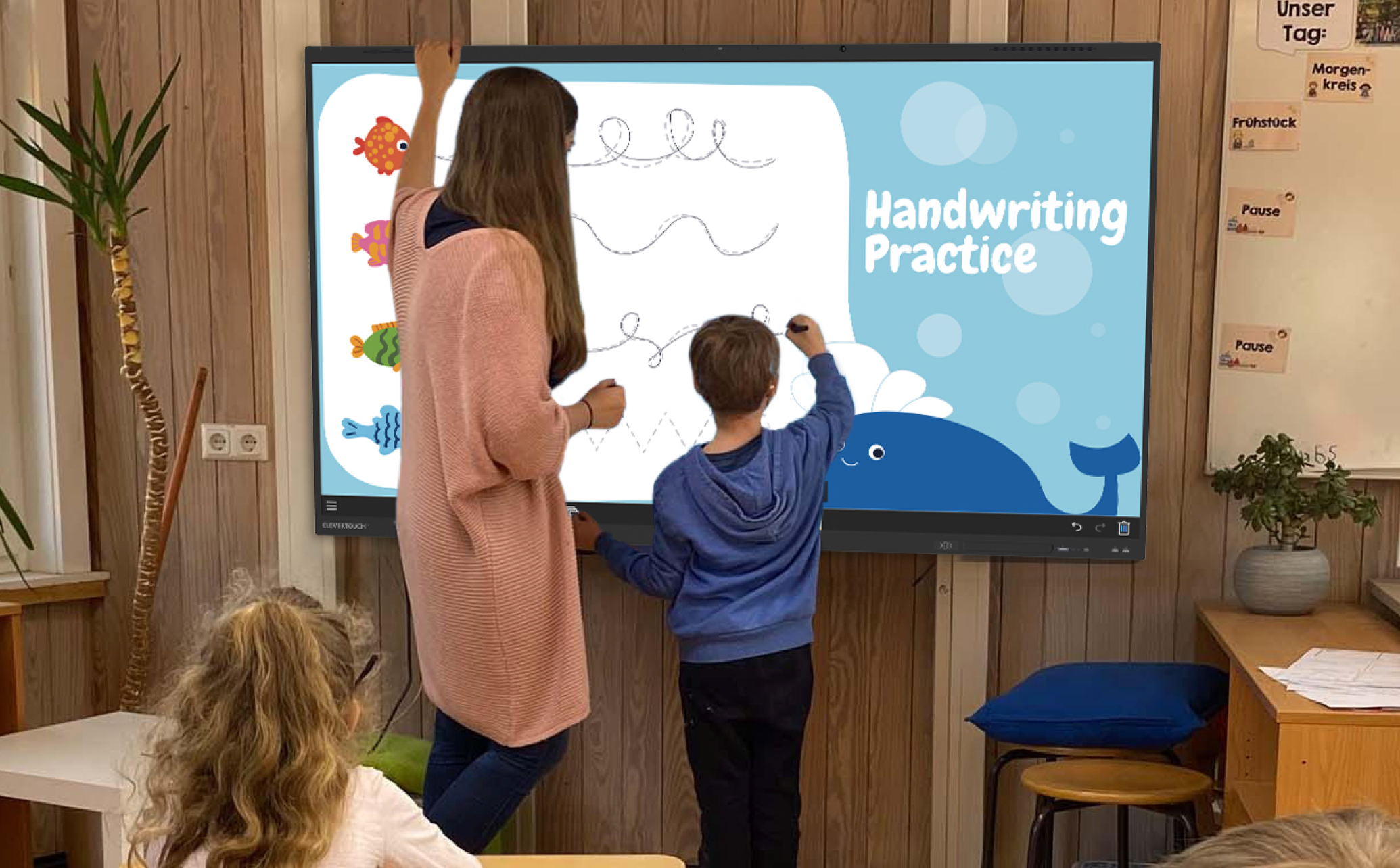
Effective collaboration. CleverInk technology facilitates effective collaboration among teachers and students. By allowing seamless interaction and intuitive writing, it promotes active participation, idea sharing, and collective problem-solving. This technology enables teachers and students to collaborate on projects, annotate documents, and co-create content, enhancing teamwork and communication skills.
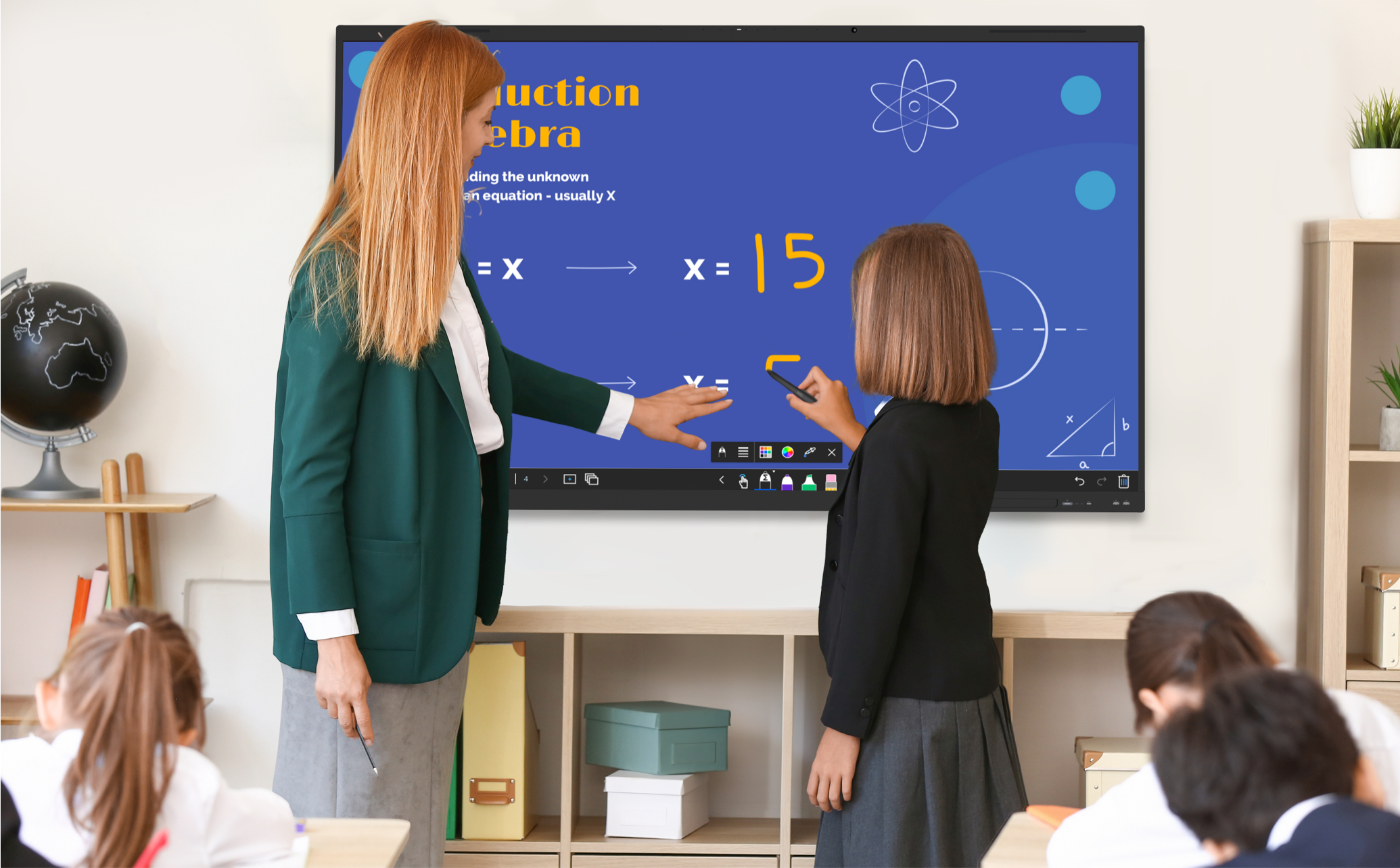
Dynamic annotation for PowerPoint. Now, when you annotate on PowerPoint slides, the annotations are saved within the PowerPoint file, in the correct place. This ensures that annotations are preserved in their proper locations, allowing for easy sharing and future collaboration or reference.