
Better Meetings Start with Launcher
DisplayNote Launcher transforms your existing meeting room screens into secure, flexible collaboration hubs. With Launcher installed, users can instantly access video conferencing platforms, calendars and approved apps without being locked into a single UC vendor or compromising IT security.
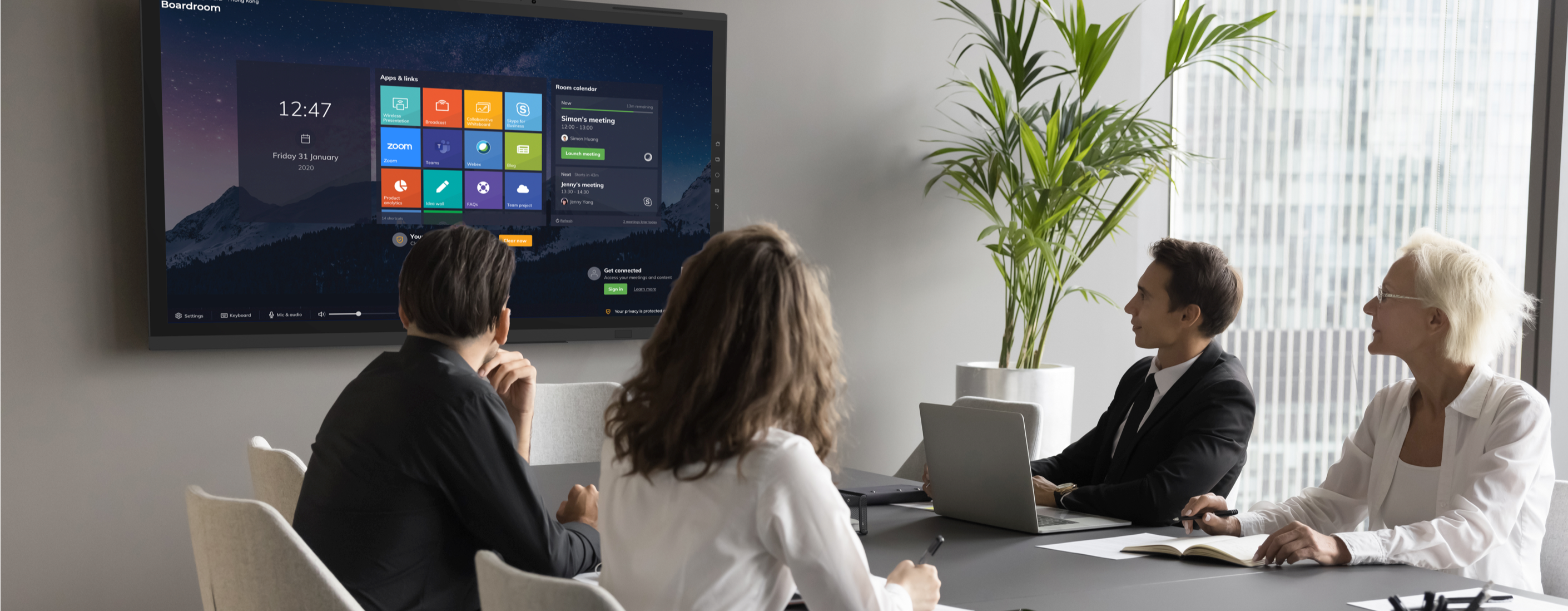


DisplayNote Launcher benefits for...
IT Teams:
- Uses existing meeting room equipment
- Fewer support tickets and callouts
- Greater control over security and access
- Standardised deployment across locations
- Digitally inclusive meeting environments

Meeting Room Users:
- Faster meeting start times
- Fewer technical difficulties
- More efficient hybrid meetings
- Greater confidence using room technology
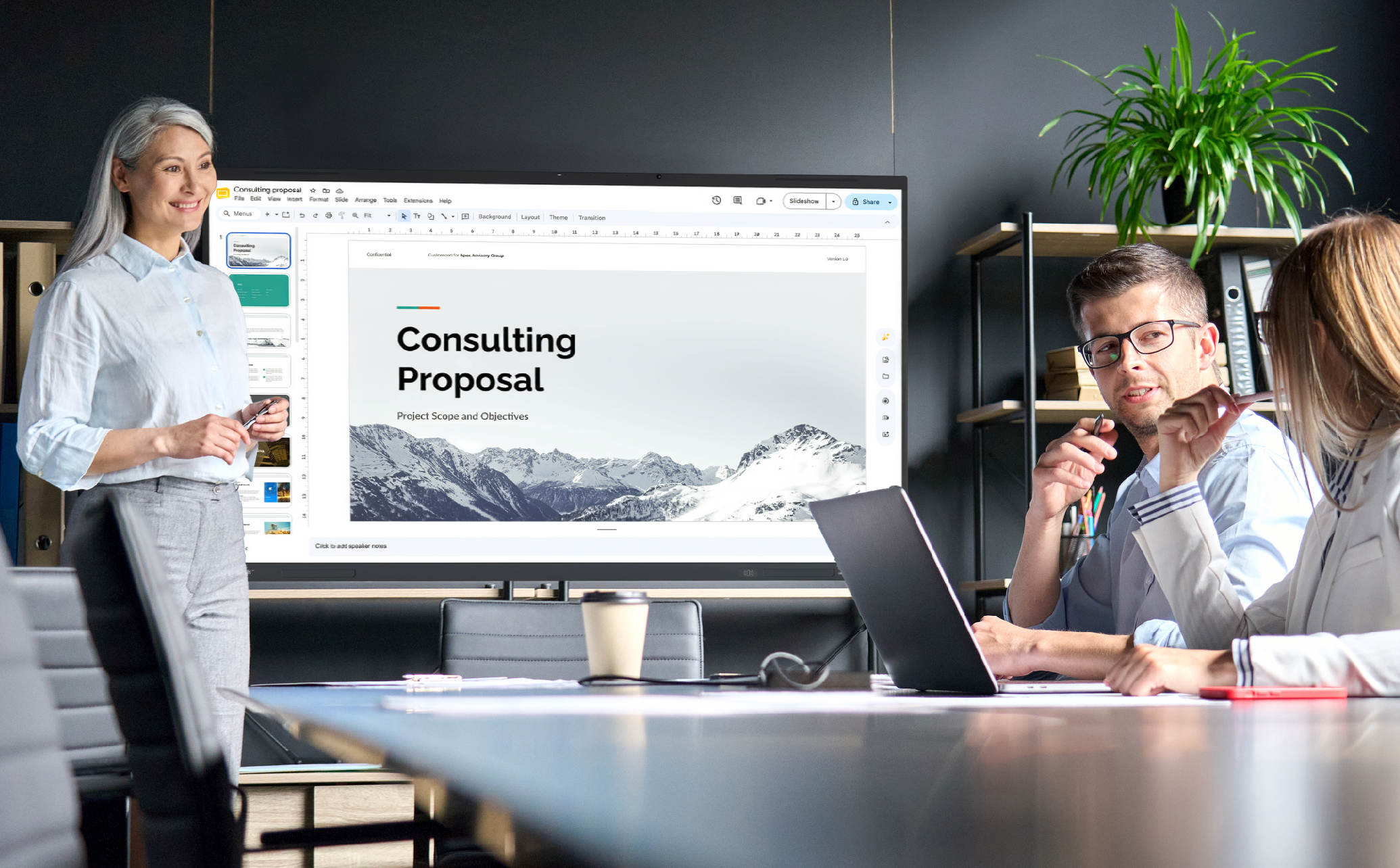
Flexible hybrid meeting rooms.

Flexible hybrid meeting rooms.
Shared meeting spaces, hybrid working and video collaboration are now standard. But meeting rooms often create frustration for users and IT teams due to platform lock-in, security concerns and complex setups. Launcher delivers a consistent, secure and user-friendly experience across every meeting space.
As a Windows-based software solution, Launcher works with the screens and hardware you already use, making it a cost-effective upgrade for enterprise environments.


No more vendor-locked rooms.
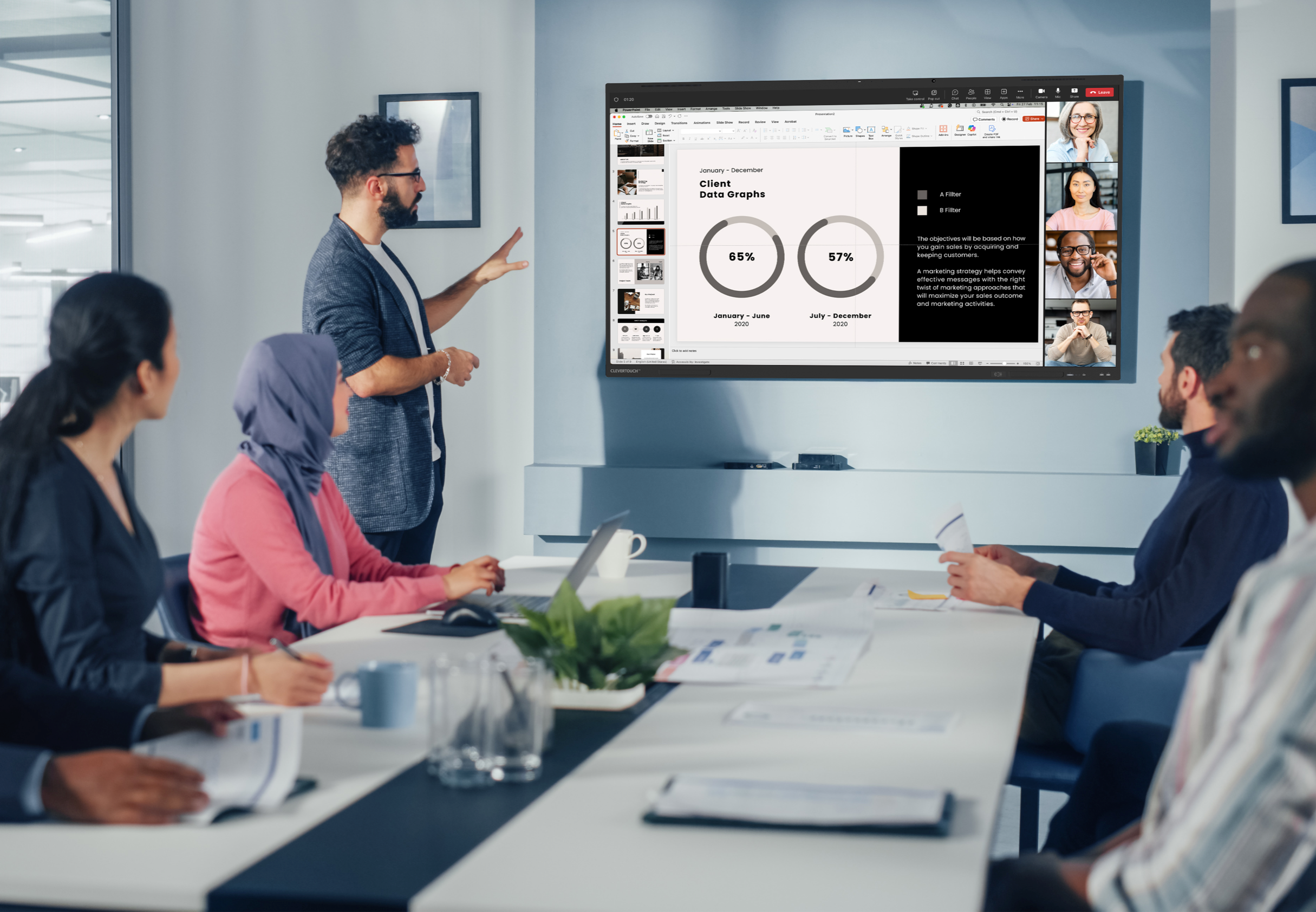
No more vendor-locked rooms.
Launcher removes single-platform dependency; users simply select their platform and start their meetings.







Simple and intuitive.

Simple and intuitive.
Meetings start faster with fewer technical interruptions. Launcher mirrors the familiar experience users have on personal devices.
Locked down and secure.
Locked down and secure.
Built for enterprise IT environments, Launcher ensures complete control over meeting room access, maintaining security without limiting flexibility.


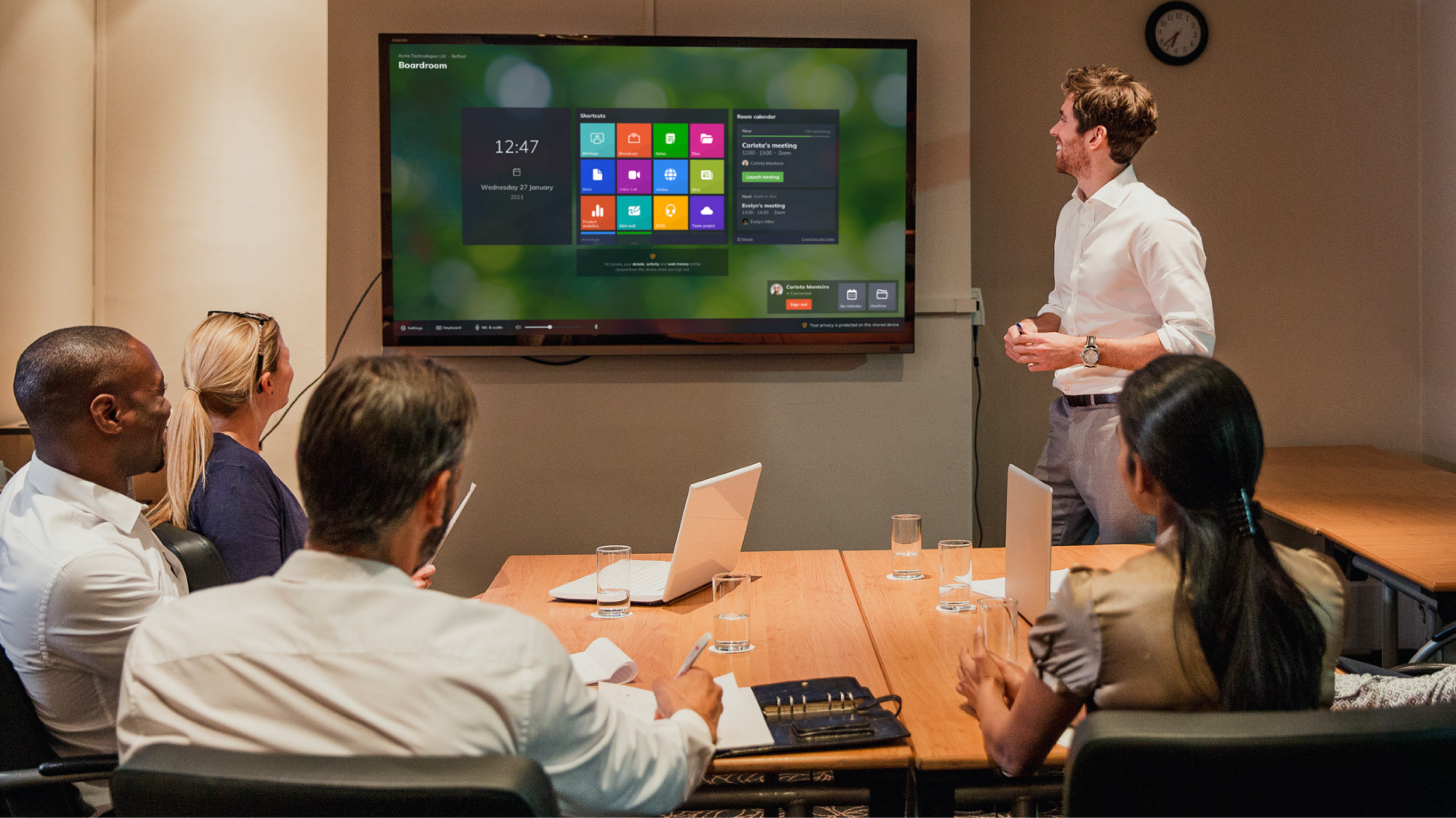
Standardised meeting room experience.
Customise the home screen with approved apps and tools to create a consistent user experience across all meeting rooms, offices and locations. Users walk into any room and know exactly how to start their meeting.

Book a Launcher demo.
See how DisplayNote Launcher can unlock your meeting rooms from vendor restrictions while maintaining enterprise-grade security.
Book a personalised demo to explore secure multi-platform video conferencing, simplified meeting room management and improved hybrid collaboration across your organisation.


