
Bring Your Own Meeting (BYOM) for Enterprise Meeting Rooms
Powerful meetings whenever, wherever.
BYOM allows employees to start meetings from their own devices while using the professional cameras, microphones, displays and collaboration tools installed in the meeting room.
A less formal way of working.
With BYOM (Bring Your Own Meeting), you bring your meeting on your device. Start and run meetings directly from your own laptop or mobile device while using your preferred UC solution and the meeting room’s professional AV equipment. It’s a less formal way to hold meetings. These off-the-cuff pop-up meetings allow users to be more creative and share ideas naturally. BYOM supports modern hybrid work by enabling teams to collaborate instantly using the tools they already use.
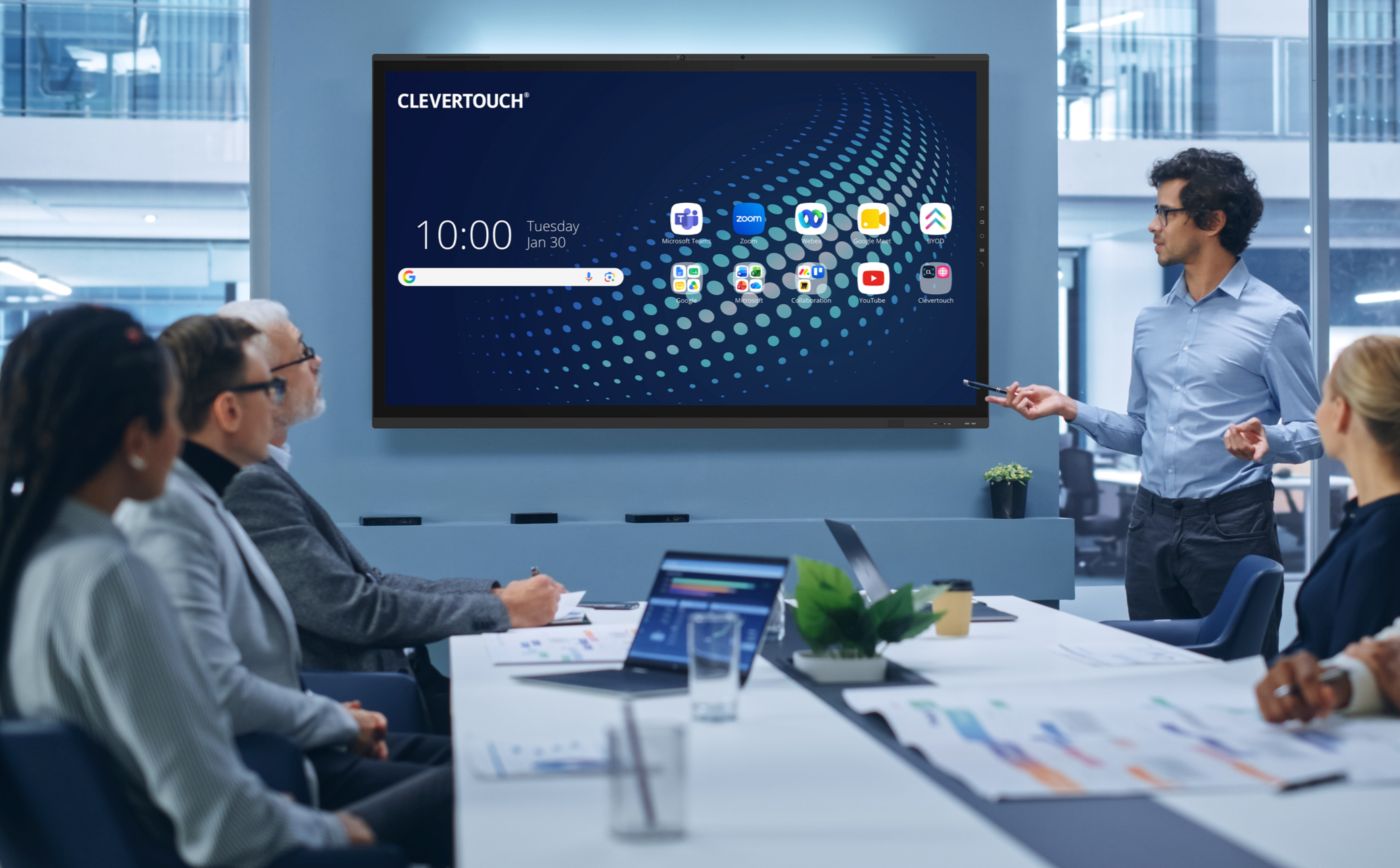
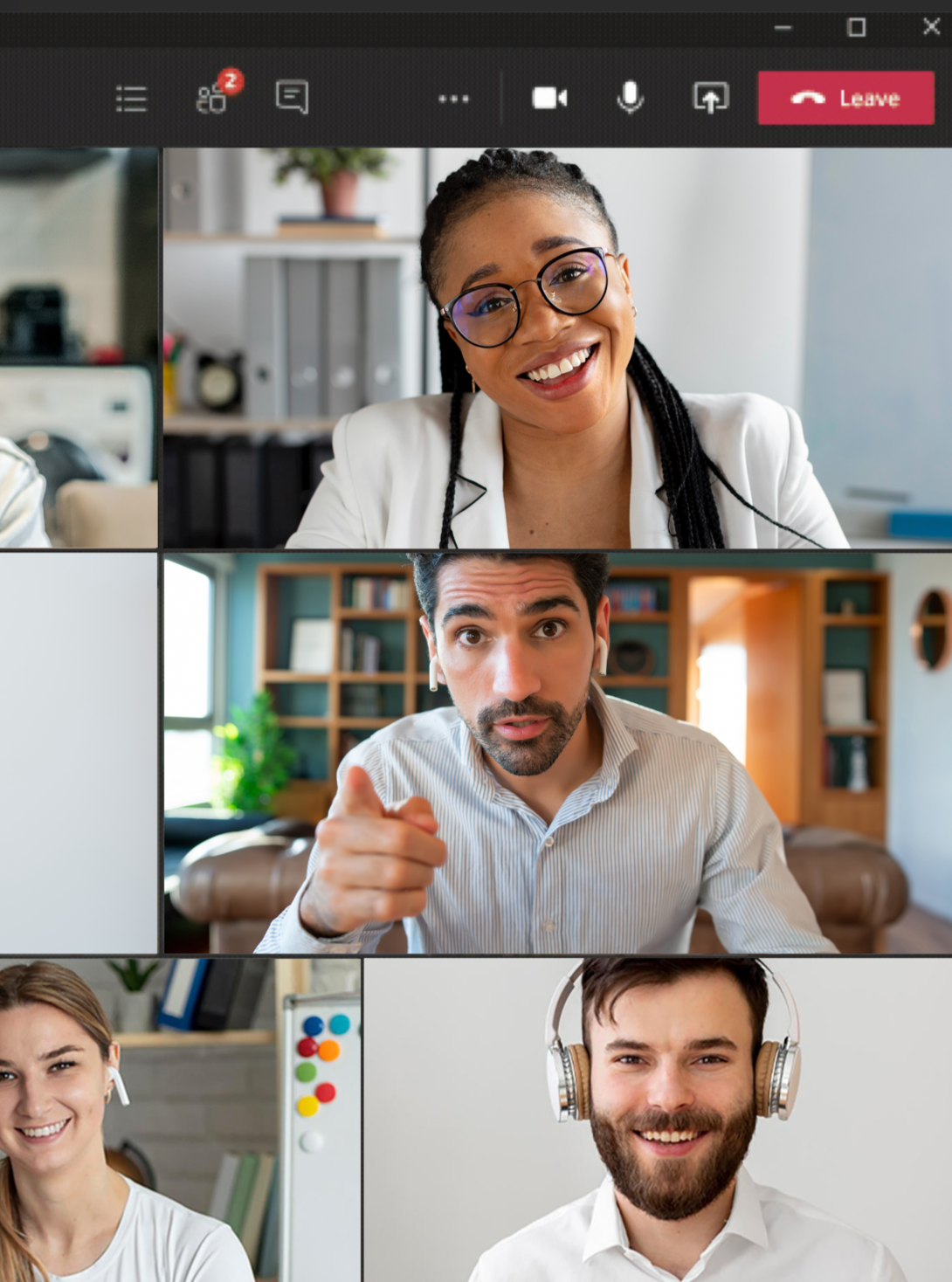
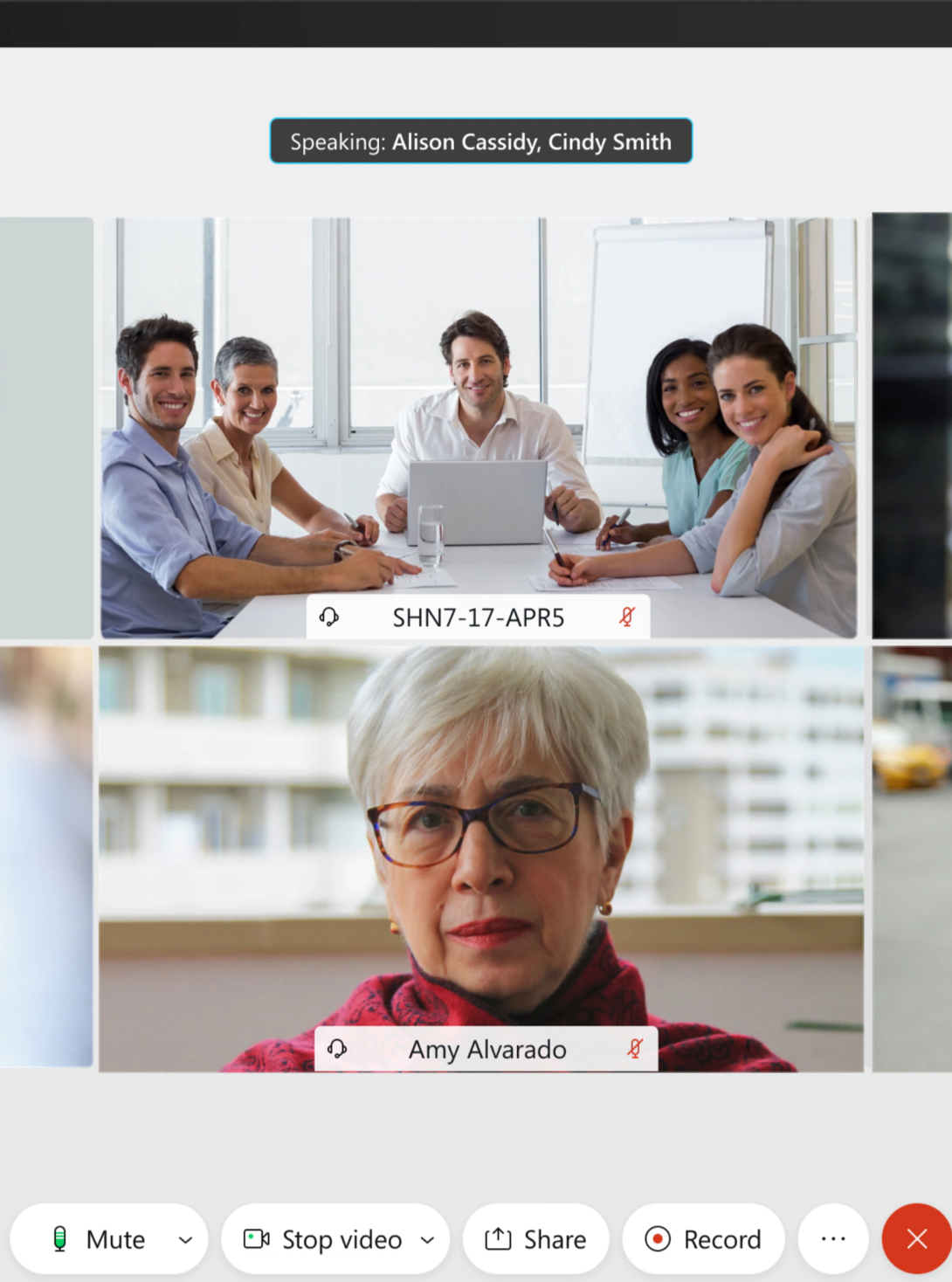
BYOM enables organisations to support Microsoft Teams, Zoom, Webex and Google Meet from a single meeting room technology platform. Employees can use their preferred unified communications platform while benefiting from professional audio, video and wireless presentation technology already installed in the room.

Simple, flexible meetings in hybrid workspaces.
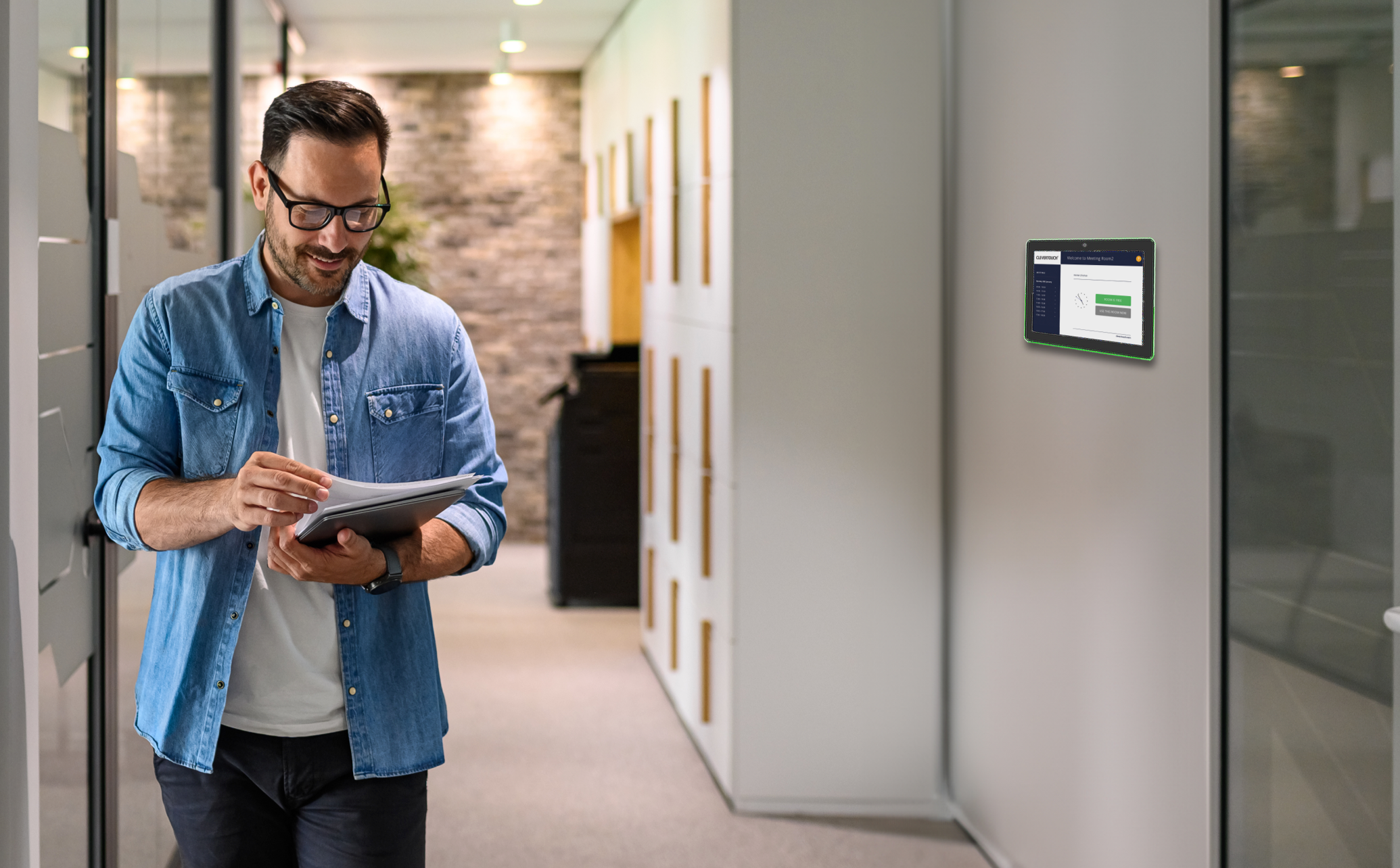
BYOM empowers your colleagues to decide where and how they connect with meeting participants. Creating that seamless user experience with an easy setup and go meeting is the priority in our hybrid workspaces. Let’s face it, the in-room technology needs to work the first time, every time, and shouldn’t affect your existing UC setup; instead, it needs to complement it with no need to call IT. Clevertouch’s ecosystem gives you freedom of choice for using your own UC platform, ease of use for your colleagues and a value-added standardisation of your meeting rooms, wayfinding and room booking tech, which is all supported by free to use CleverLive.


Technology that powers modern meeting rooms.
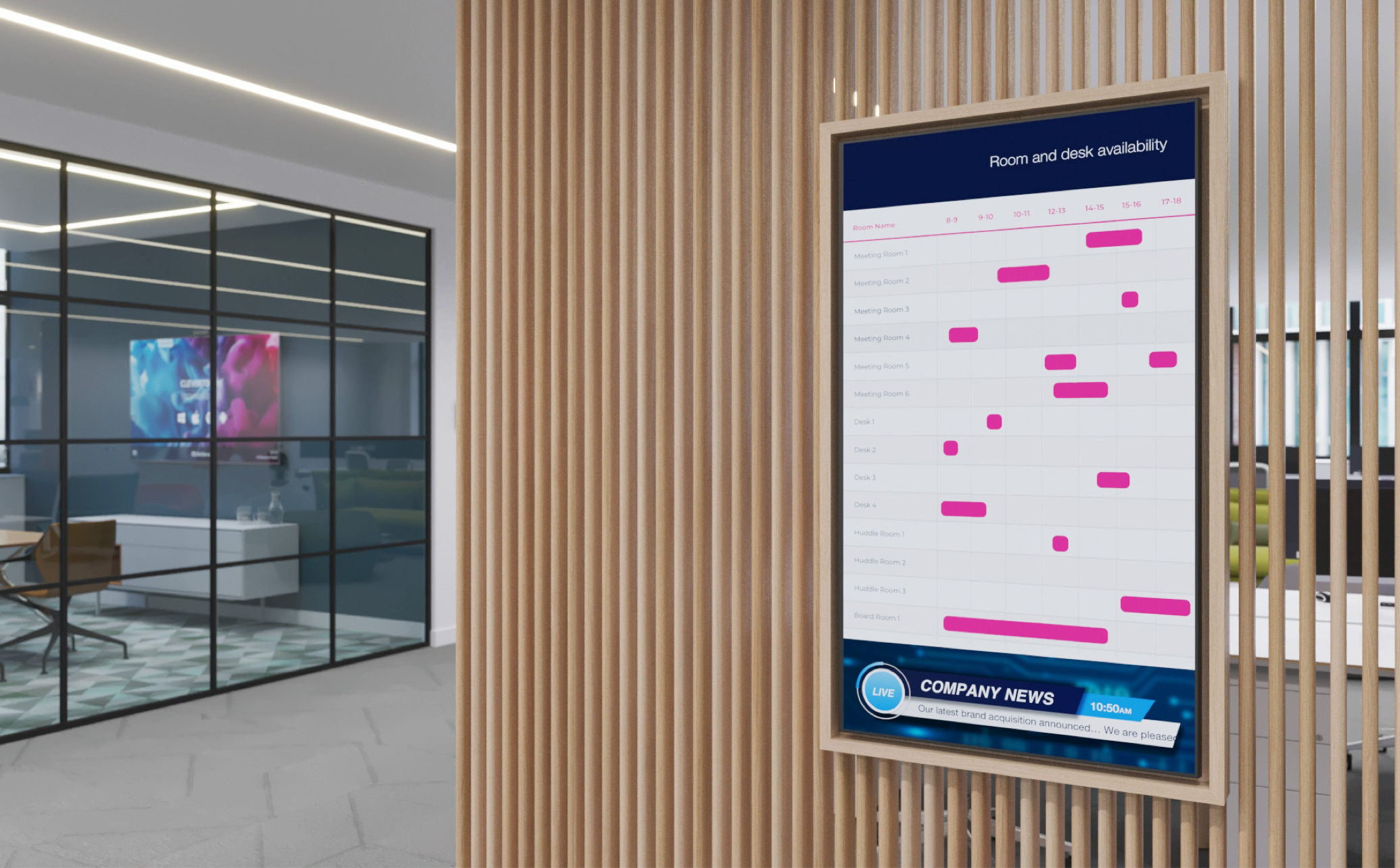
CleverLive. Finding that meeting room shouldn’t be stressful. Located in the reception, at a glance, room availability is the new norm. CleverLive will work on your commercial display within your reception area, showing availability that day of free meeting rooms and about to launch on CleverLive, available desk spaces.
Environmentally reactive.
Environmentally reactive.
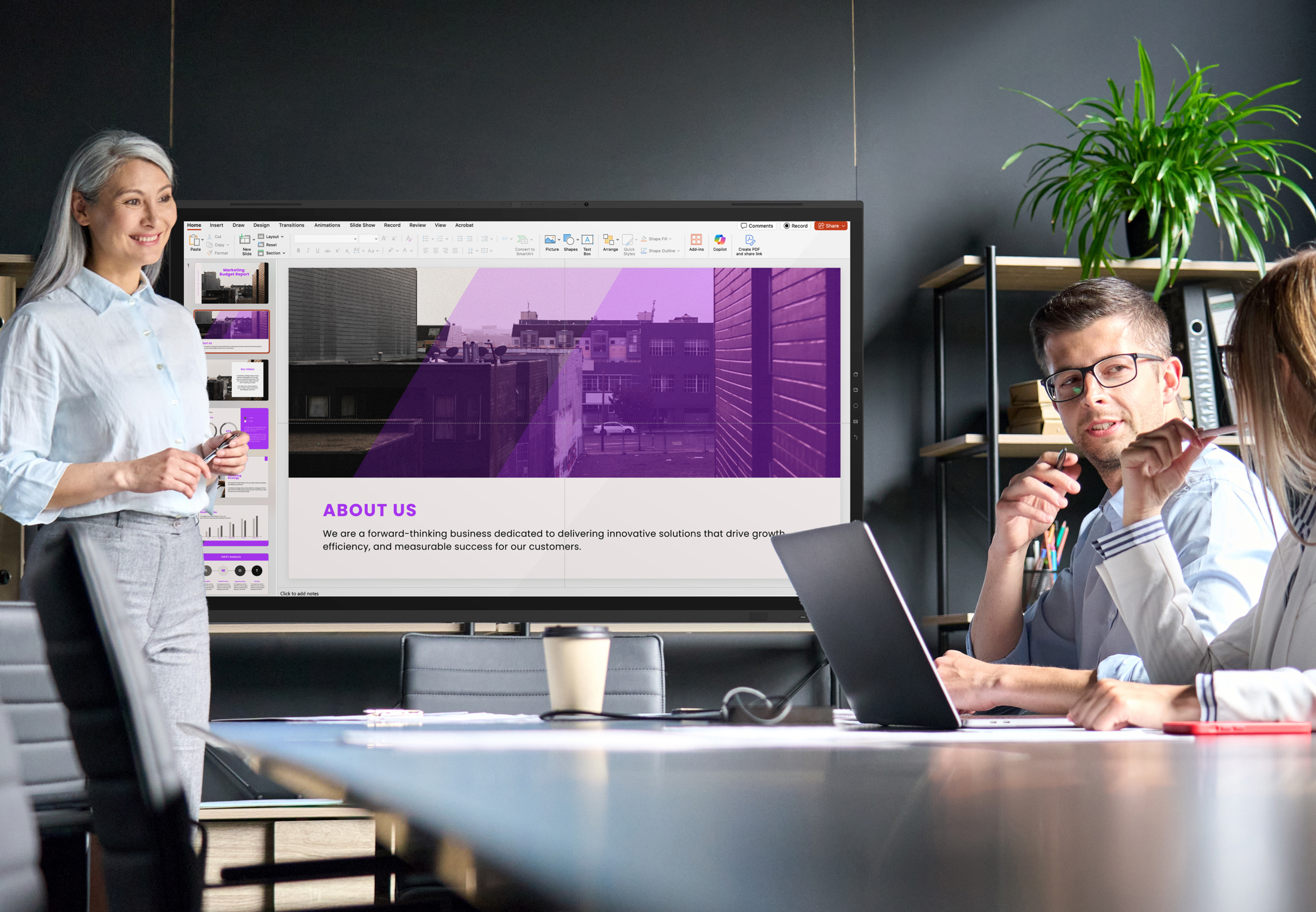
Now that you’re in your meeting room - your interactive flat panel, Clevertouch Edge, will monitor air quality, light (and then adjust accordingly), and detect motion (and shut down when not in use). The Clevertouch Edge is also the only panel on the market to charge and send content from a device using a USB C cable or collaborate using CleverShare.


Meetings shouldn’t be difficult. Book a BYOM demo.
See how Bring Your Own Meeting (BYOM) technology can transform your meeting rooms. Experience seamless, one-touch access to your preferred UC platform, integrated room booking, and intuitive collaboration tools, all without IT support.
Book your personalised BYOM demo today and empower your teams with flexible, frictionless collaboration.



Got questions? We’ve got answers.
What is BYOM in meeting rooms?
BYOM (Bring Your Own Meeting) is a meeting room solution that allows users to start and control video meetings from their own laptop or mobile device while using the room's professional AV equipment, including displays, cameras, microphones and speakers.
Clevertouch's approach enables employees to launch meetings instantly using platforms such as Microsoft Teams, Zoom, Webex or Google Meet while benefiting from the enhanced audio and video quality of the meeting room.
What is the difference between BYOD and BYOM?
BYOD (Bring Your Own Device) allows employees to use their personal devices for work tasks.
BYOM (Bring Your Own Meeting) expands on this concept by enabling users to start and run video meetings from their device while connecting to the meeting room's display, camera and audio systems.
BYOM gives employees the flexibility to use their preferred collaboration platform while still benefiting from enterprise meeting room technology.
Does BYOM work with Microsoft Teams, Zoom and other video platforms?
Yes. Clevertouch BYOM meeting rooms are designed to support major video conferencing platforms, including Microsoft Teams, Zoom, Cisco Webex and Google Meet.
Users simply connect their device to the meeting room system and launch their meeting from the platform they already use, making BYOM ideal for organisations with multiple collaboration tools.
Why are organisations adopting BYOM meeting rooms?
Organisations are adopting BYOM meeting rooms to simplify hybrid collaboration and reduce meeting room complexity.
BYOM enables employees to start meetings from their own device while using the room's professional AV equipment. This reduces delays at the start of meetings, eliminates vendor lock-in and creates a more flexible meeting environment for hybrid teams.
How does a BYOM meeting room work?
A BYOM meeting room works by allowing users to connect their laptops or mobile devices to the meeting room's AV system.
Once connected, the user launches their meeting from their preferred platform. The meeting room display, camera, microphones and speakers automatically enhance the meeting experience, providing professional audio and video quality.
What equipment is needed for a BYOM meeting room?
A typical BYOM meeting room includes:
- Interactive display or meeting room screen
- Conference camera
- Microphone and speaker system
- USB-C or wireless connectivity
- Collaboration software or meeting room interface
These components allow users to connect their devices and instantly use the room's AV capabilities.
What are the benefits of BYOM for IT teams?
BYOM simplifies meeting room management and reduces support requests for IT teams.
Key benefits include:
- Standardised meeting room technology across offices
- Reduced helpdesk calls for meeting room issues
- Compatibility with multiple conferencing platforms
- Simplified device connectivity
- Secure integration with enterprise systems
What are the benefits of BYOM for meeting room users?
BYOM provides a more intuitive and flexible meeting experience for employees.
Benefits include:
- Start meetings directly from their own device
- Use their preferred conferencing platform
- Faster meeting start times
- Simple screen sharing and collaboration
- Consistent meeting room experience across locations
Is BYOM suitable for hybrid workplaces?
Yes. BYOM is designed for hybrid work environments where employees join meetings both remotely and in person. By allowing users to run meetings from their own devices while leveraging professional meeting room equipment, BYOM helps organisations create flexible collaboration spaces that support modern hybrid working.
Can BYOM reduce meeting room technology complexity?
Yes. BYOM reduces complexity by removing the need for multiple dedicated conferencing systems in each meeting room. Instead of relying on fixed room platforms, employees use their own device and preferred collaboration tool while the meeting room provides high-quality audio, video and display capabilities.


