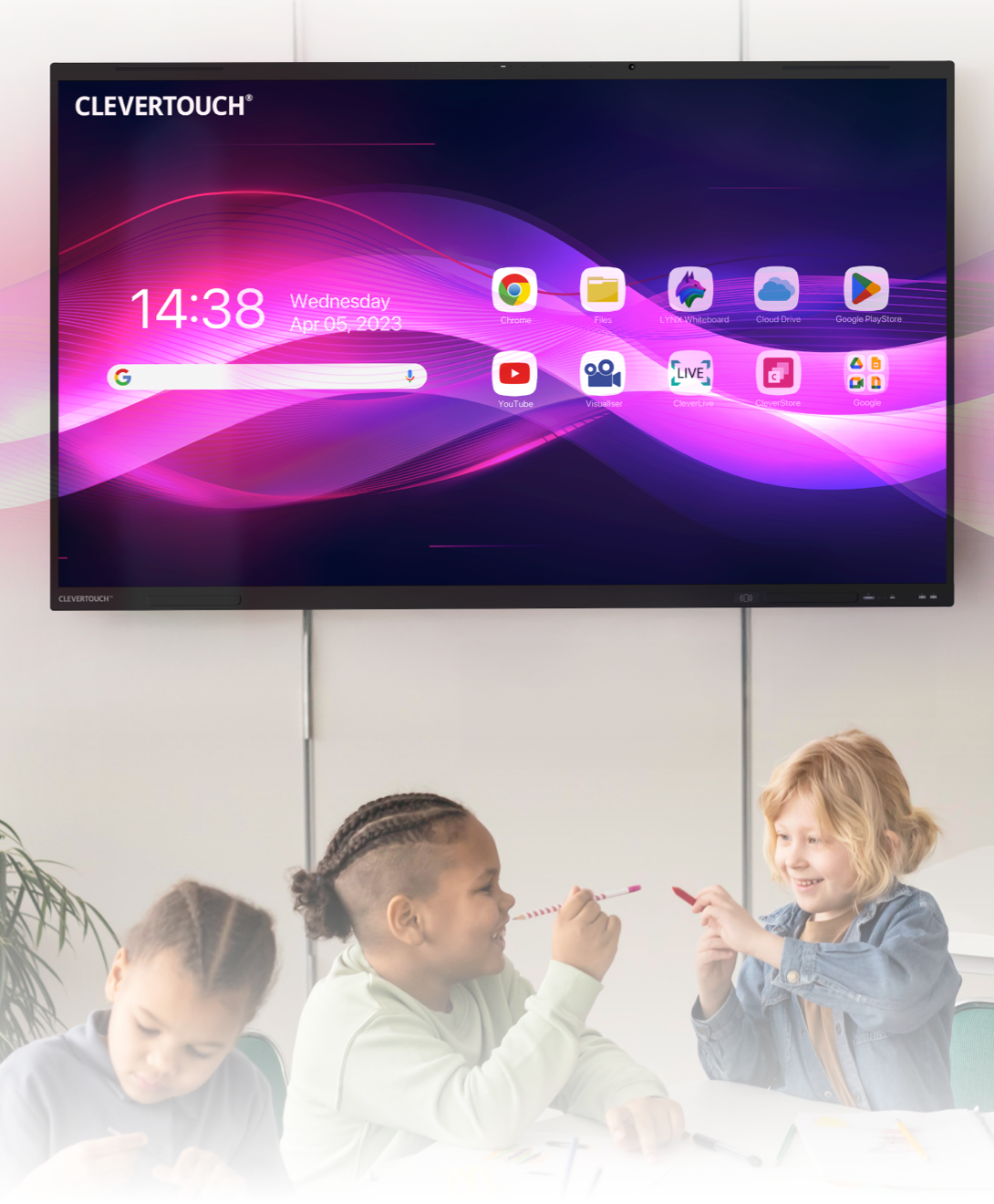
Discover more from LYNX Whiteboard.
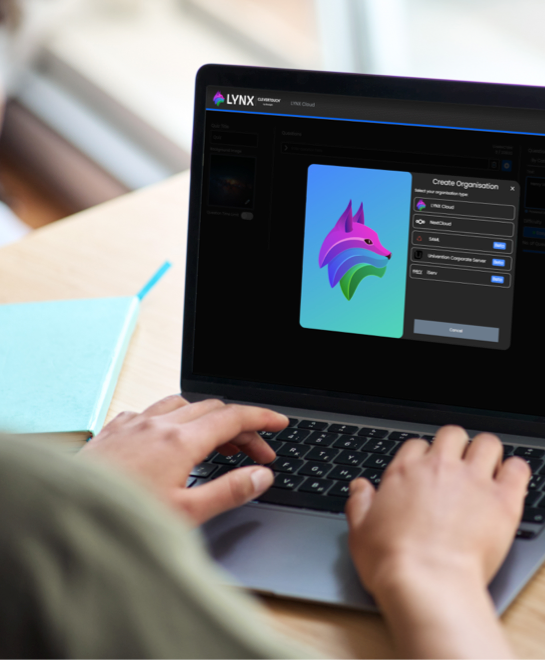
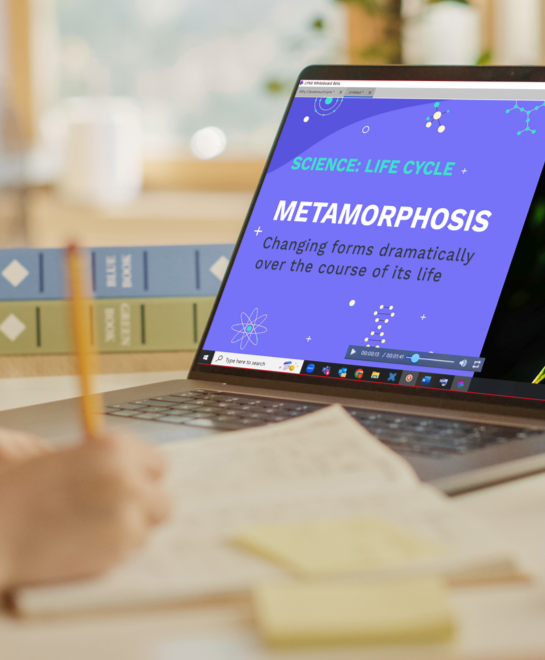

LYNX is your suite of tools designed to elevate teaching. From promoting engagement with a collaborative whiteboard and access to over 80 fun activities and games to streamlining lesson planning with AI-integrated tools, you can transform how you educate.
Create dynamic lesson content, share lessons with other educators, and incorporate images, videos, webpages, PDFs, and more into your creations.
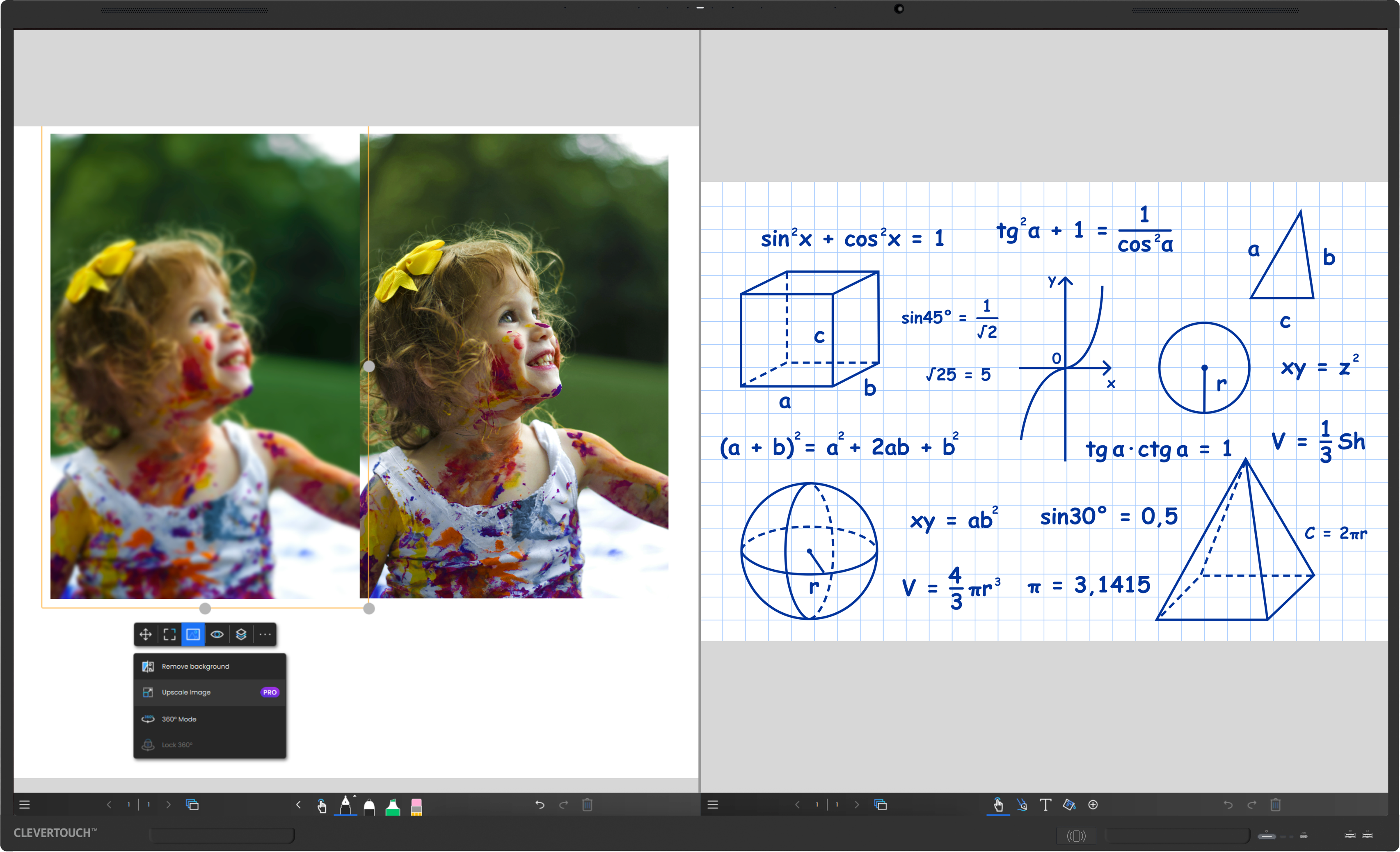
Split screen functionality
Utilise images, videos, webpages, pdfs and more from leading media sources
Access to 80+ activities and games
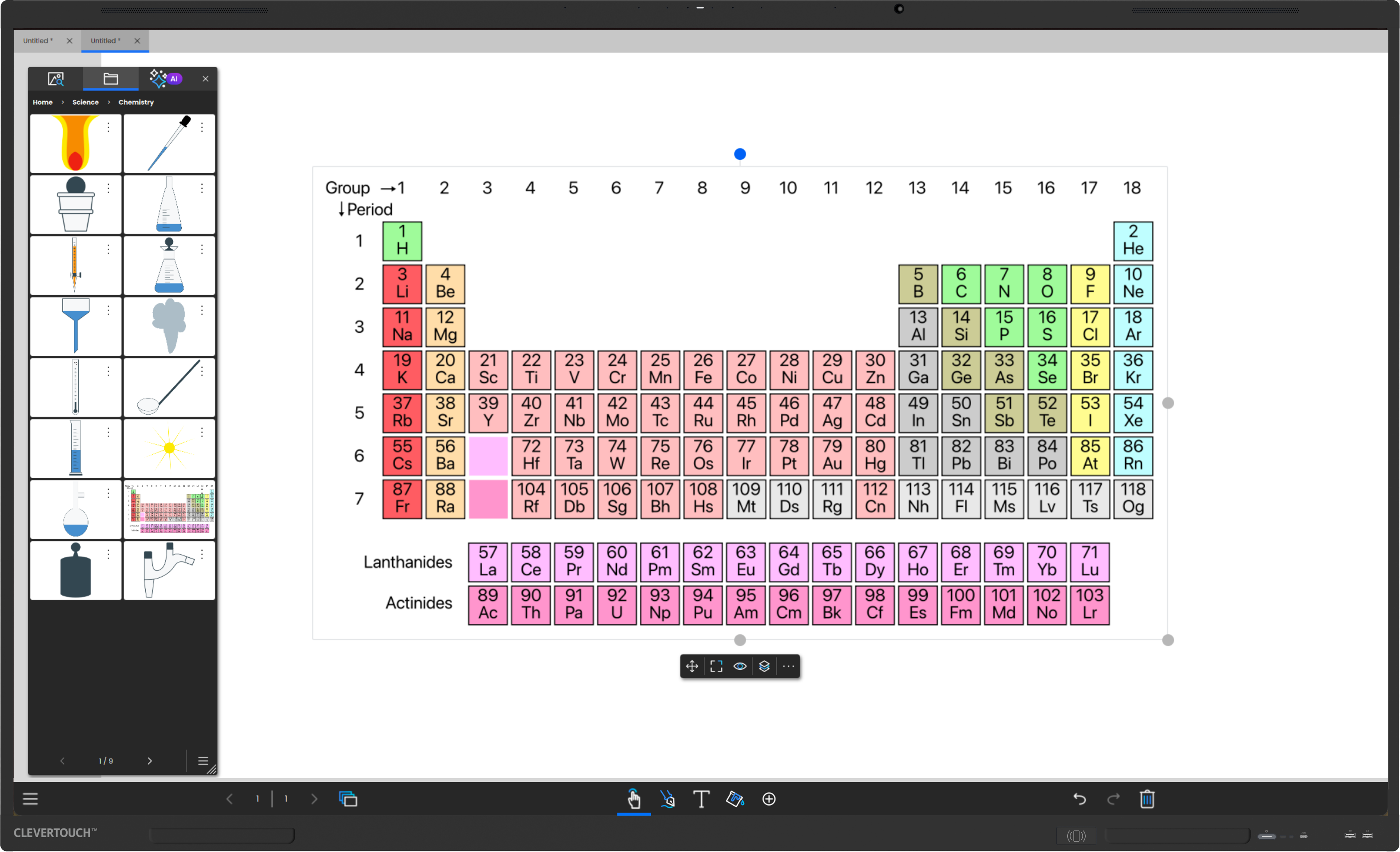
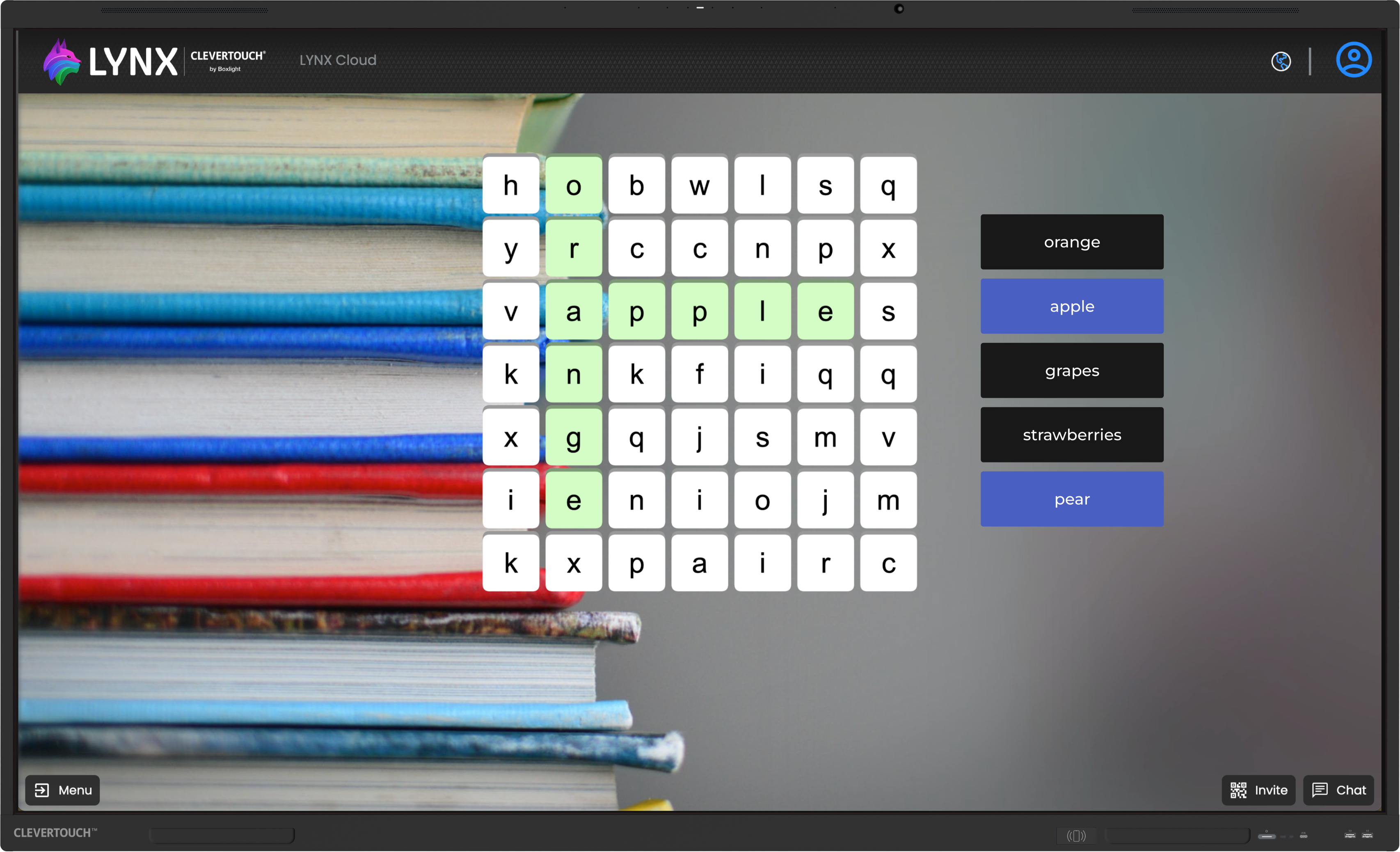
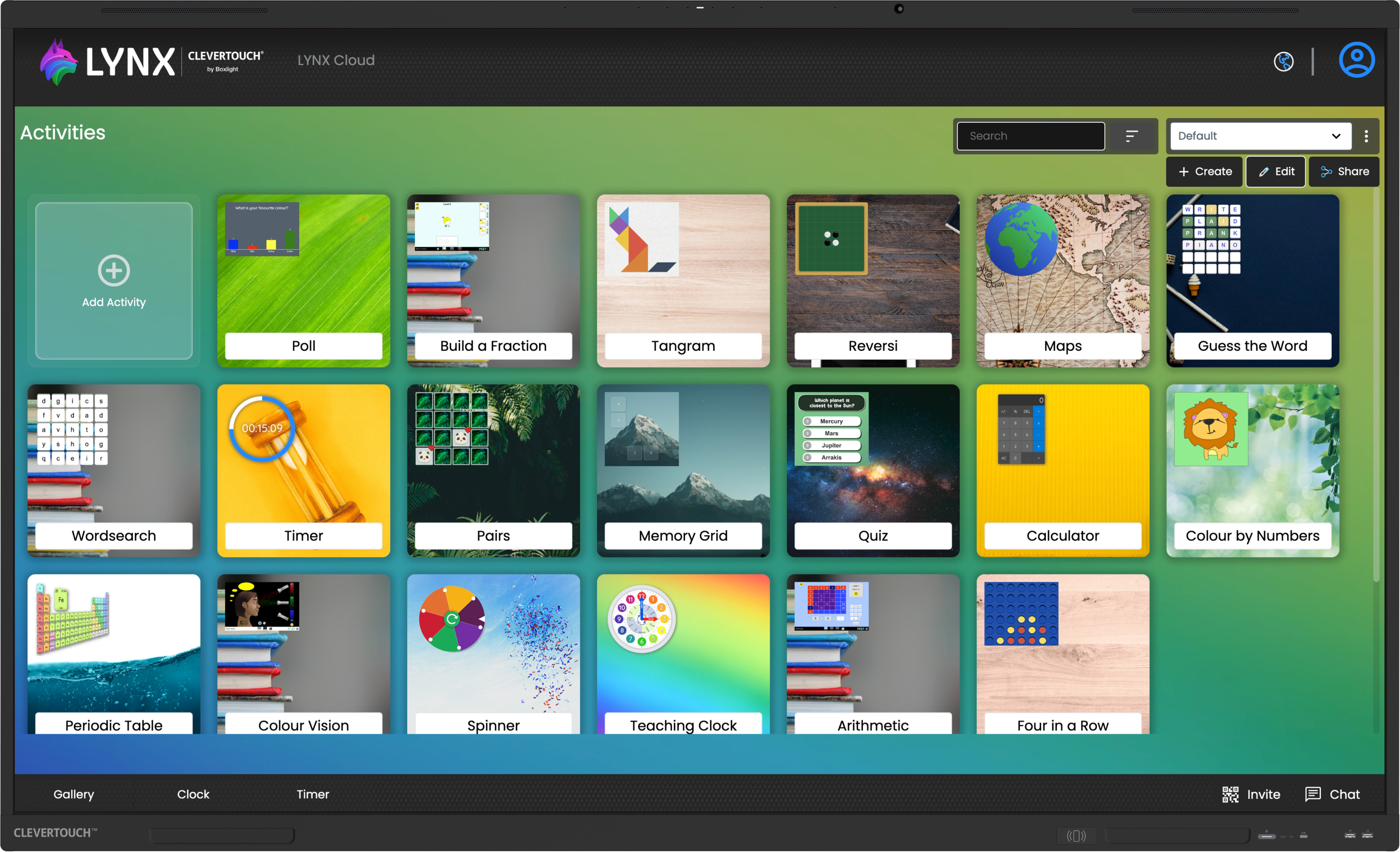
Choose from dozens of activities, or create your own
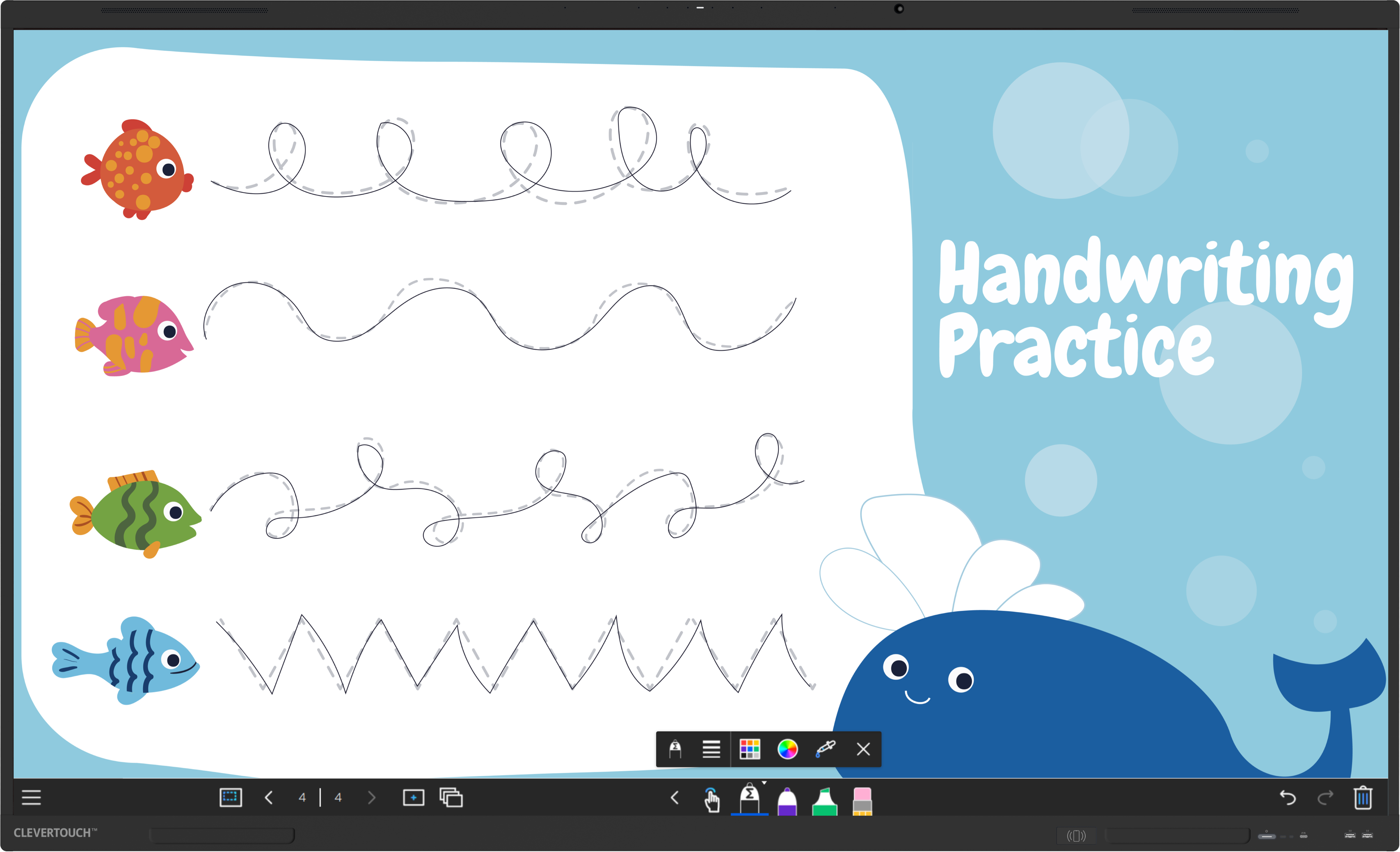
A natural feel to writing with our new pen
Differential recognition between pen, palm and finger


Upgrade to LYNX Pro for premium features.
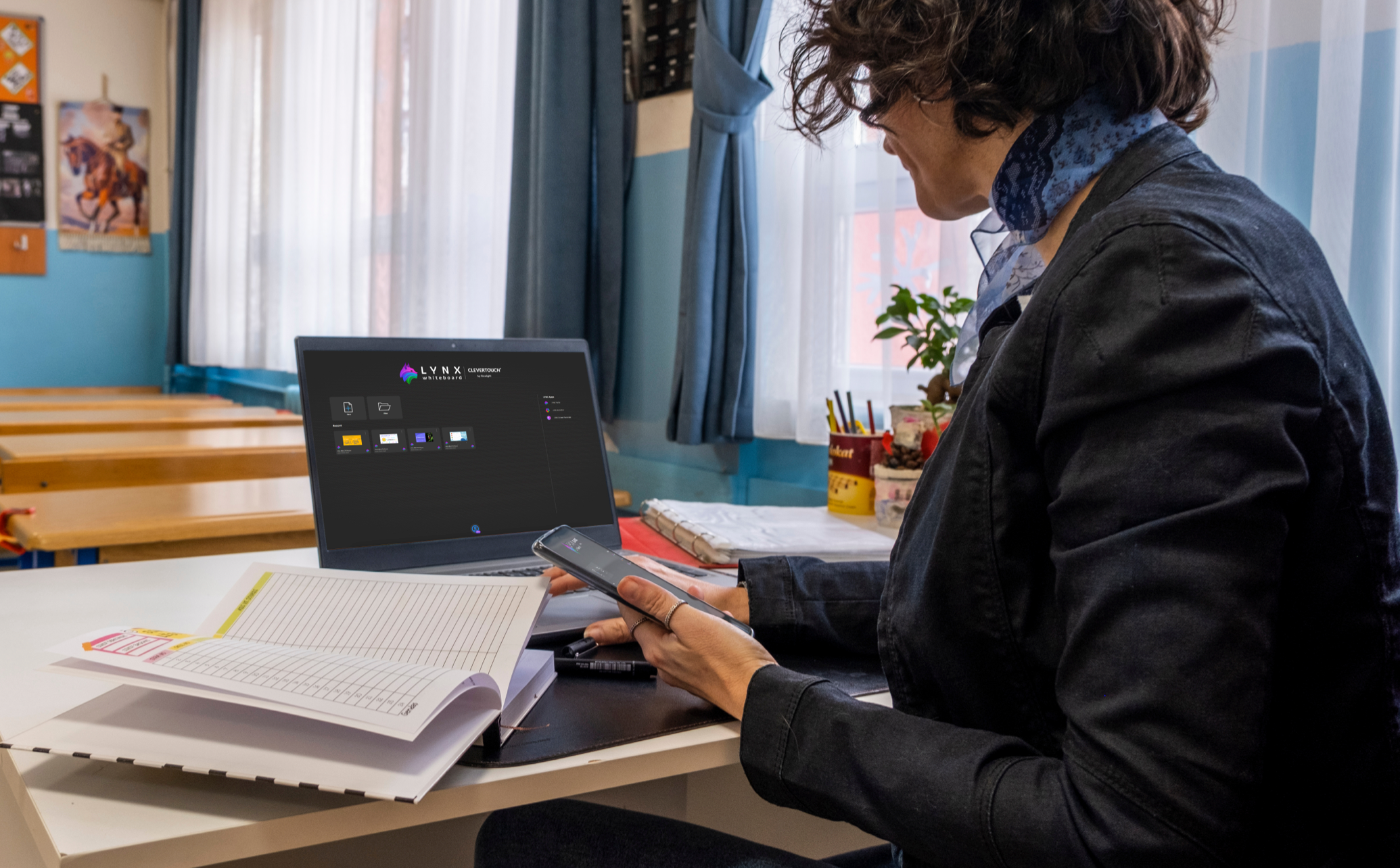
Easily convert files from other brands into LYNX files.
Already have a great collection of resources you want to use? With LYNX, you can! Use the online file converter to easily combine all of your resources into LYNX.
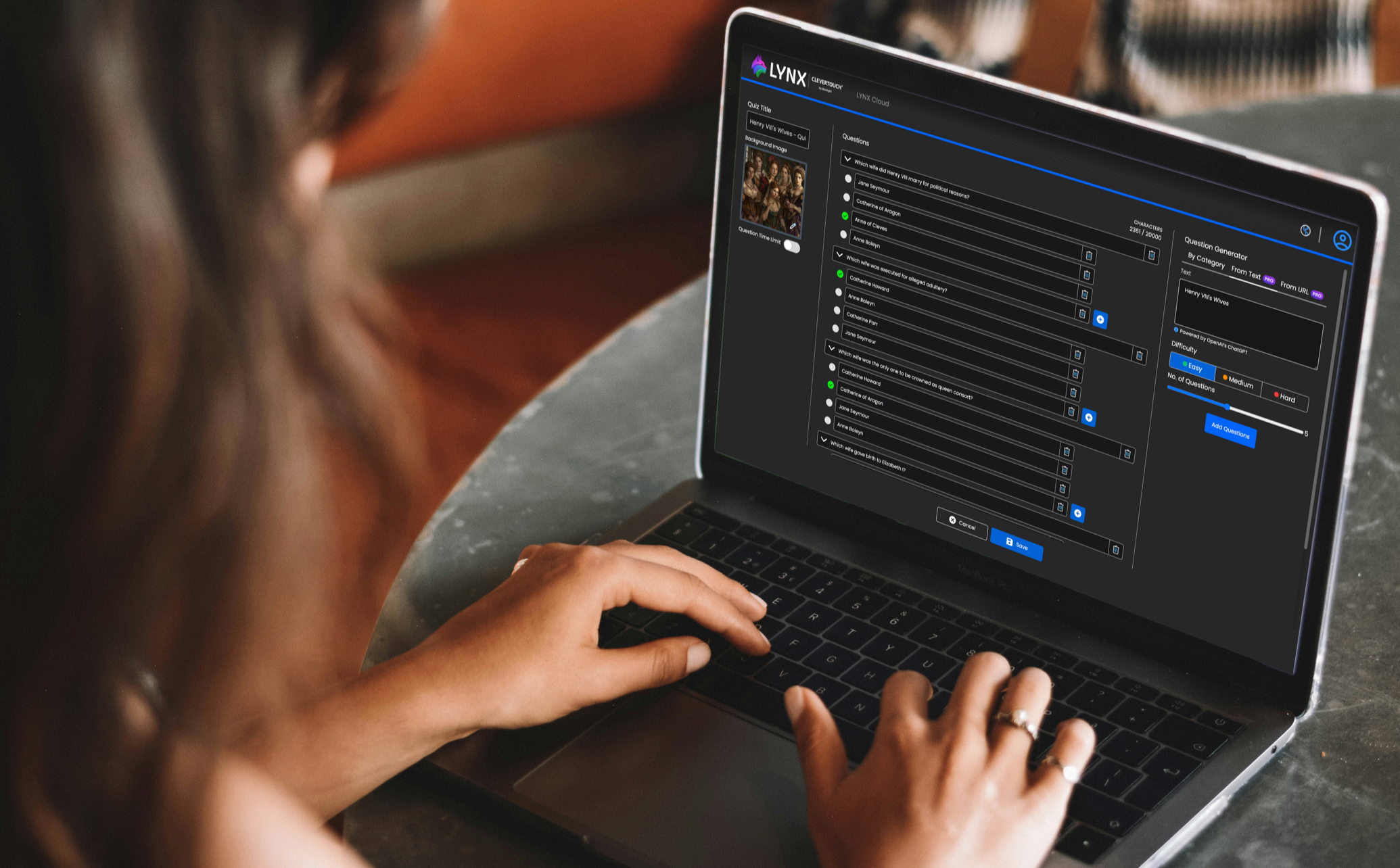
Autogenerate custom student assessments using AI with Keywords.
Harness the true power of artificial intelligence as Quiz Generator AI takes the reins. Let it do the heavy lifting – generating thought-provoking questions and crafting answer options tailored to your lesson topic, saving you time for what matters most, teaching.
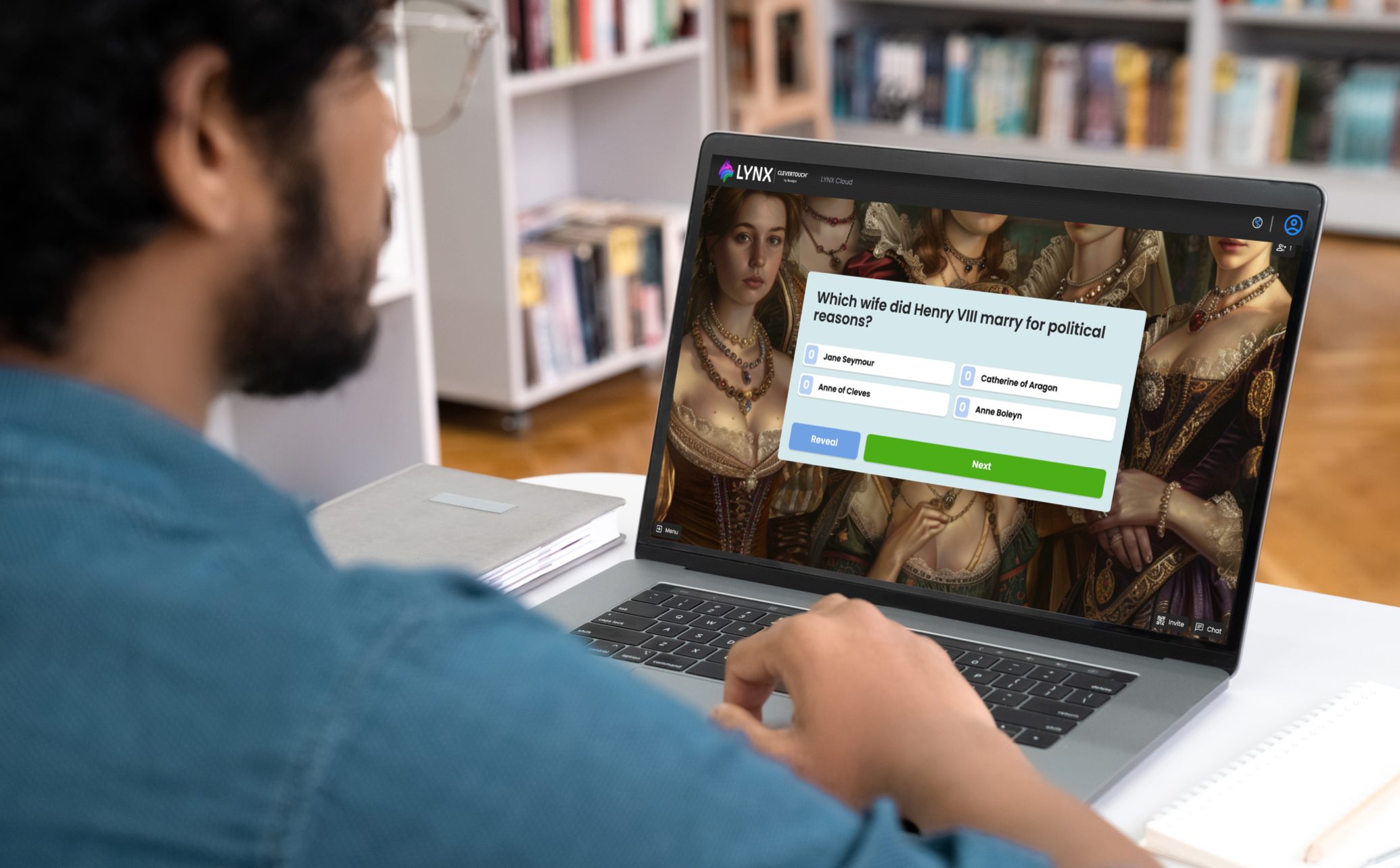
Autogenerate custom student assessments using AI from the Internet
But here’s the game-changer: enter any relevant webpage URL, and Quiz Generator AI goes into action. It analyses the content, extracts key information, and produces tailored questions and answers for you. It’s like having a personalised quiz assistant at your fingertips.
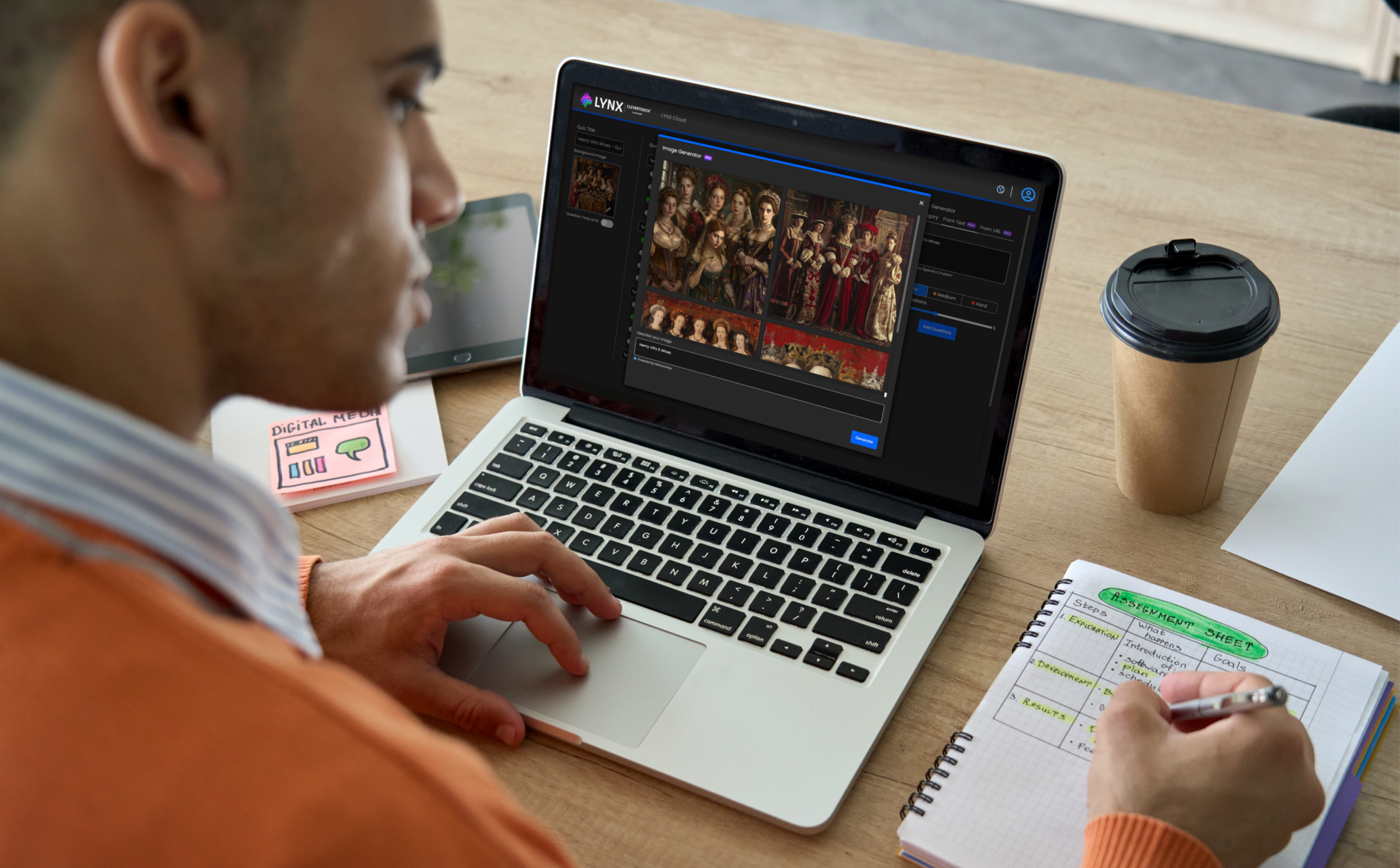
Create your own scenes using AI image generator
Ever found yourself stuck without the perfect image for your lesson? LYNX Pro has teamed up with the formidable MidJourney AI Image Generator to redefine how you bring your lessons to life. Imagine this: you describe the image you have in mind using simple text, and voila! Watch as your ideas seamlessly transform into captivating visuals.
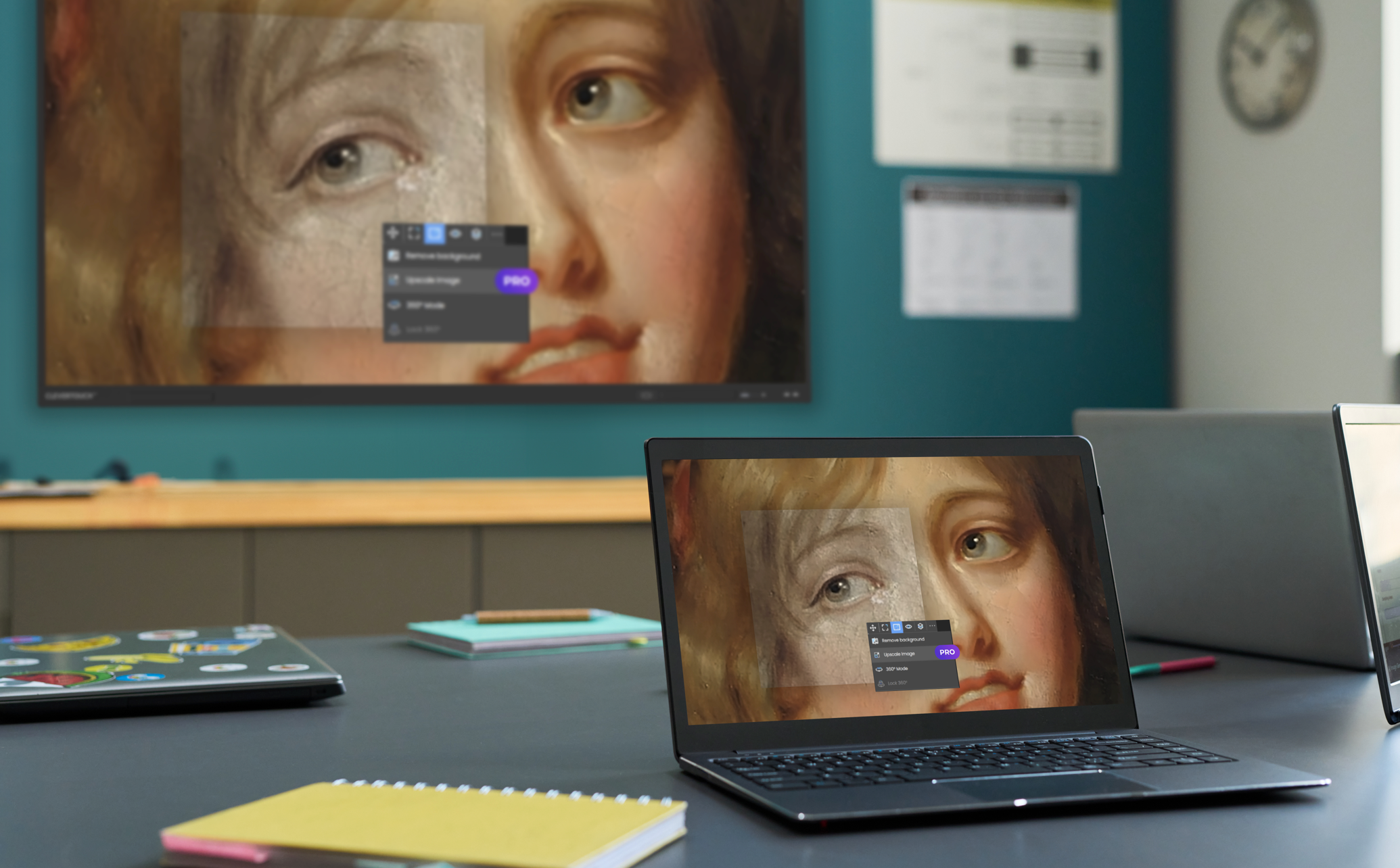
Crystal Clear Imagery with AI Upscaling
Ready to ditch the blurry images and text and embrace a new level of clarity? Upscaling AI sharpens your images for both on-screen display and printing. Say goodbye to pixelated nightmares and hello to upscaling technology!
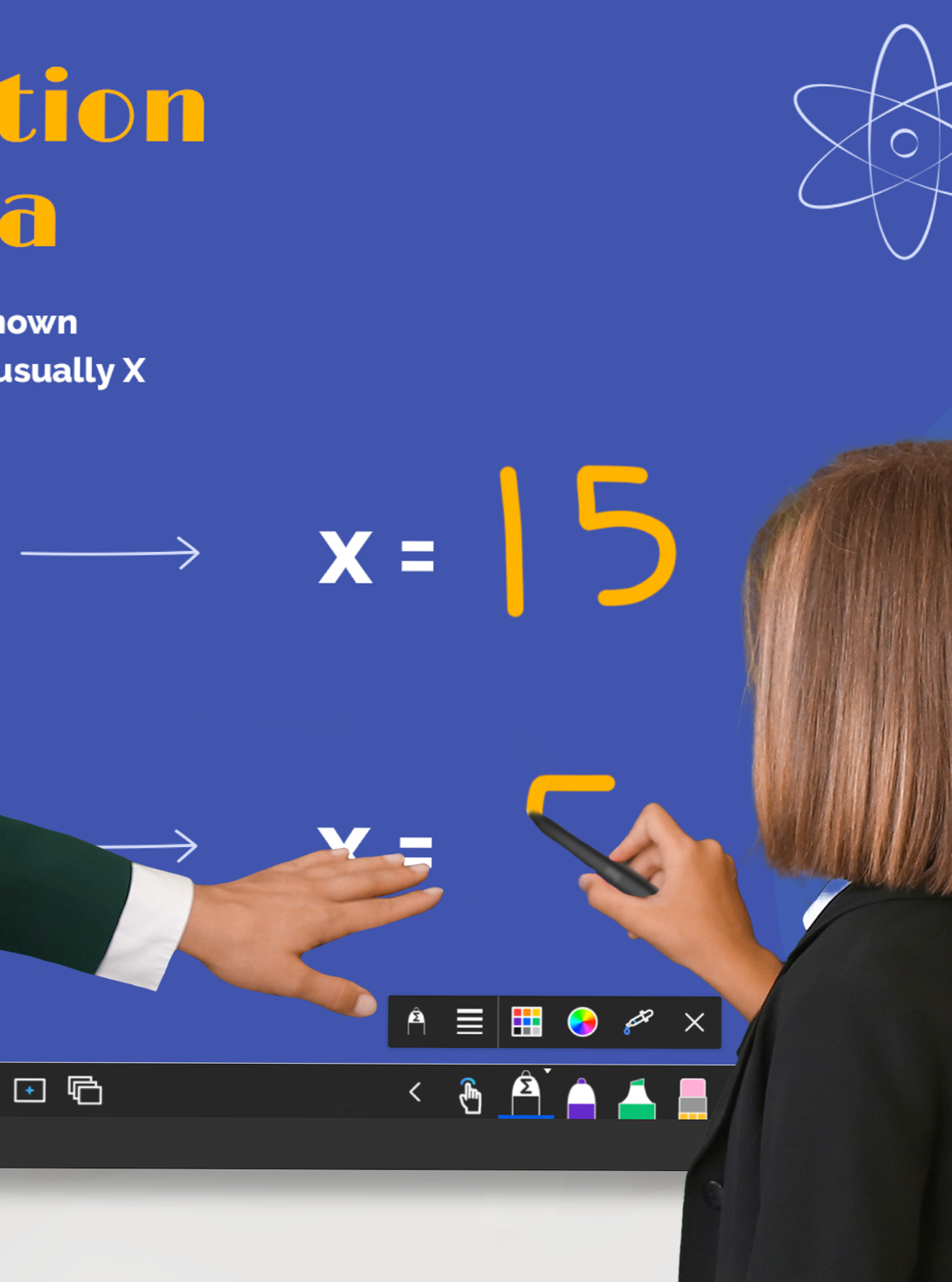
Enhanced handwriting recognition pens
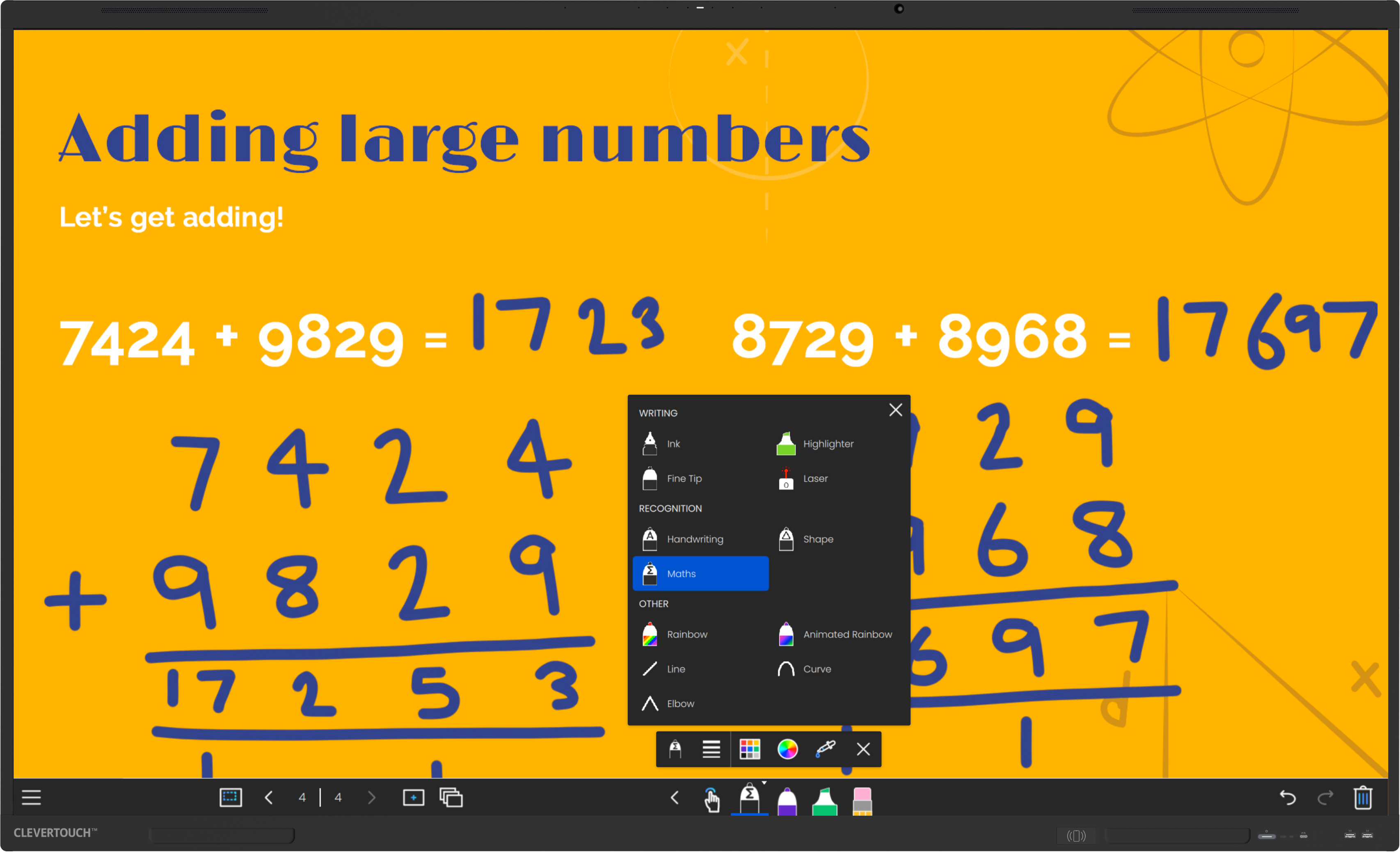
Teachers who need their handwritten notes instantly transformed into text and maths teachers wanting answers to equations at their fingertips will find our new recognition pens an absolute must. With Text & shapes pens, lines, shapes and emojis convert seamlessly into neater images from freehand drawings. The new Maths pen will accurately convert all mathematical symbols and provide answers for all basic equations - including division!

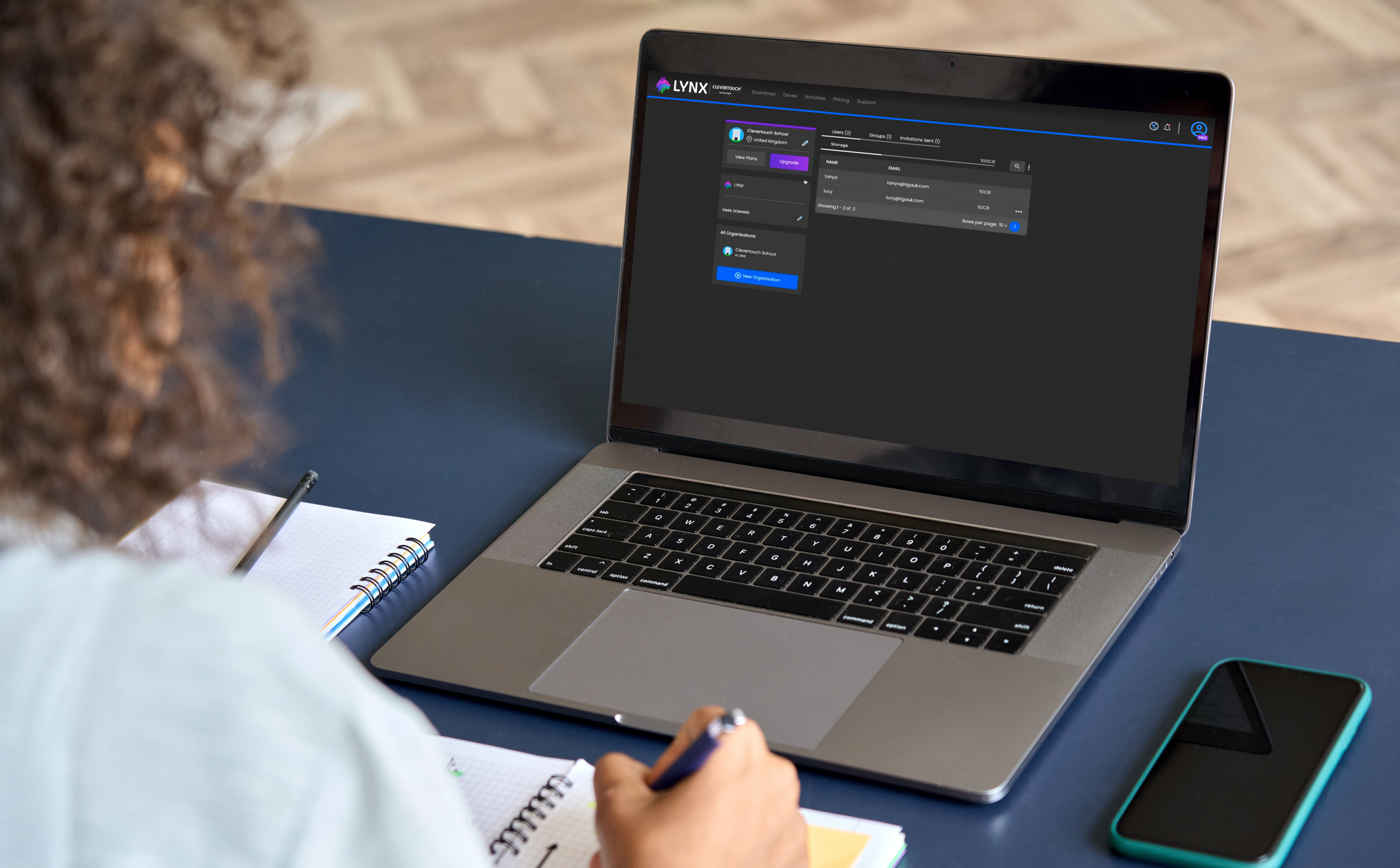
Additional Storage Facility
LYNX Pro users will also get an additional 10 GB of storage on top of the 1 GB already provided to our free subscription to LYNX and LYNX Organisation users will receive 100+ GB of storage.


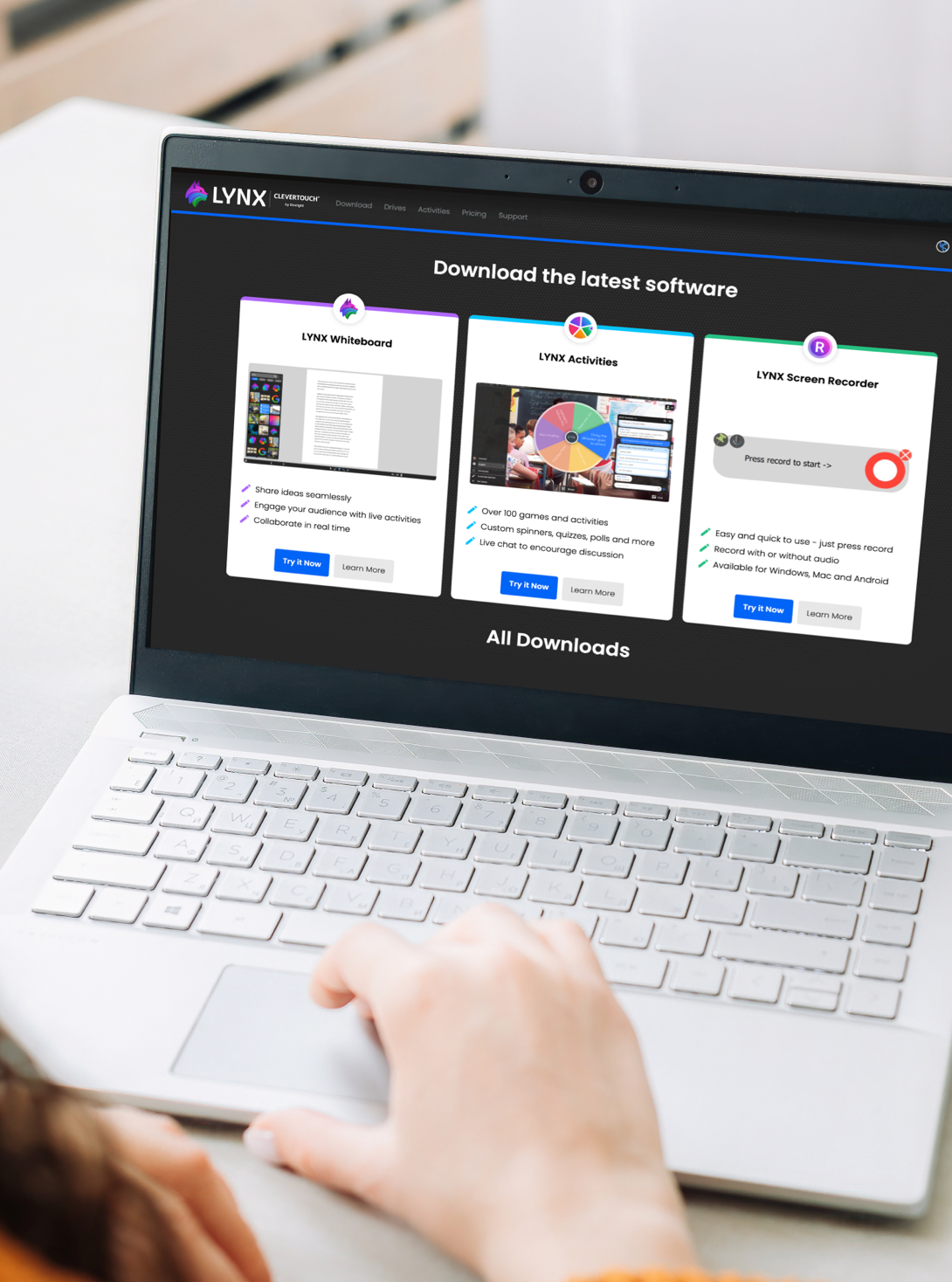

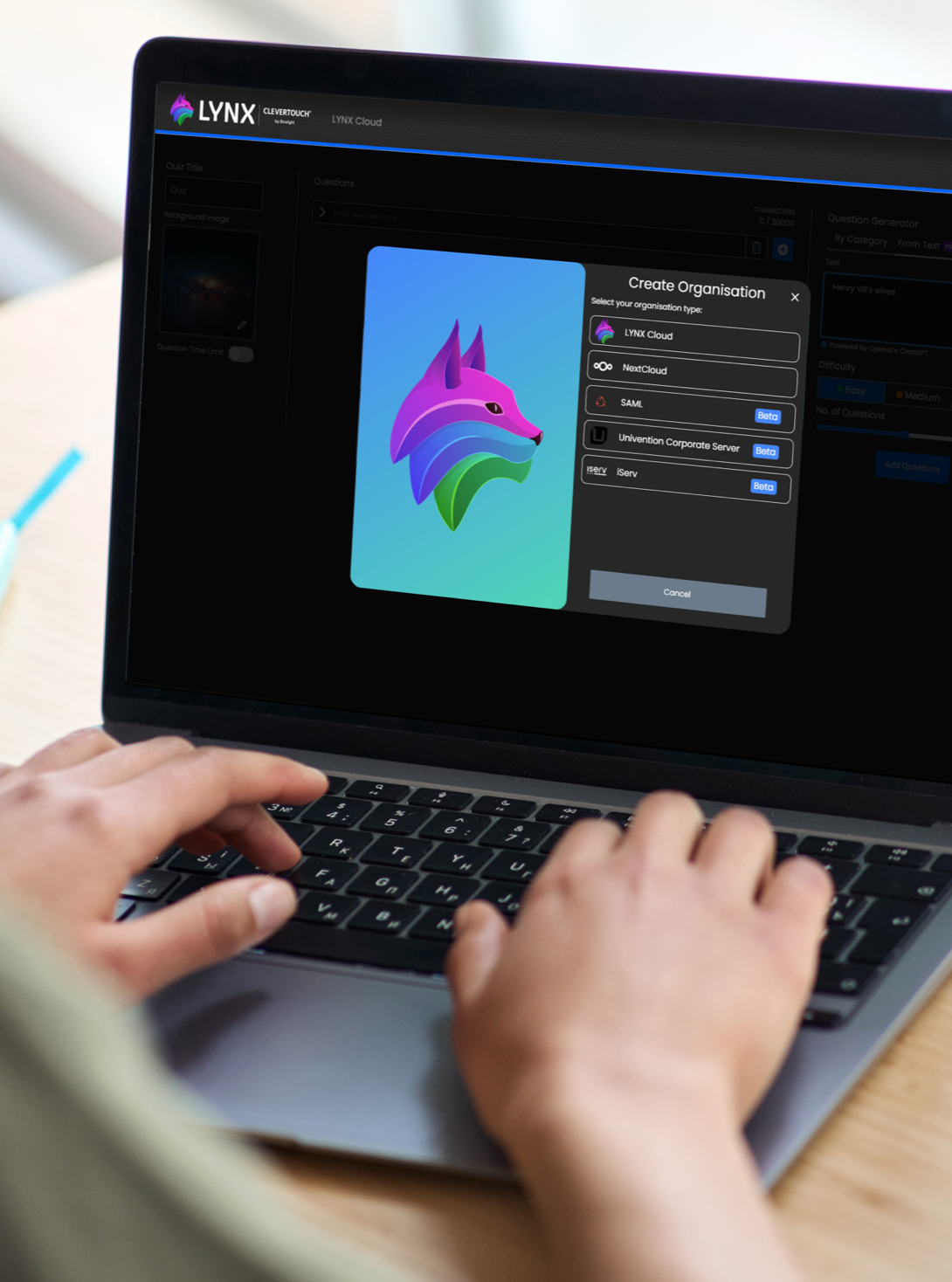
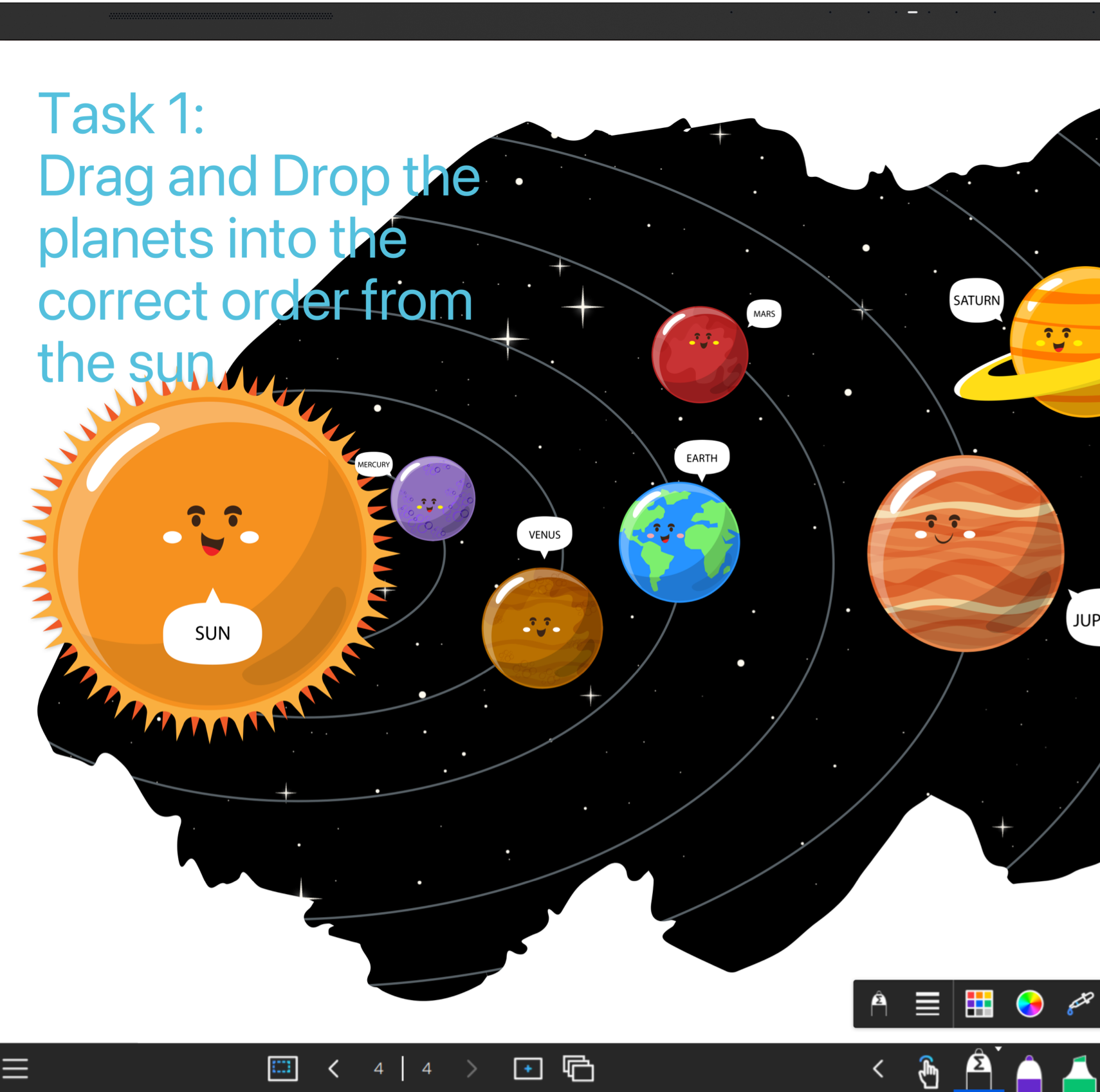
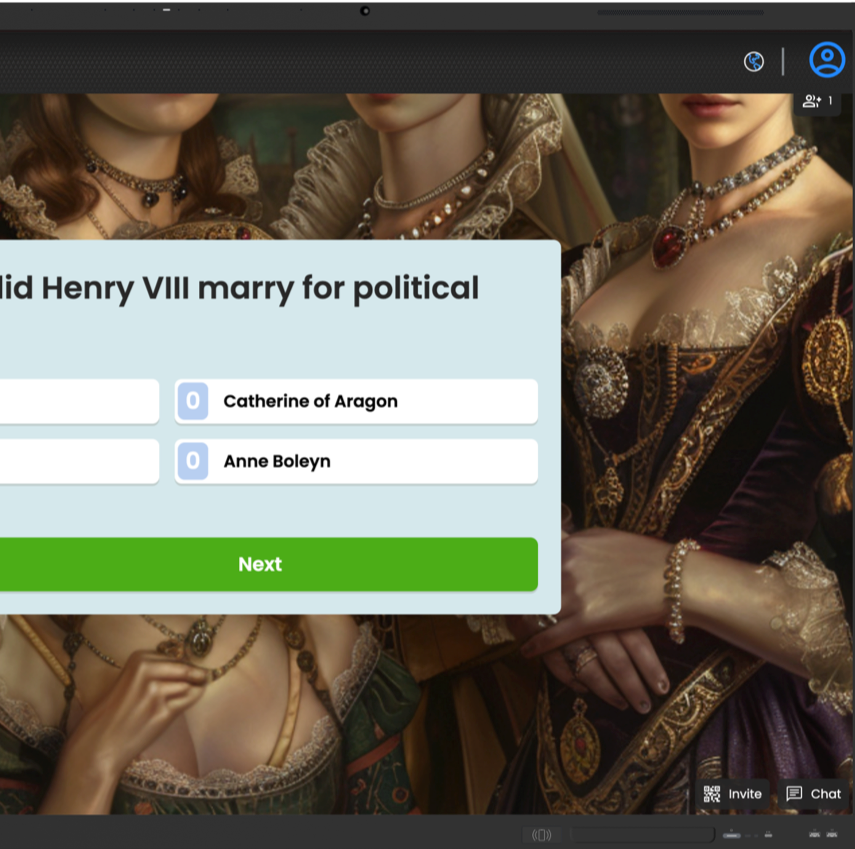
A toolkit packed with features. We've made it so easy to access your toolkit. With teacher favourites, such as Rainbow Pen, highlighters and Spotlight included, as well as interactive learning tools, LYNX is packed with features to make lessons flow.
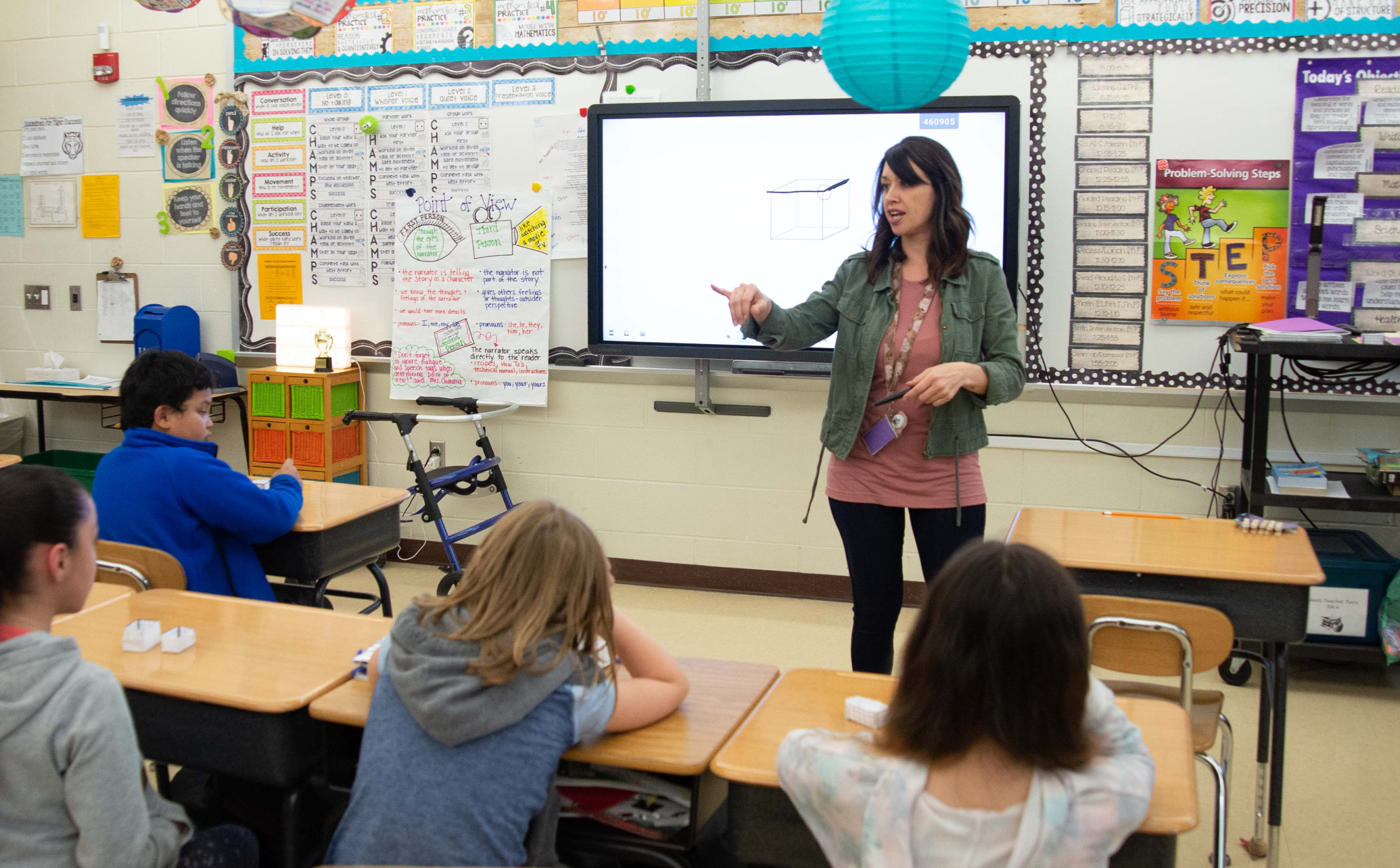
Differential recognition. LYNX knows the difference between pen, palm and finger manipulation, so you can write with a stylus, whilst moving objects or palm-erasing with your hands/fingers.

Encourage collaboration. LYNX can run in dual-screen mode, ideal for group work and getting multiple students involved in the lesson.
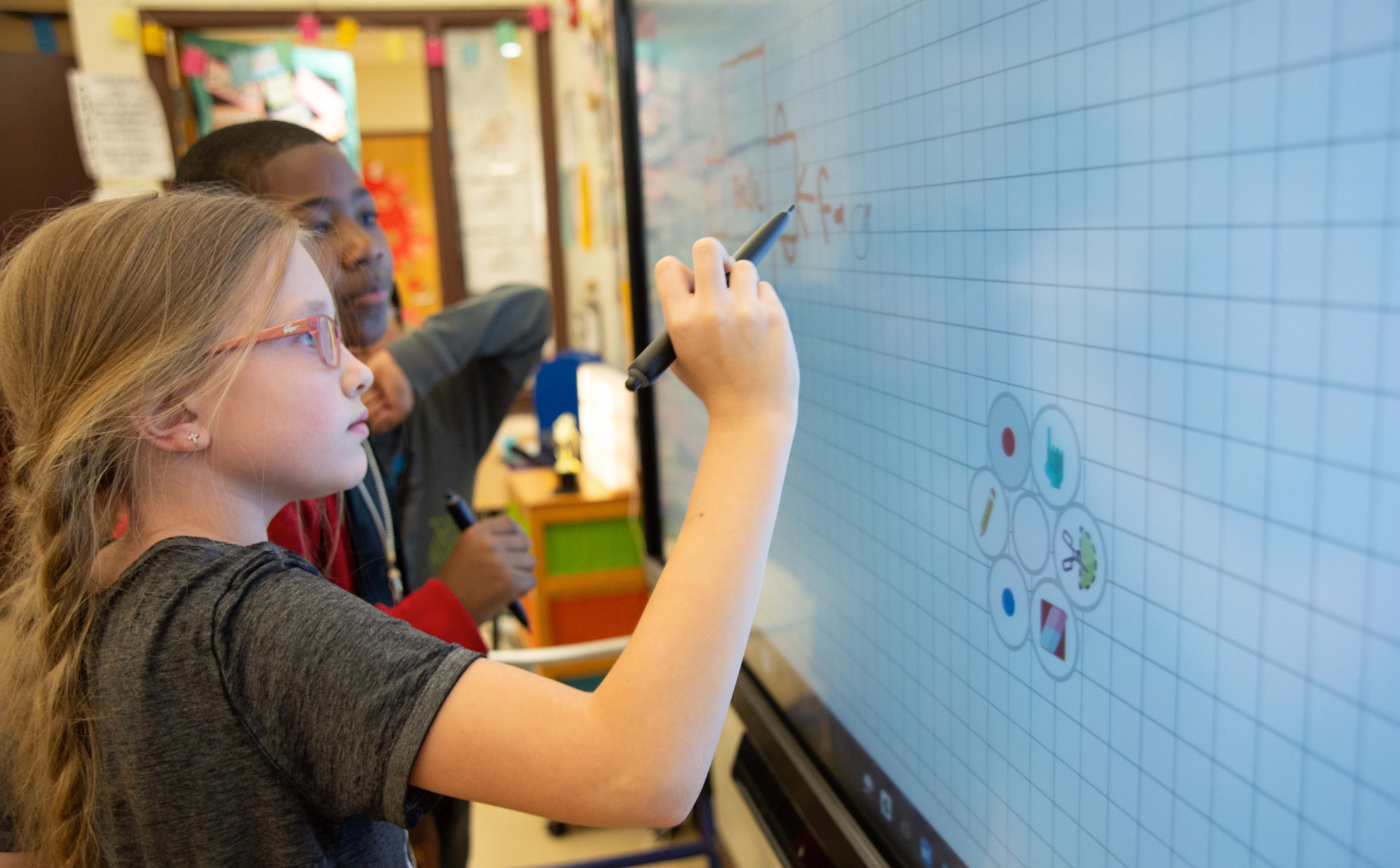
Split screen mode. With a direct link to the Browser, you don't need to leave your session to access content from a Google search, so there are no disruptions to your lesson.
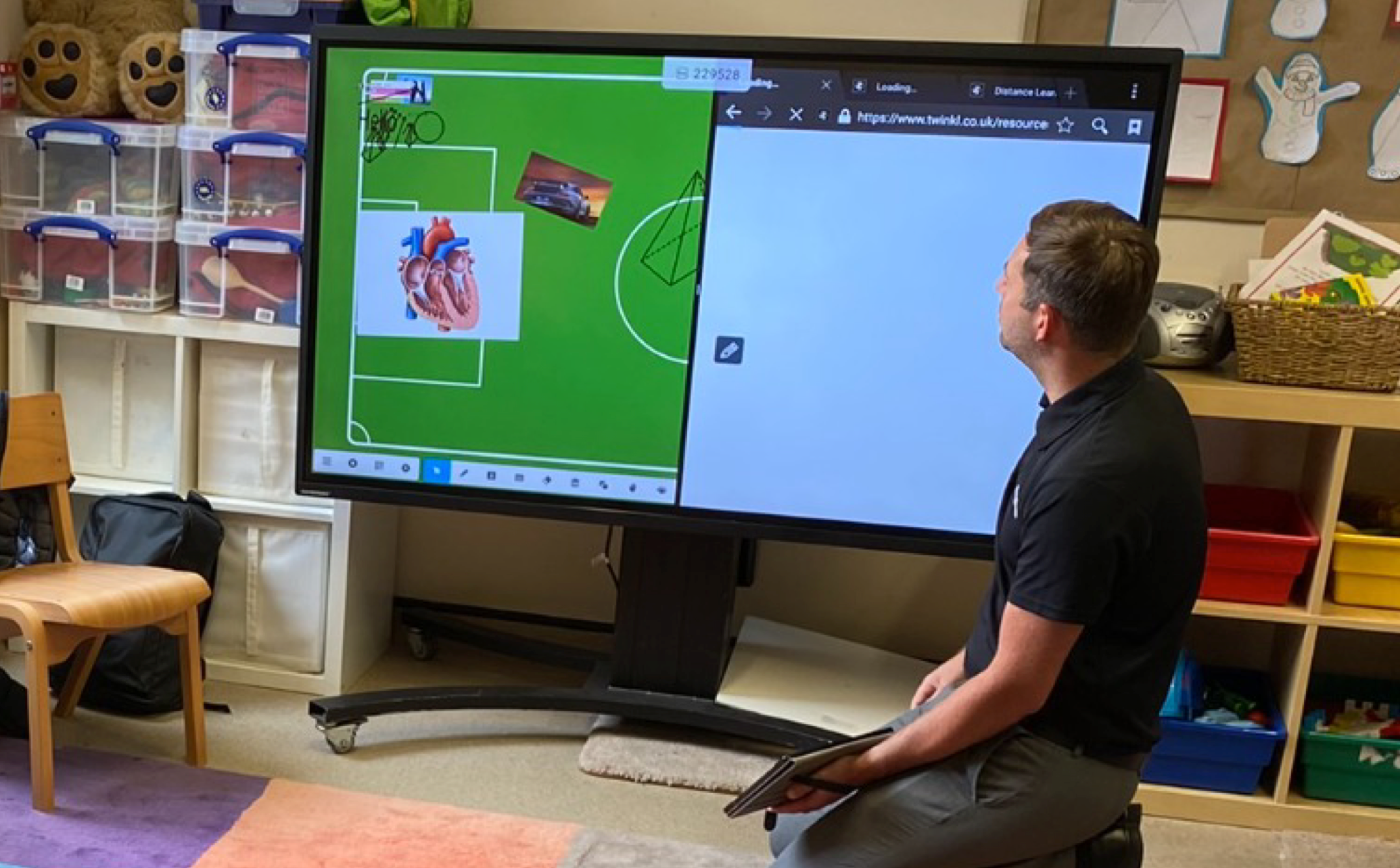
Increase engagement. Kids love to get up and use the big screen. With handwriting recognition, math formula recognition, dice, maths tools, science tools, and more, there are always new reasons to get students up and actively learning.
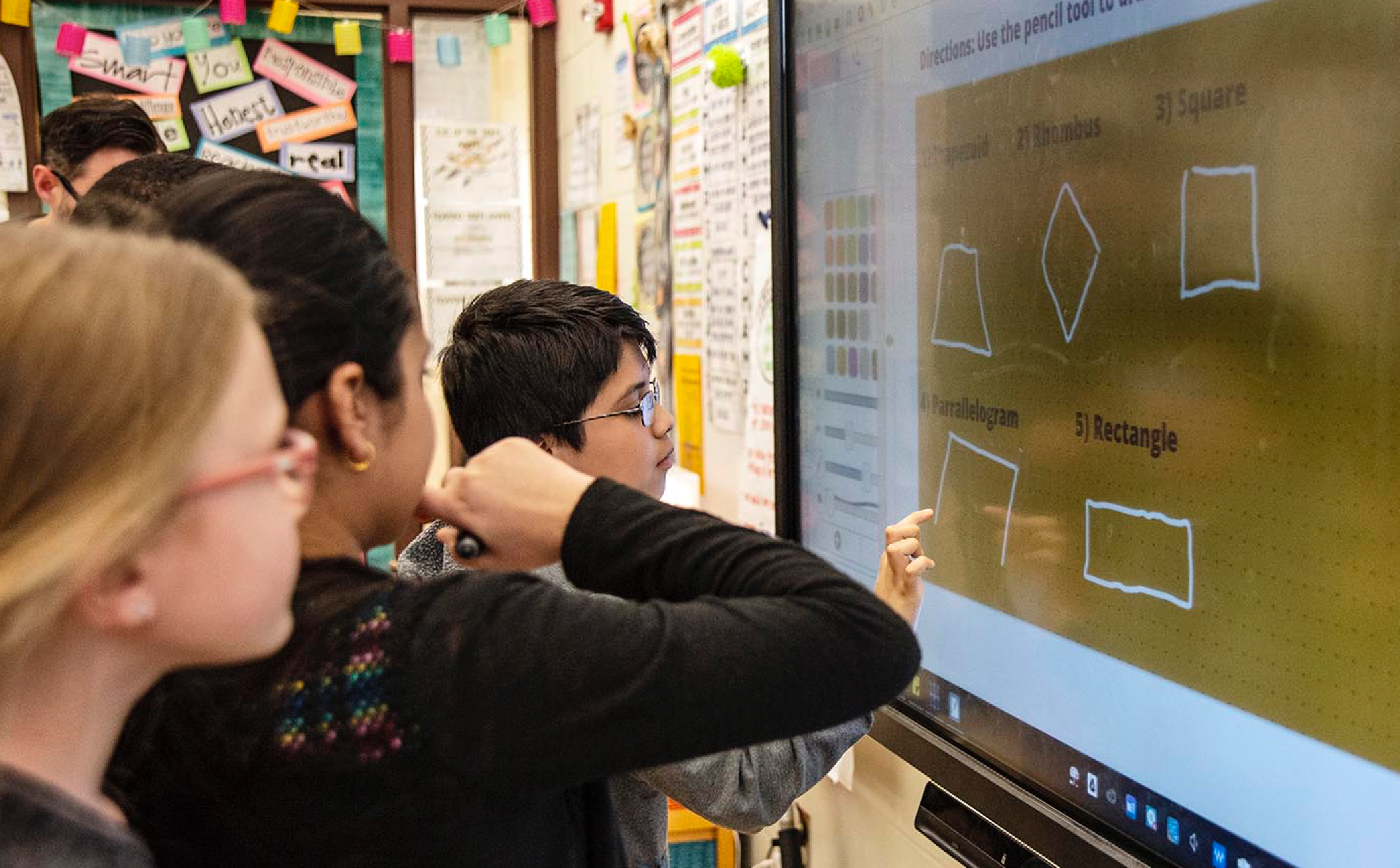
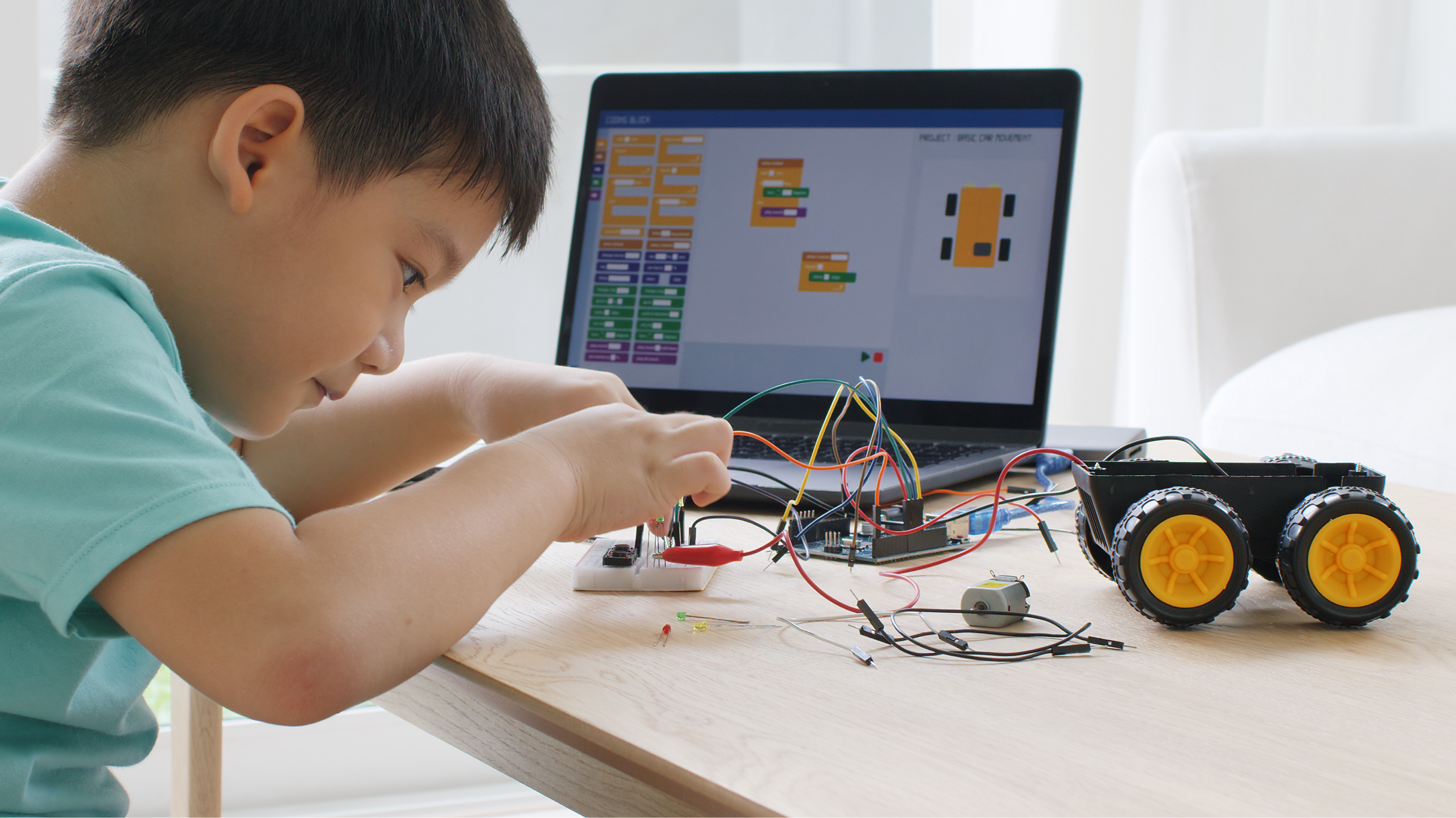
Cloud access for distant learning.
Create lessons on the go, at home, or in another classroom, on any device. Your school can set up a LYNX Cloud account, so content and resources can be shared. You can set work, deploy, give students their own log-ins and set homework activities for your students. LYNX Cloud can also sync with other cloud-based drives such as Dropbox, OneDrive, LYNX Cloud or Google Drive - allowing you to input it directly into your lessons.
Free classroom apps.
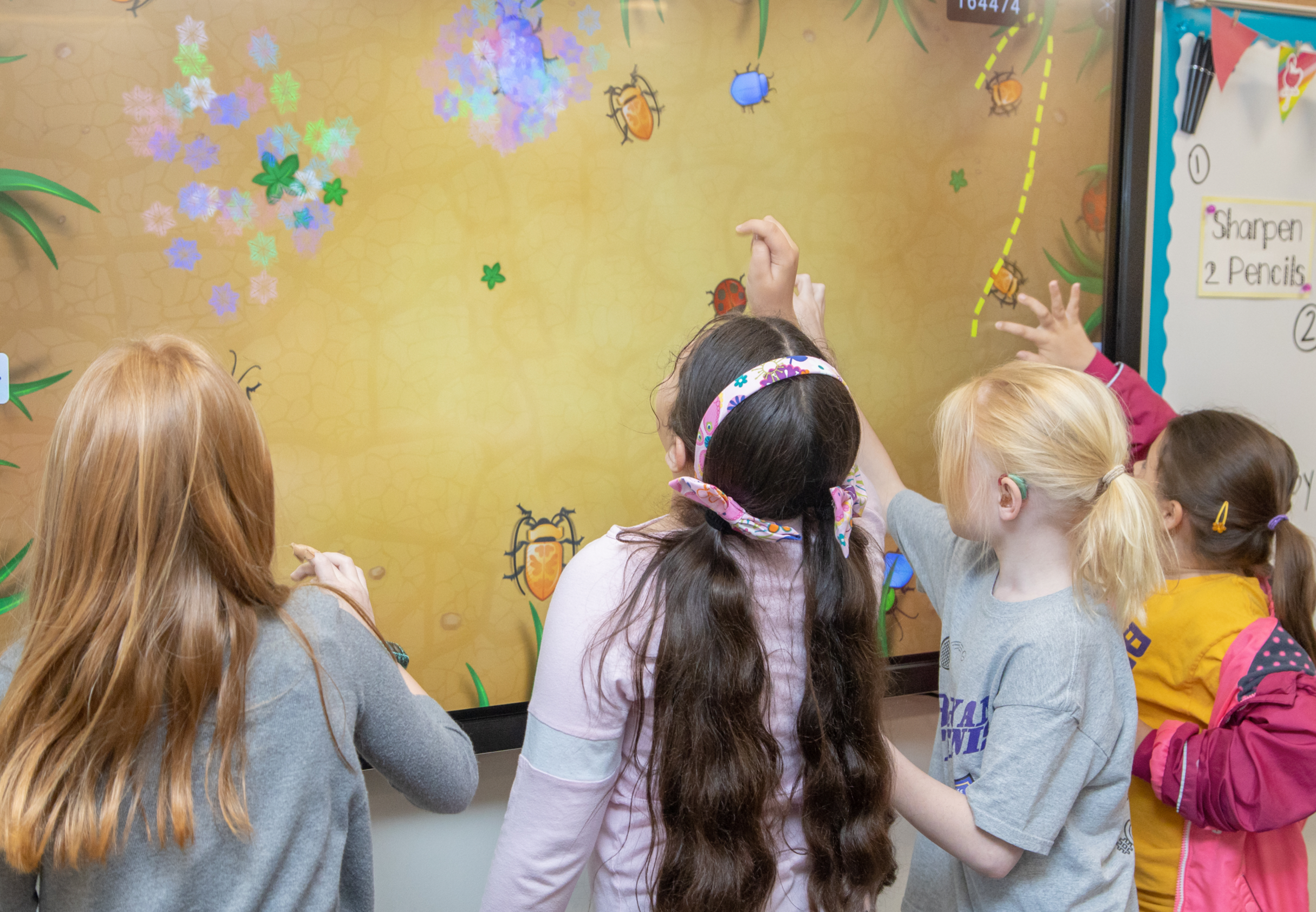
Free classroom apps.
LYNX Whiteboard has now partnered with PhET to give you over 85 FREE STEM activities to use in your classroom or set as homework.
Helpful demos and LYNX Whiteboard insights.
LYNX Whiteboard | Primary demo
See how LYNX Whiteboard transforms learning in a primary school classroom. Learn how to create and interact with engaging lesson content, collaborate with students, and make the most of LYNX’s tools for teaching and learning.
What Is LYNX Whiteboard? | Primary School Overview
This video walks you through the basics, perfect for teachers using LYNX for the first time.
LYNX Pro | An Overview for Schools
Discover how LYNX Pro empowers teachers and pupils with a fast, flexible, and intuitive whiteboarding and presentation experience.
LYNX Whiteboard | Secondary School Demo
This demo shows how teachers can use LYNX to model concepts, deliver structured explanations, and create interactive, subject-rich lessons across KS3 and KS4.
LYNX | Maths Tools Demo
See the Maths Tools in LYNX Whiteboard in action. This demo shows how teachers can model, explain, and visualise mathematical concepts, ideal for KS1 through KS4.
LYNX Whiteboard vs LYNX Pro for Education
Whether you’re choosing the right tool for your classroom, training space, or collaborative environment, this video highlights features, workflows, and use-cases to help you decide which version best suits your needs.
LYNX Whiteboard vs LYNX Pro | Interactive Scene
This video breaks down how each version handles scene setup, navigation, transitions, and interactive storytelling to help you choose the best workflow for your teaching or presentation style.