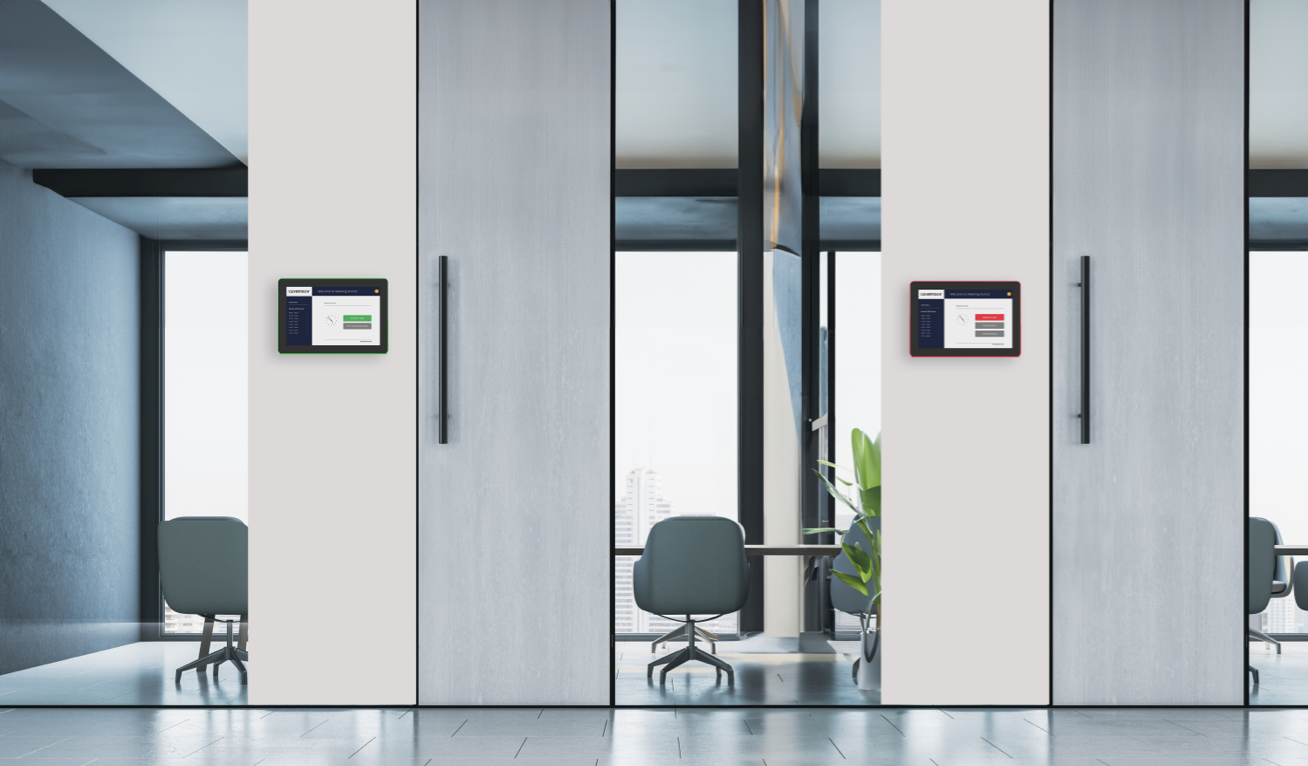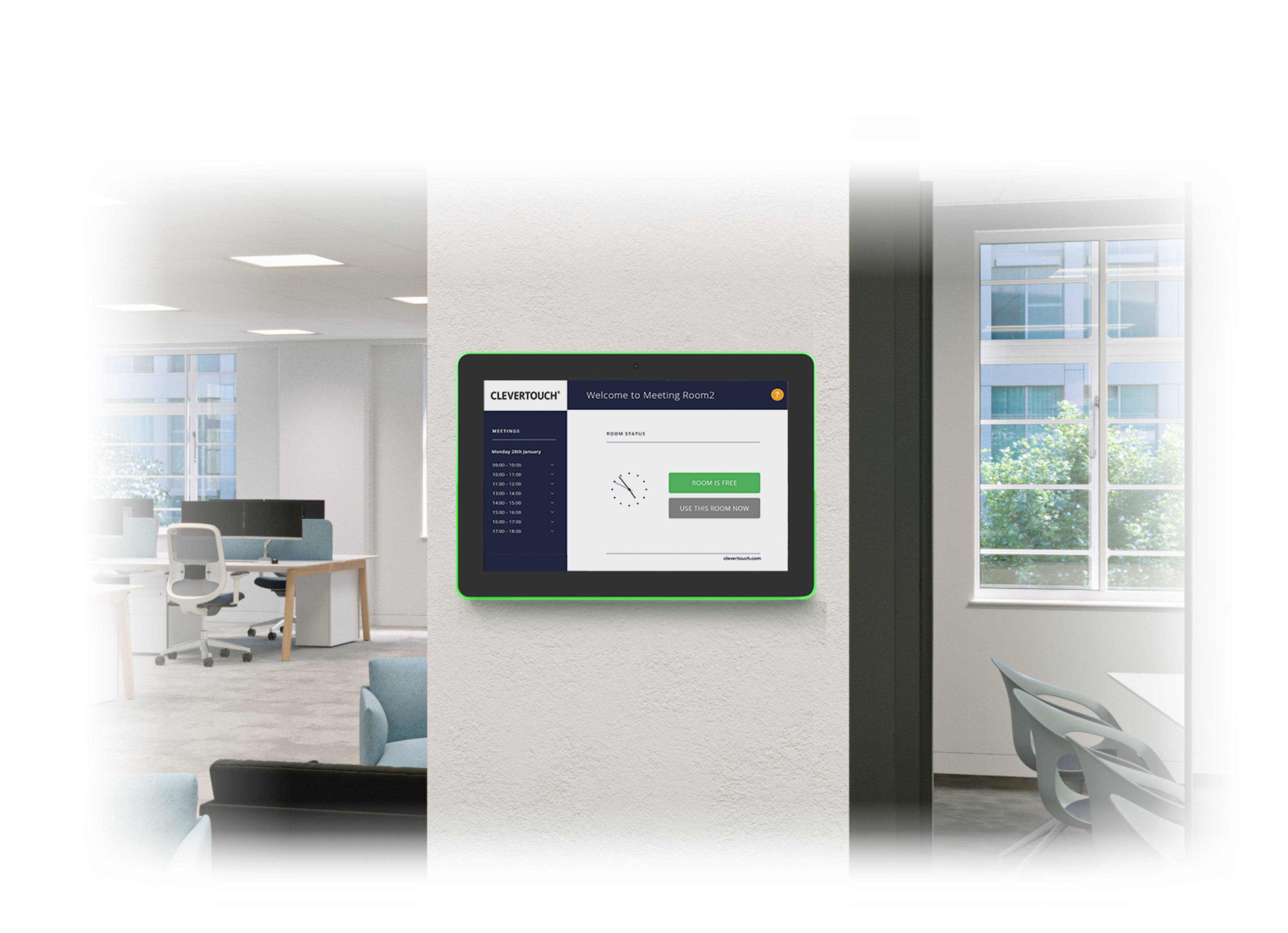


Integrate CleverLive Rooms 2 with your desktop calendar to book and manage your meeting room spaces. Help staff quickly find an empty meeting room with the at-a-glance LED status featured on the panel or broadcast summary status across your Large Format Displays. When not in use, the system doubles as a platform for displaying digital signage.
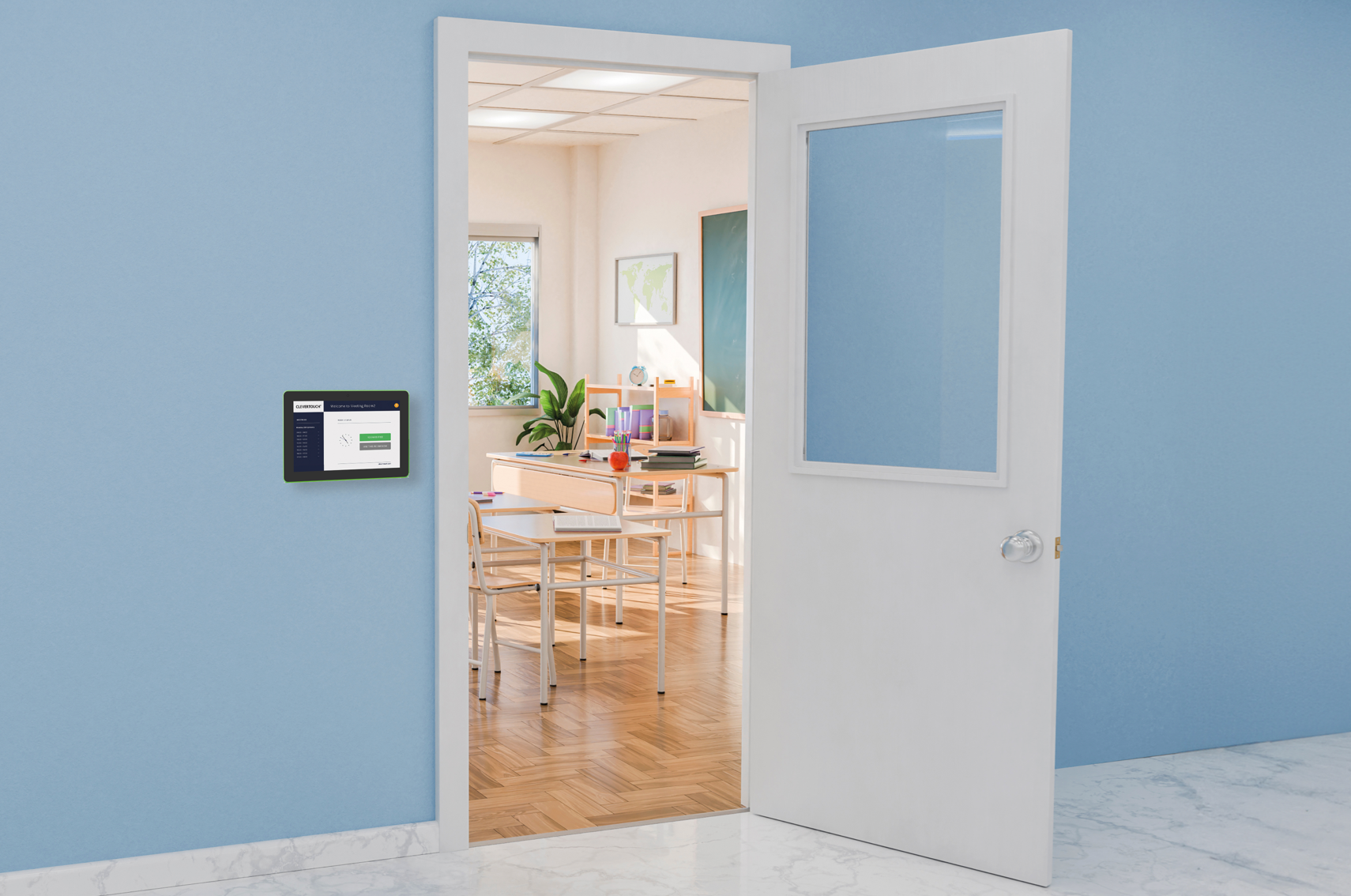
Personalise your room booking panel.
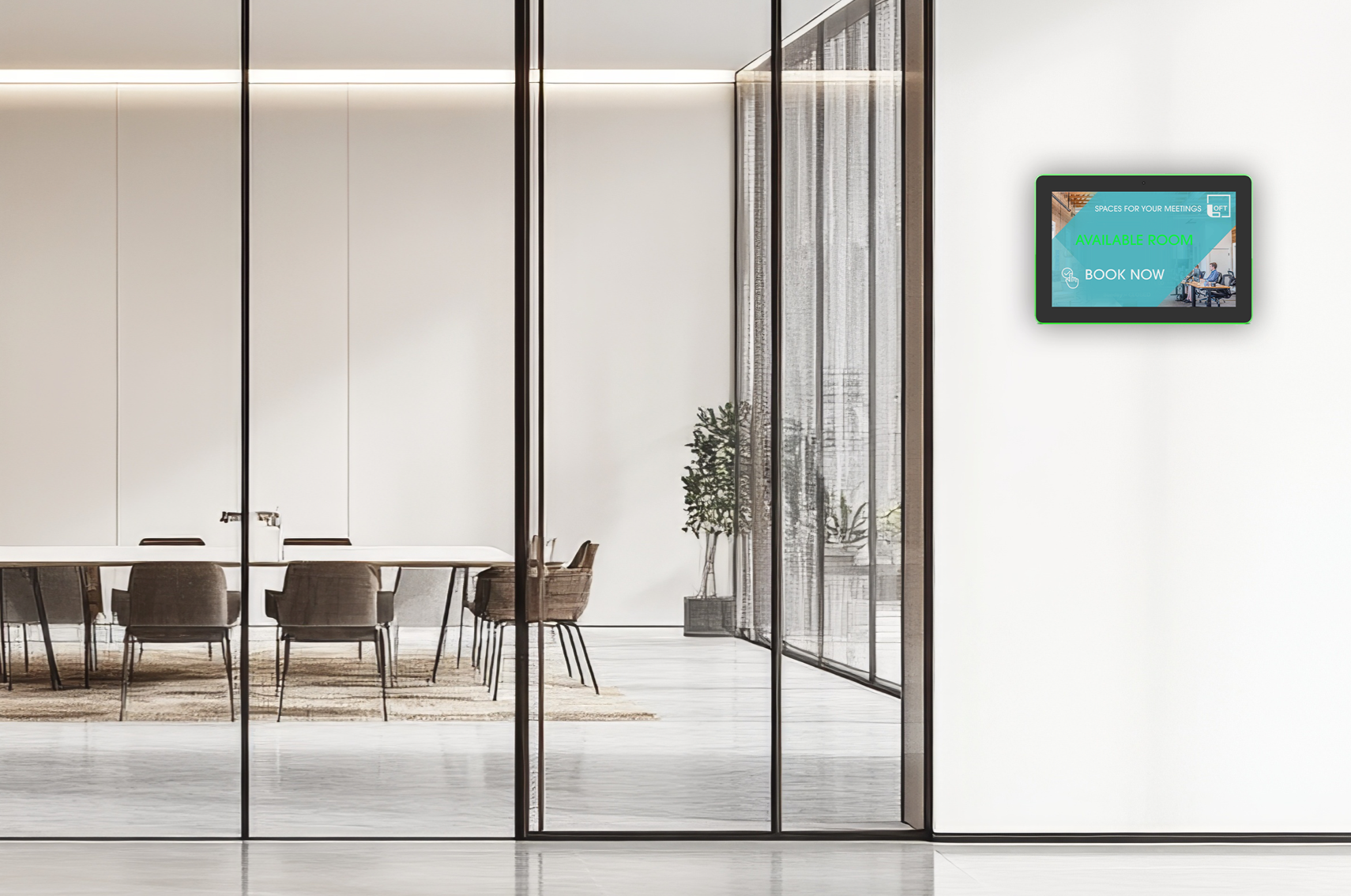
Personalise your room booking panel.
Editable templates for personalised branding to suit your company or visitors. Choose from a range of fully customisable templates and incorporate animated text, image slideshows, movies, clocks, news feeds and much more.
Seamless room booking and dynamic digital signage messaging.
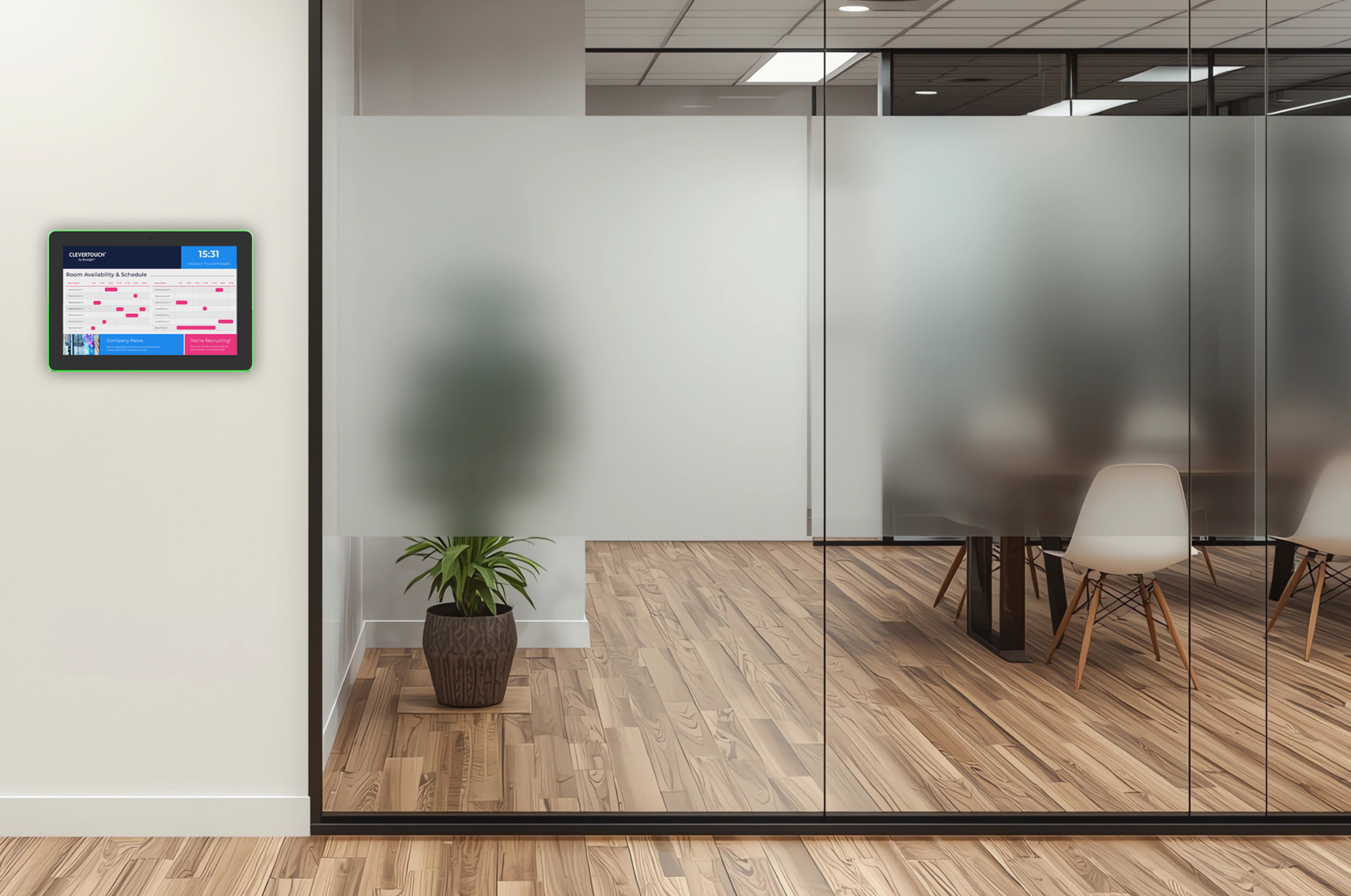
Seamless room booking and dynamic digital signage messaging.
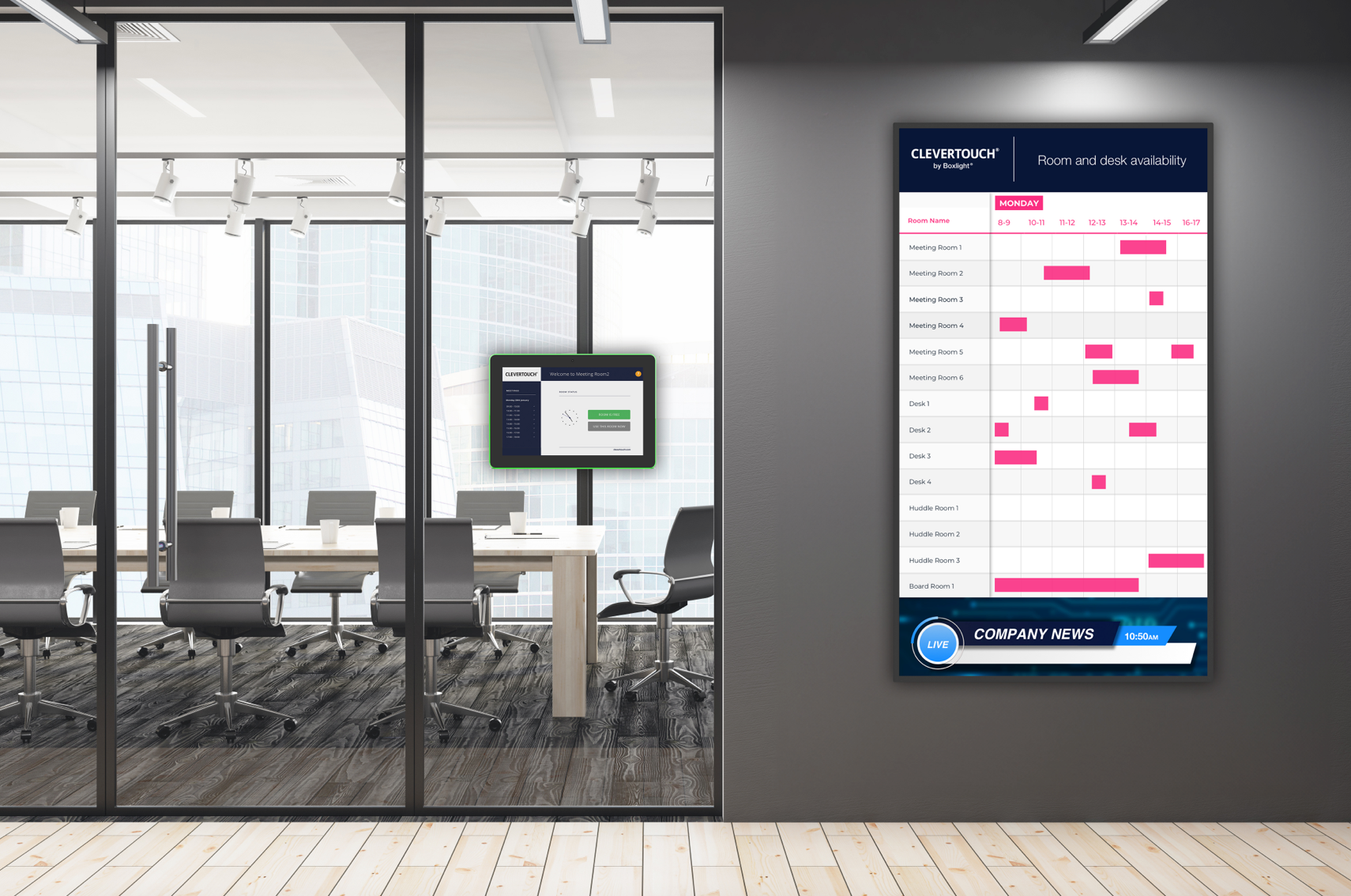
CleverLive Rooms 2 integrates with CleverLive to elevate your workspace communication. With this powerful integration, not only can you effortlessly manage room bookings, but you can also enhance engagement by playing digital signage on the room booking panel. Extend your reach across digital signage screens, interactive display panels, and room booking interfaces.
How does it work?
Connect
Connect your CleverLive digital signage software to your CleverLive Rooms 2 display to send instant alerts.
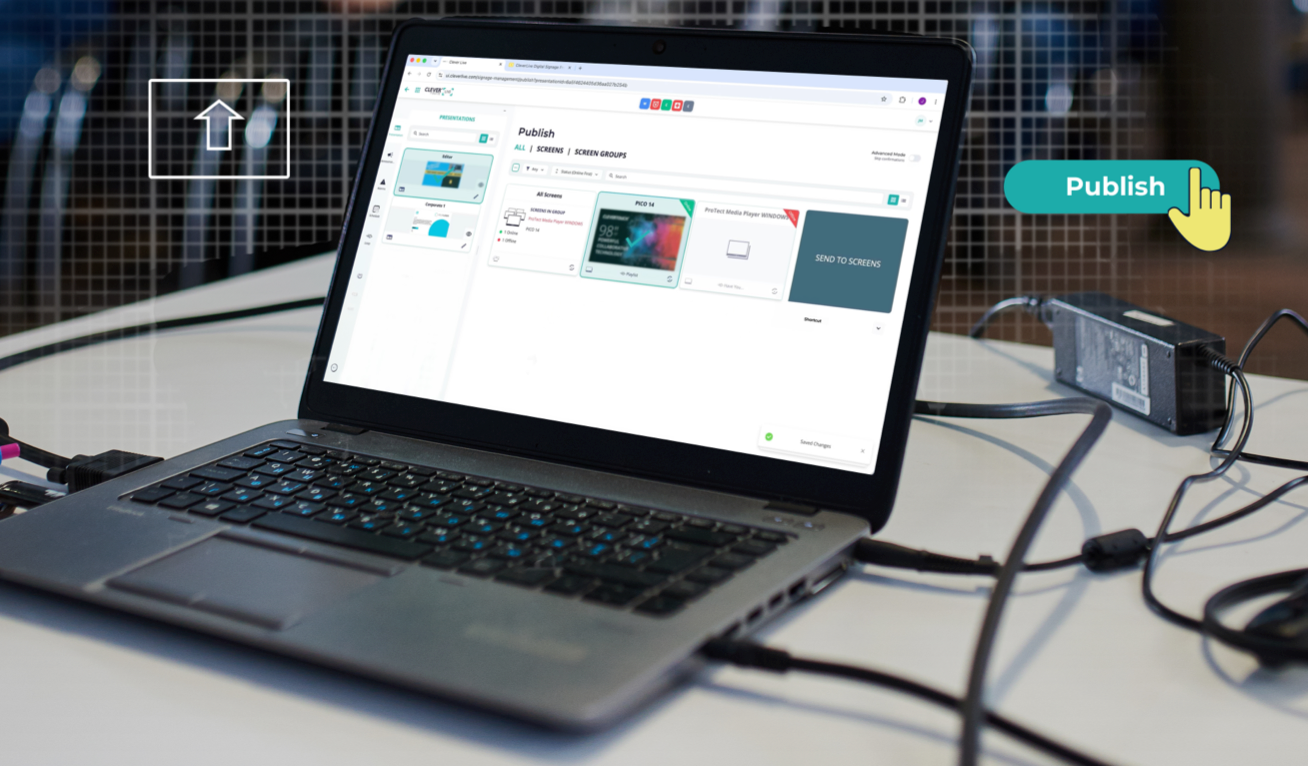
Book Source
Book via Outlook 365, Microsoft Exchange and Google Calendar, or at the source. Ideal for planning ahead or ad-hoc meetings on the run.
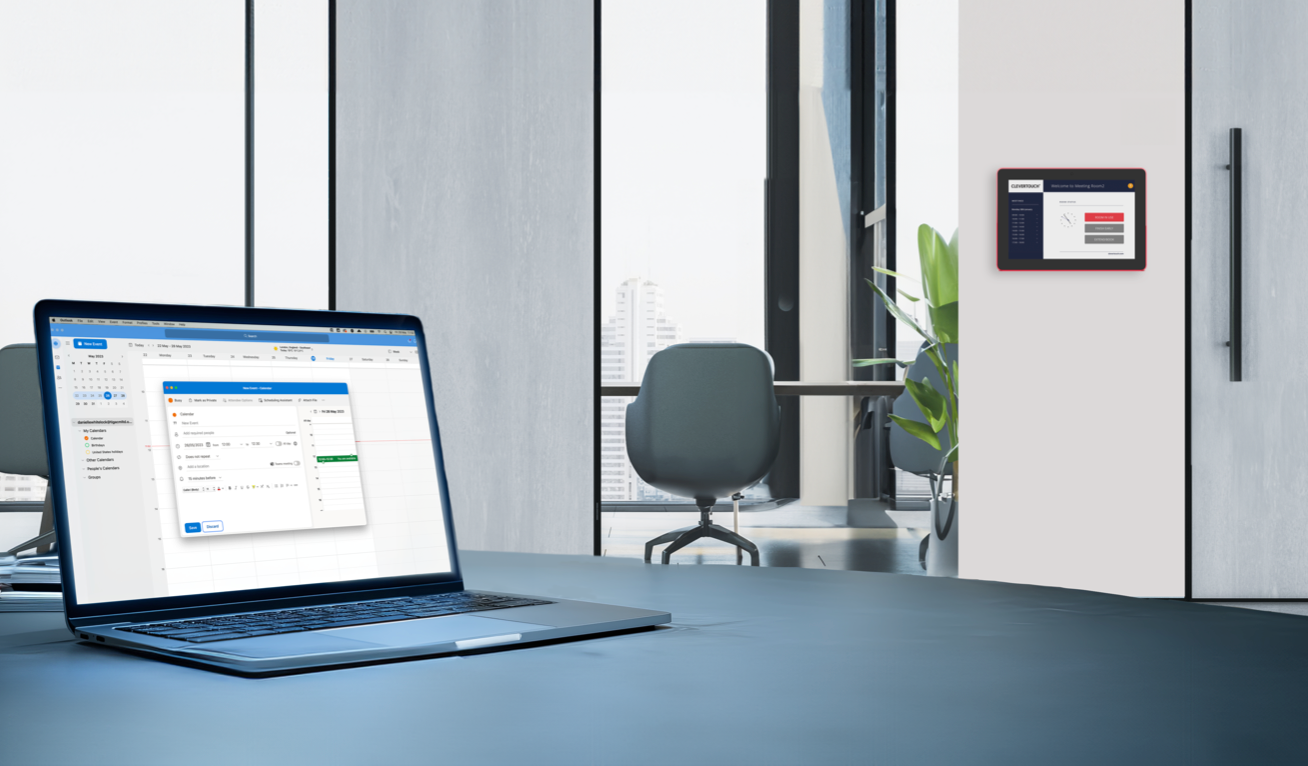
Display (Availability)
Colour-coded availability – red indicates booked, and green indicates available. Add value and display digital signage messages when not in use.