
The Rehabilitation of Neurological Conditions Through Interactive Displays
Touchscreen technology is increasingly being used in rehabilitation settings to support patients recovering from neurological conditions such as stroke, traumatic brain injury, or other nervous system disorders. Interactive displays provide a flexible, engaging platform for therapy, enabling patients to work on motor skills, cognitive function, and visual perception in a single integrated solution.
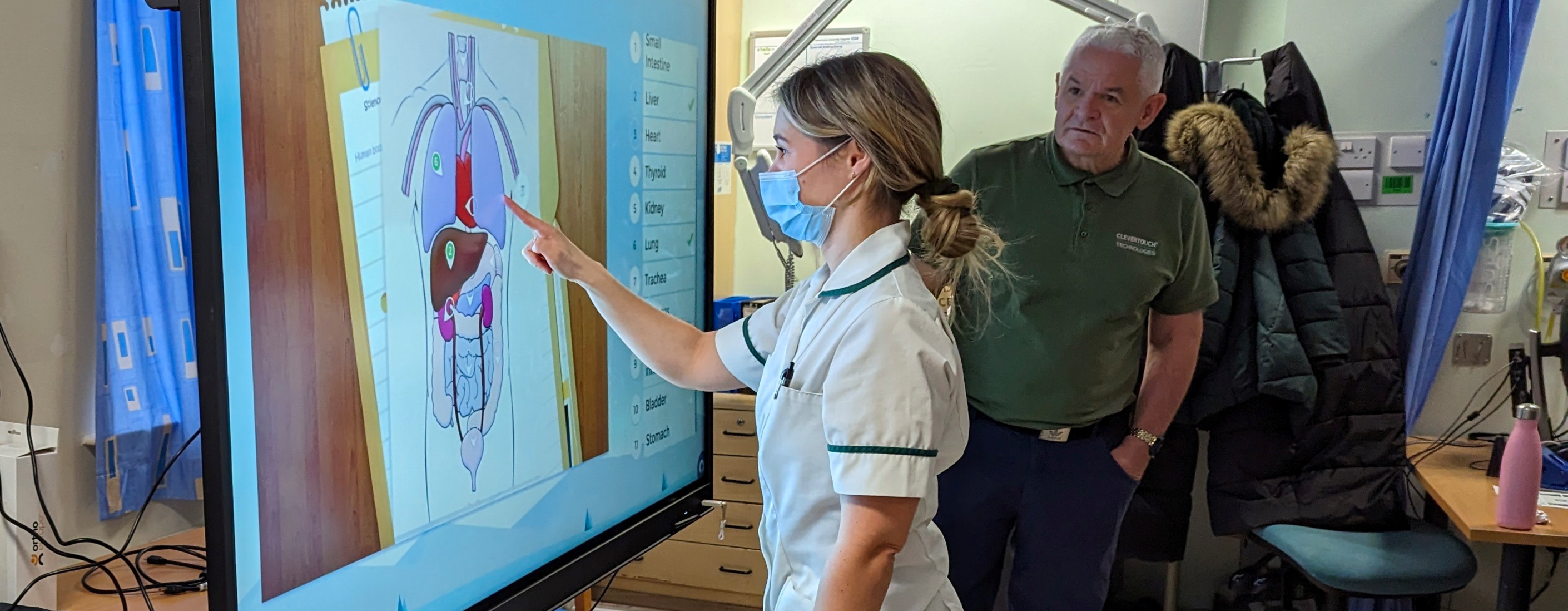


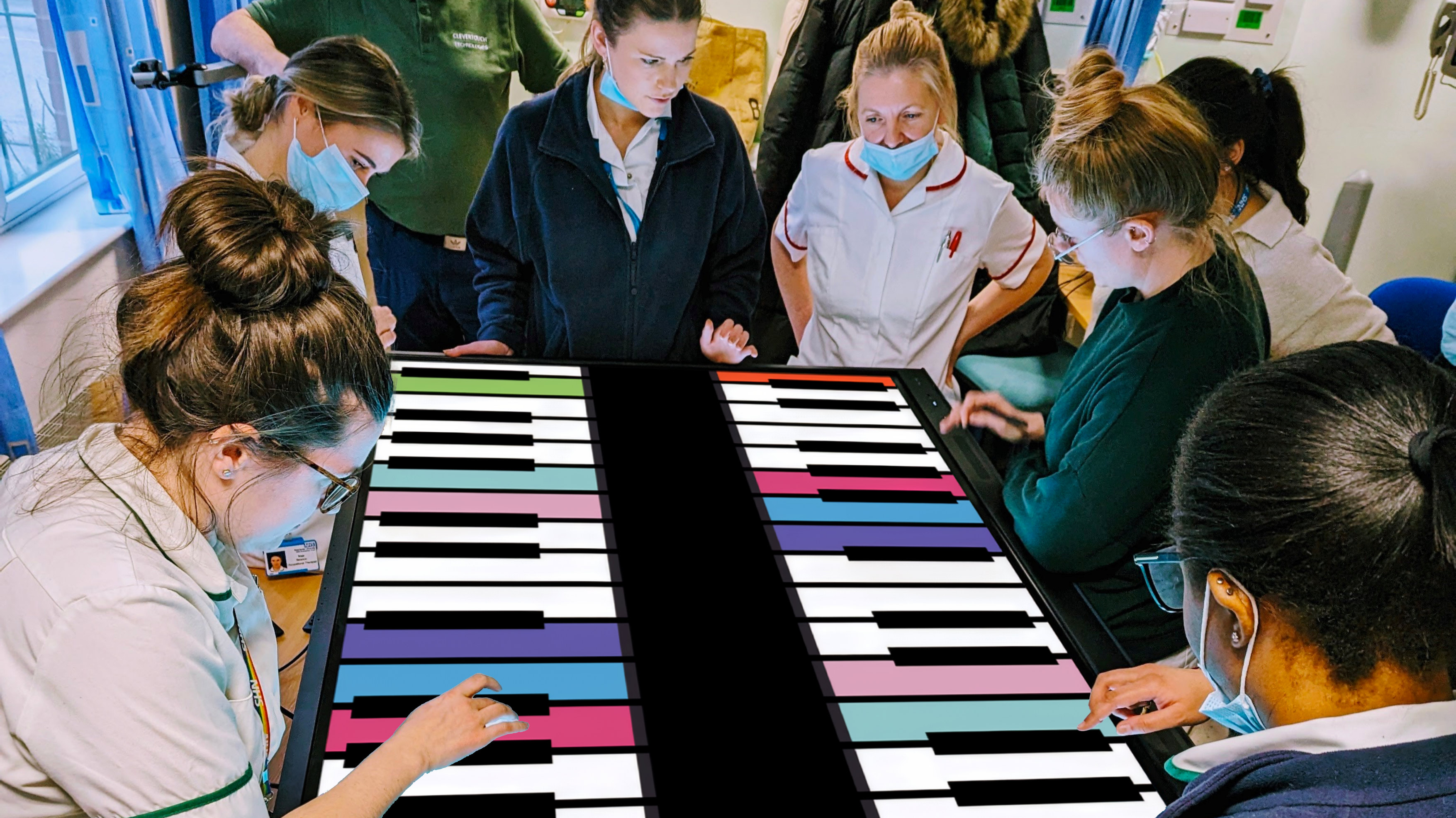
Engage patients physically and mentally for faster recovery.
Interactive touchscreens allow patients to engage physically and mentally, making exercises more engaging and motivating. By combining cognitive and physical challenges, therapy outcomes can be accelerated, and recovery is often more effective than conventional methods alone.
Stroke Ward, Trafford General Hospital.
Clevertouch interactive displays are helping patients on the stroke ward engage with tailored rehabilitation exercises in a more interactive and motivating way. Mounted on mobile trolleys, the IMPACT screens can be easily moved between therapy areas, allowing staff to maximise their use for both patient rehabilitation and clinical training sessions. This flexible approach supports faster recovery, enables more personalised care, and frees up staff to focus on direct patient interaction.
"Working in partnership with healthcare providers, we're using technology to do pioneering work that accelerates rehabilitation and enables staff to spend more time with patients."
- IDNS
Adapt exercises for sitting, standing, or mobile therapy setups.
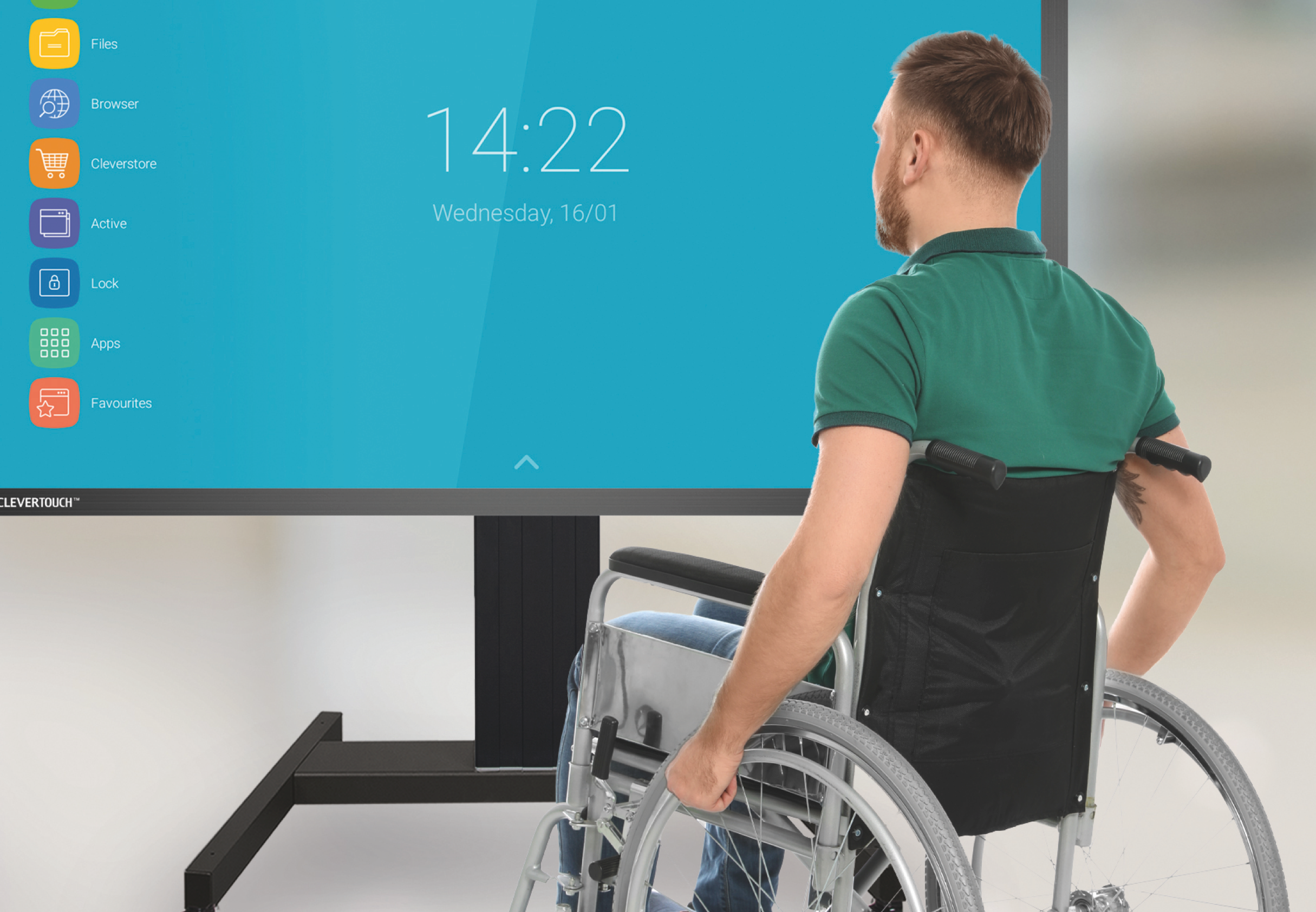
Adapt exercises for sitting, standing, or mobile therapy setups.
With mobile or wall-mounted interactive displays, therapists can adapt exercises for patients in a variety of positions, including sitting or standing. Large-format touchscreens provide immediate feedback, helping patients see progress and maintain engagement.
Use your own digital rehabilitation software.
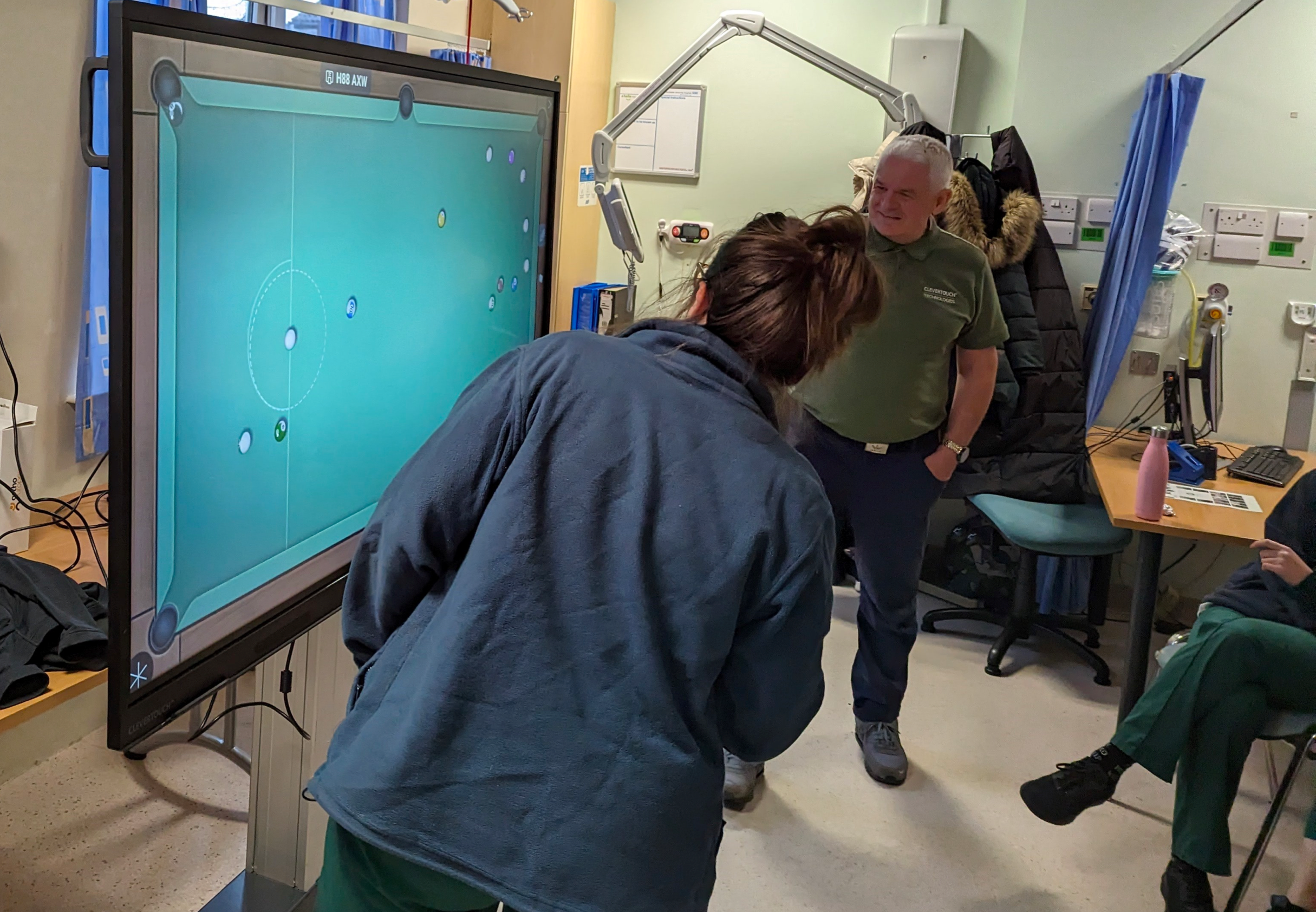
Use your own digital rehabilitation software.
Therapists and clinicians can load any clinically approved rehabilitation software directly onto the display using an Intel i5/i7 OPS module running Windows 11, ensuring compatibility with trusted applications such as EDNA and other third-party rehab programs. This flexibility allows rehabilitation centres to choose tools that meet their clinical protocols and patient needs.

Got questions? We’ve got answers.
1. How do interactive displays support neurological rehabilitation?
Interactive touchscreens provide engaging, hands-on therapy for patients recovering from neurological conditions. They allow patients to practice motor skills, engage in cognitive exercises, and perform visual perception tasks in an interactive, motivating environment.
2. Can these displays be used for patients with limited mobility?
Yes. Mobile or wall-mounted displays can be used for patients in either a sitting or standing position. Therapists can adjust exercises to meet individual patient needs, supporting a range of physical abilities.
3. What types of skills can patients improve using these displays?
Patients can work on:
- Cognitive: memory, attention, planning, and problem-solving
- Visual: visual scanning, spatial awareness, and peripheral vision
- Physical: range of motion, hand/arm dexterity, coordination, and muscular strength
4. Can we use our own rehabilitation software on Clevertouch displays?
Yes. By installing a Windows-based OPS module (Intel i5/i7), therapists can run any clinically approved rehabilitation software, including third-party programs like EDNA, ensuring compatibility with trusted clinical protocols. Google Play Store can also be used for any app they prefer.
5. Are the displays suitable for clinical and multi-disciplinary team use?
Absolutely. The large-format touchscreens support collaborative work, allowing therapists, clinicians, and specialists to guide exercises, annotate progress, and discuss patient care in real time.
6. How do mobile displays improve therapy flexibility?
Mounted on trolleys, mobile interactive displays can be moved between therapy areas, enabling patients to access exercises wherever they are. This increases utilisation, allows personalised therapy, and frees staff to focus on patient care.
7. Will interactive displays motivate patients during rehabilitation?
Yes. The combination of cognitive and physical exercises with immediate visual feedback makes therapy more engaging and rewarding, helping patients remain motivated and accelerating recovery outcomes.


